Appendix
100
Fault Cause Repair
Upper thread indicator
doesn't react
Settings in the Setup Program. > Activate it in the Setup Program.
The upper thread indicator is
defect.
> Contact the specialized BERNINA dealer.
Bobbin thread indicator
doesn't react
Settings in the Setup Program. > Activate it in the Setup Program.
The bobbin thread indicator is
defect.
> Contact the specialized BERNINA dealer.
Error during software update
USB stick is not recognized. > Use a BERNINA USB stick.
The update process is blocked
and the hourglass on the display
is inactive.
> Remove the USB stick.
> Switch the machine off.
> Switch the machine on.
> Follow the instruction on the display.
Date of the software update
cannot be found.
> Unzip the update data.
> Save data of the software update directly on the data
medium and not in a file on the USB stick.
7.3 Error messages
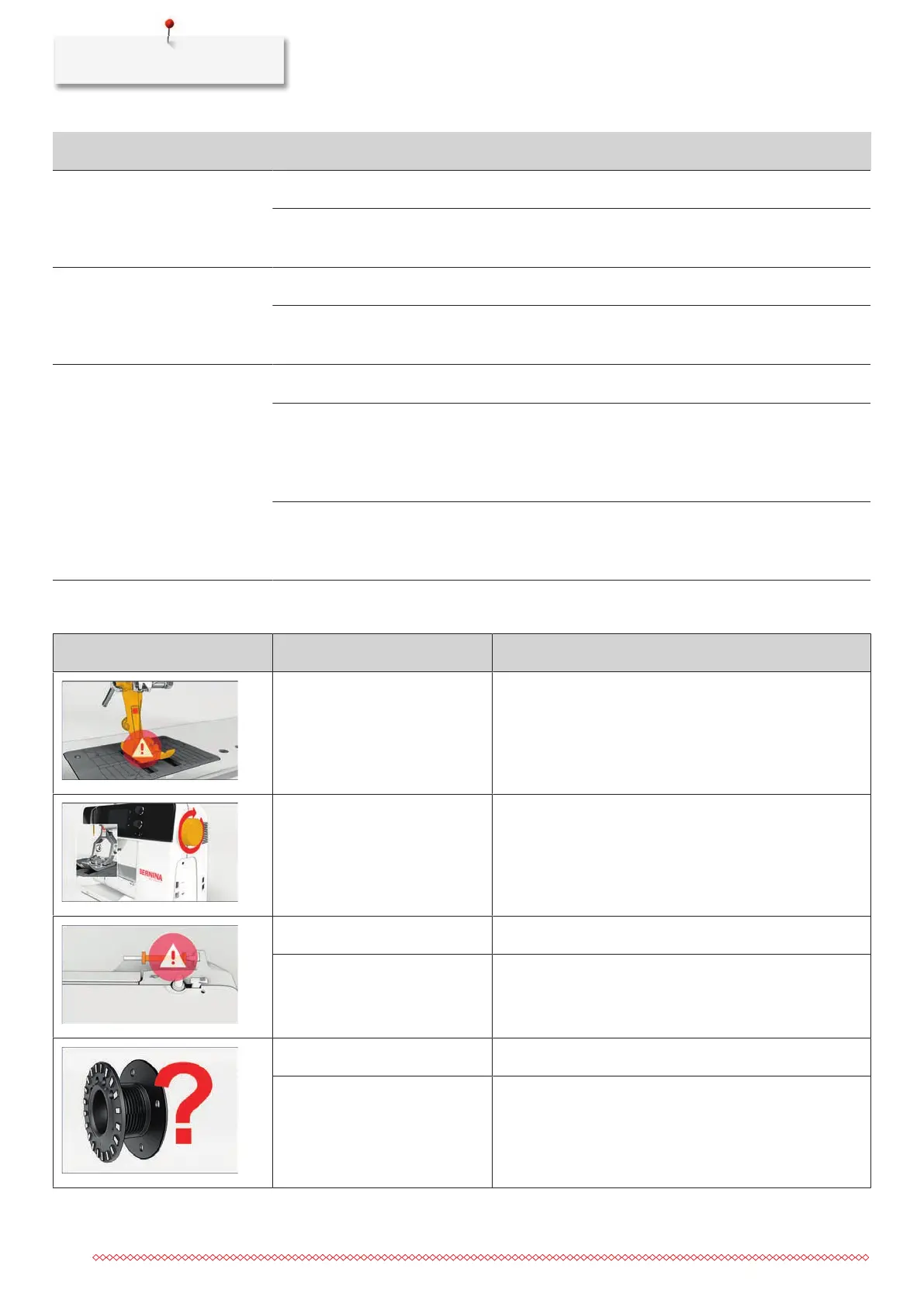
Message on the display Cause Solution
The selected needle and stitch
plate cannot be used in
combination.
> Replace the needle.
> Replace the stitch plate.
The needle is not at its top end. > Adjust the needle position via the handwheel.
The upper thread is used up. > Rethread.
The upper thread has broken. > Rethread.
The bobbin thread is used up. > Rethread.
The bobbin thread has broken. > Clean the hook.
> Rethread.



 To Next Page