Appendix
101
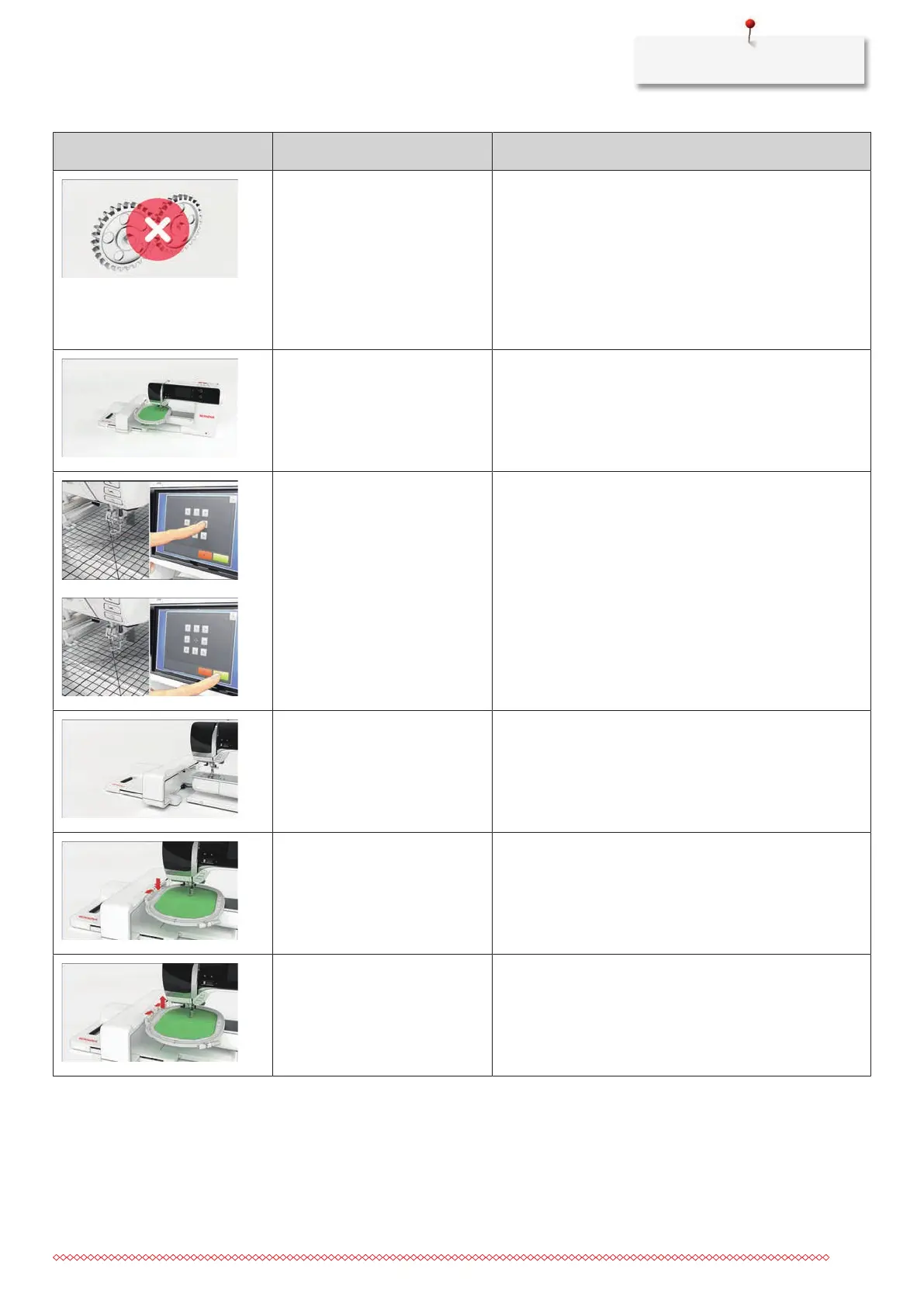
Message on the display Cause Solution
The main motor isn't running. > Turn the handwheel clockwise until the needle is at its
top position.
> Remove the stitch plate.
> Remove the thread remnants.
> Clean the hook.
> Remove the hook and make sure that there are no
pieces of broken needle points on the magnetic back of
the hook.
The contact between the
machine and the embroidery
module is interrupted due to
vibrations.
> Make sure that the module and the machine are
standing on a stable, even surface.
> Connect the embroidery module to the machine.
The needle position doesn't
correspond with the center of the
hoop.
> Calibrate the hoop.
The embroidery module is not
attached.
> Connect the embroidery module to the machine.
> Contact the specialized BERNINA dealer to have the
machine checked.
The hoop is not attached. > Attach the hoop.
The hoop is attached. > Remove the embroidery hoop.



 To Next Page