Appendix
102
Message on the display Cause Solution
The movement of the hoop
follows.
> Touch the icon «Confirm».
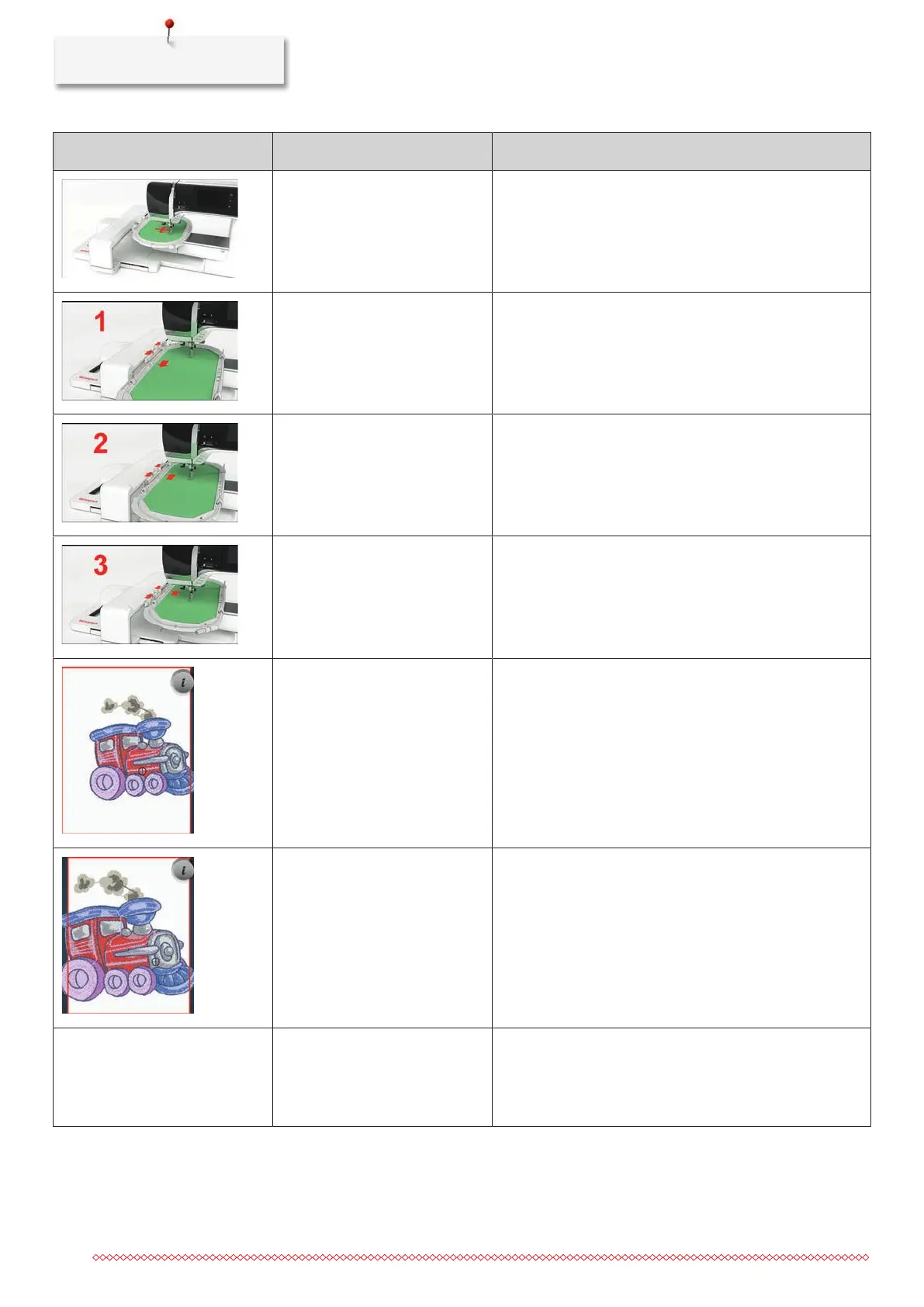
Mega Hoop top. > Bring the Mega Hoop to the top position.
Mega Hoop center. > Bring the Mega Hoop to the center position.
Mega Hoop bottom. > Bring the Mega Hoop to the lower position.
The embroidery motif is partly
outside the hoop.
> Reposition the embroidery motif and start embroidering
it again.
The embroidery motif is too
large.
> Reduce the size of the embroidery motif.
> Attach a larger embroidery hoop.
Not entough free capacity on the
BERNINA USB stick (optional
accessory).
Not enough free capacity on the
BERNINA USB stick (optional
accessory).
> Make sure that the BERNINA USB stick (optional
accessory) is used.
> Delete data from the BERNINA USB stick (optional
accessory).



 To Next Page