Appendix
103
Message on the display Cause Solution
No personal data on the
BERNINA USB stick (optional
accessory).
No personal data for recovery
available on the BERNINA USB
stick (optional accessory).
> Make sure that the data and settings have been saved
on the BERNINA USB stick (optional accessory).
The recovery of personal data has
failed.
The software update has been
successful but the personal data
couldn't be recovered.
> Make sure that the data and settings have been saved
on the BERNINA USB stick (optional accessory).
> Transfer saved data to the machine.
No BERNINA USB stick is inserted.
Make sure that during the
complete automatic update
always the same BERNINA USB
stick remains inserted.
The BERNINA USB stick (optional
accessory) is not inserted.
> Use a BERNINA USB stick (optional accessory) providing
enough free capacity.
The update of the software has
failed.
The latest software version
cannot be found on the USB
stick.
> Make sure that the compressed zip file has been
unzipped for the software update.
> Check whether the data for the software update are
saved directly on the data medium and not in a file on
the USB stick.
> Update the software.
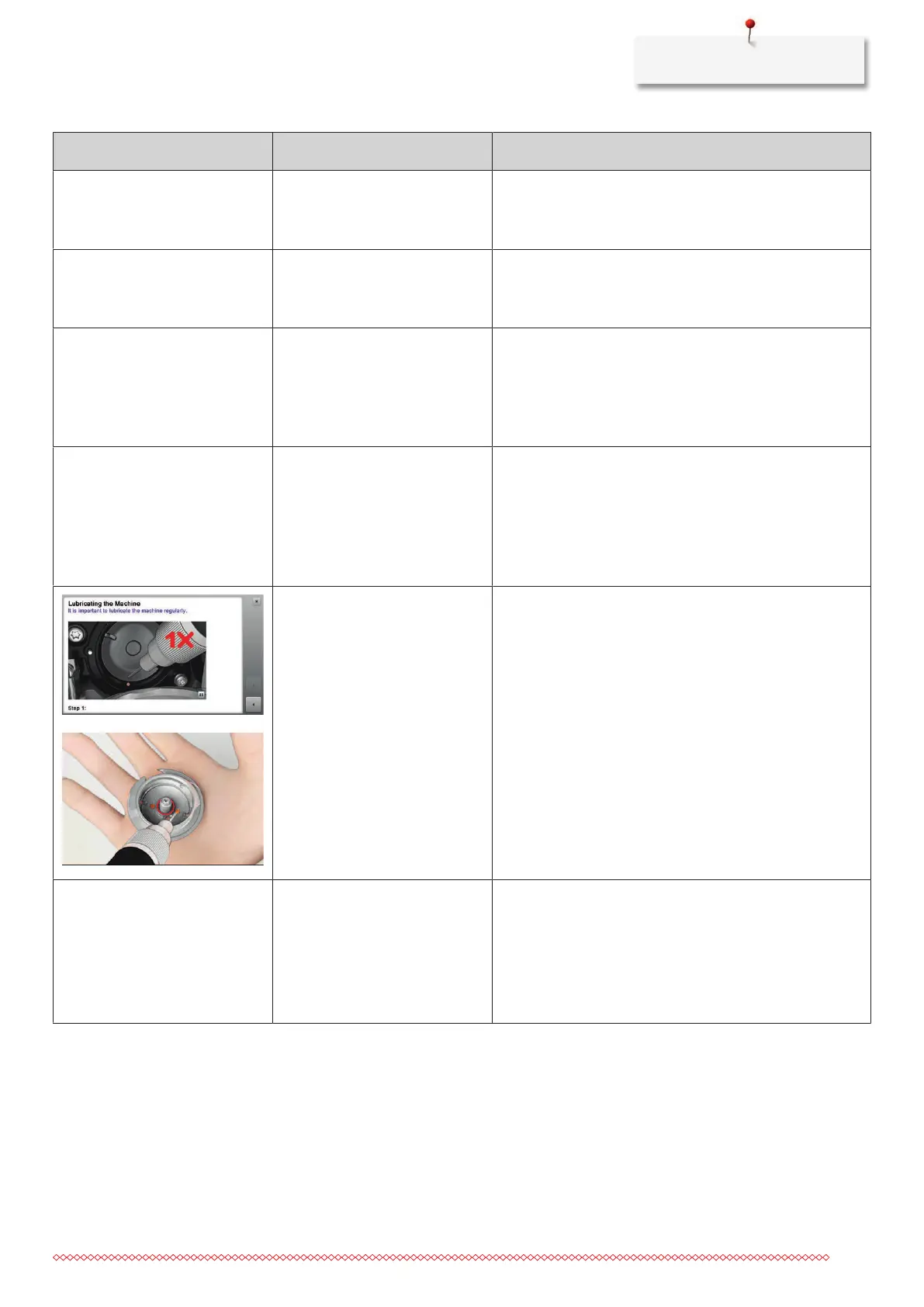
The machine needs cleaning/
lubricating.
> Clean the machine.
> Lubricate the hook.
Important information on lubricating:
Too much oil can pollute the fabric and the thread.
> After lubricating, sew/embroider a test piece first.
The automatic thread cutter (at
the thread catcher) needs
cleaning.
The automatic thread cutter
needs cleaning. The message
appears every time when the
machine is started as soon as
1000 cutting cycles have been
carried out.
> Touch the icon «Confirm».
– The machine calls up the function «Clean the thread
catcher»
.
> Clean the thread catcher according to the instructions
on the display.
– The counter for the cutting cycles is reset.



 To Next Page