Attachment
101
Failure Cause Repair
Upper thread breaks
Incorrect needle/thread
combination.
> Match the needle with the thread size.
Upper thread is too tight. > Reduce the upper thread tension.
Incorrectly threaded. > Rethread.
Poor quality thread. > Use quality thread.
The stitch plate or the hook tip is
damaged.
> Contact the nearest specialized BERNINA dealer to have
the damages repaired.
> Replace the stitch plate.
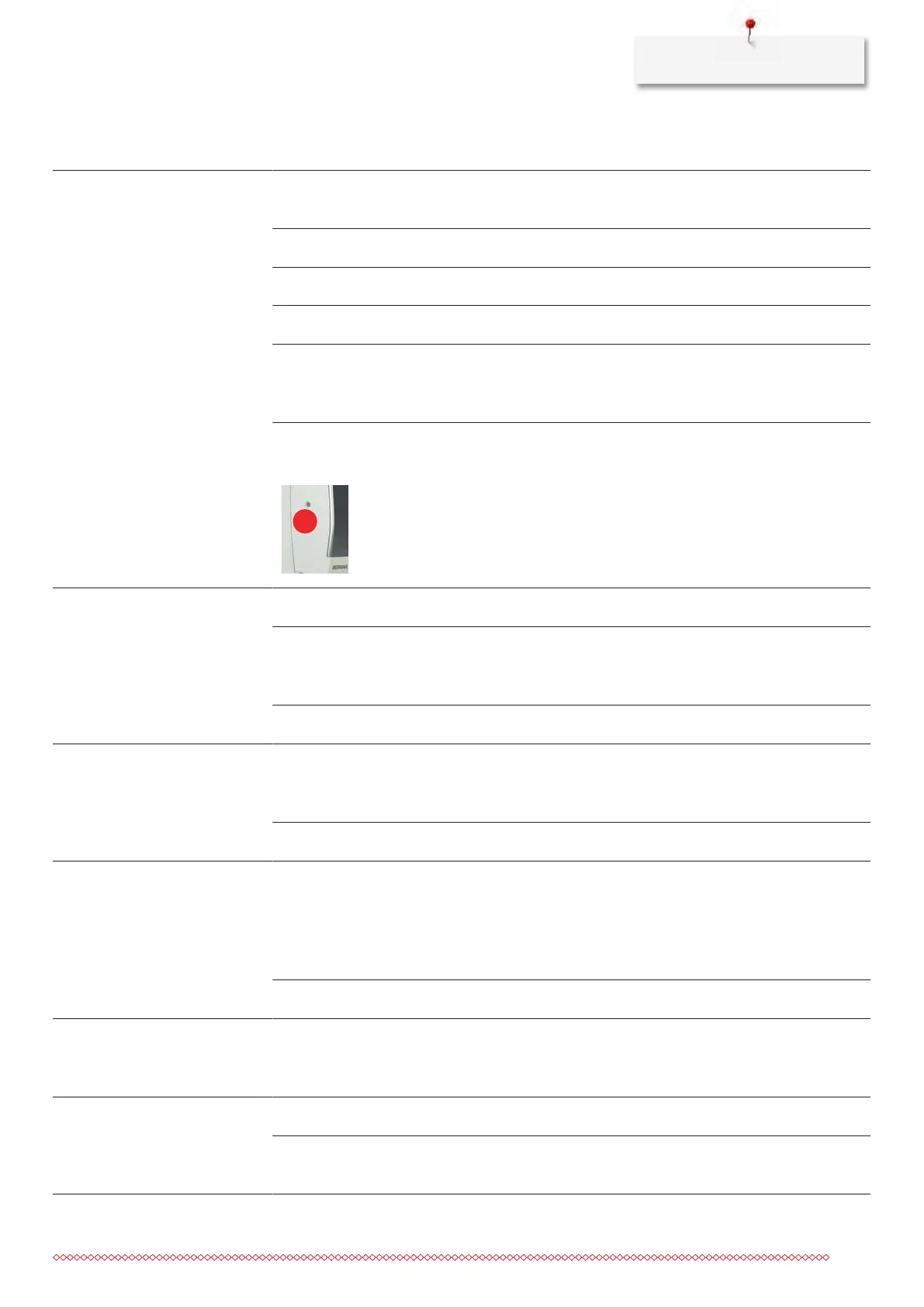
The thread is caught in the area
of the thread take-up lever.
> Remove the screw (1) on the headframe with the
angular Torx wrench.
> Pull the headframe at the bottom slighty forward.
> Flip the headframe upwards a bit and remove it.
> Remove the thread remnants.
> Attach the headframe and tighten the screw.
Lower thread breaks
The bobbin case is damaged. > Replace the bobbin case.
The stitch hole in the stitch plate
is damaged.
> Contact the nearest specialized BERNINA dealer to have
the damages repaired.
> Replace the stitch plate.
Needle blunt or bent. > Replace the needle.
Needle breaks
The needle is incorrectly inserted. > Insert the needle with the flat side to the back as far up
as it will go into the needle holder and tighten the
screw.
Knotted thread. > Use quality thread.
Display is inactive
Incorrect calibrating data. > Switch the machine off.
> Switch the machine on and simultaneously press the
buttons «SET» and «Center of the embroidery motif»
and keep pressed.
> Calibrate the display again.
The eco-function is active. > Touch the icon «eco».
The needle and the stitch
plate do not match
The selected needle and stitch
plate cannot be used in
combination.
> Replace the needle.
> Replace the stitch plate.
Speed too low
Unfavorable room temperature. > Place the machine in a warm room one hour before use.
Settings in the Setup Program. > Adjust the sewing speed in the Setup Program.
> Adjust the slide.



 To Next Page