Setup Program
54
3 Setup Program
3.1
Embroidery settings
Adjusting the upper thread tension
Alterations of the upper thread tension in the Setup Program affect all embroidery motifs.
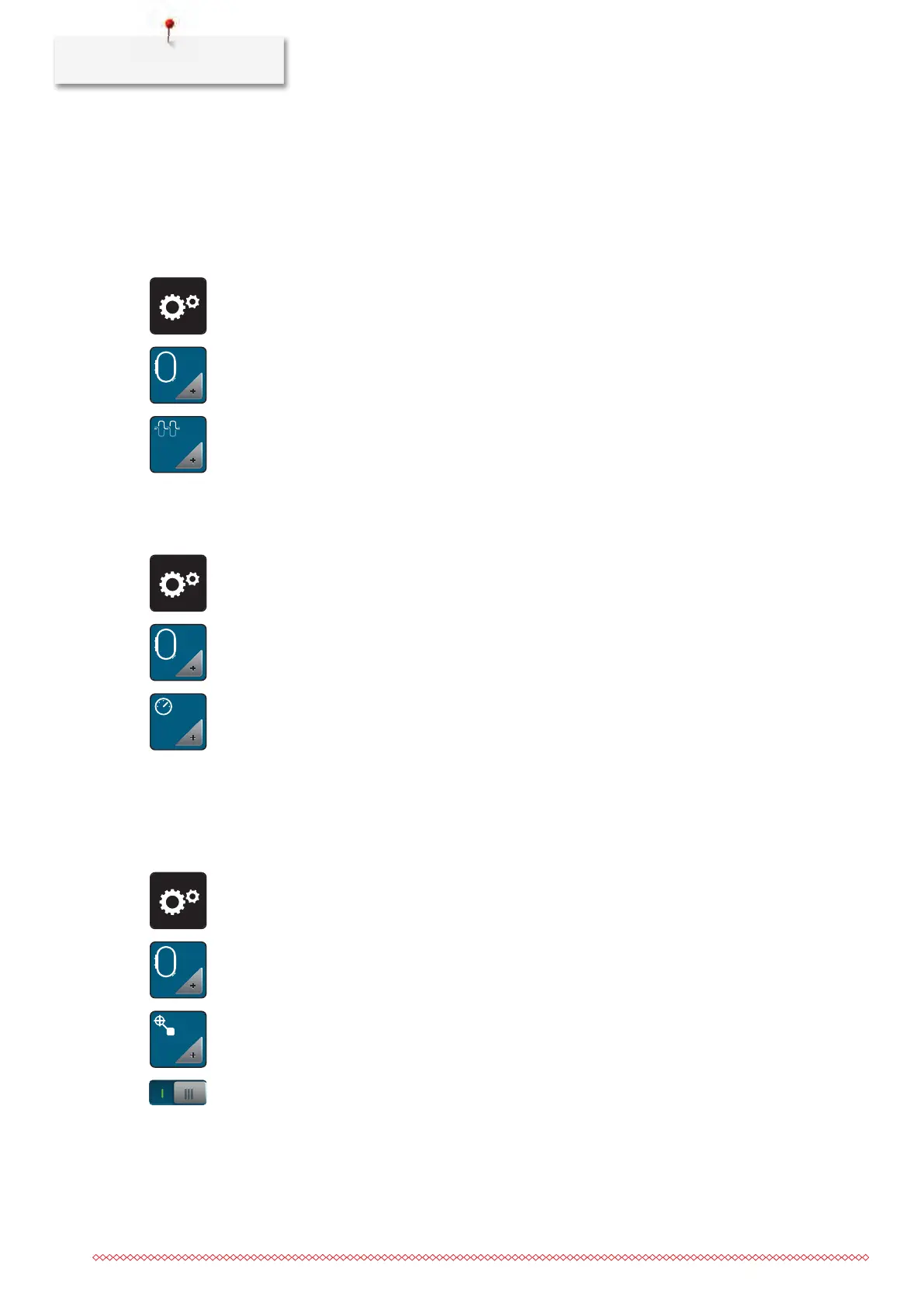
> Touch the icon «Setup Program».
> Touch the icon «Embroidery settings».
> Touch the icon «Alter the upper thread tension».
> Move the slide using the touchscreen pen/finger or touch the icons «+» or «-» to alter the upper thread
tension.
Adjusting the maximum embroidering speed
By using this function, the maximum speed can be reduced.
> Touch the icon «Setup Program».
> Touch the icon «Embroidery settings».
> Touch the icon «Alter the maximum speed».
> Move the slide using the touchscreen pen/finger or touch the icons «+» or «-» to alter the maximum
speed.
Centering or opening embroidery motifs in the original position
When the embroidery motif is openend on the machine, it is always centered to the embroidery hoop. If you
want the embroidery motif to be opened in its original position (defined by the BERNINA embroidery
software), the function «Center the embroidery motif» must be activated.
> Touch the icon «Setup Program».
> Touch the icon «Embroidery settings».
> Touch the icon «Center the embroidery motif».
> Press the switch in the right section.
– A previously moved embroidery motif which has been saved in the new position is opened in the
saved position after selecting.
> Press the switch in the right section again.
– The embroidery motif is centered to the embroidery hoop.



 To Next Page