Setup Program
59
3.3 Monitoring functions
Activating the upper thread indicator
> Touch the icon «Setup Program».
> Touch the icon «Monitoring settings».
> Touch the switch in the upper portion of the display to deactivate the upper thread indicator.
> Touch the switch again to activate the upper thread indicator.
Activating the bobbin thread indicator
> Touch the icon «Setup Program».
> Touch the icon «Monitoring settings».
> Touch the switch in the lower section of the display to deactivate the bobbin thread indicator.
> Touch the switch again to activate the bobbin thread indicator.
3.4
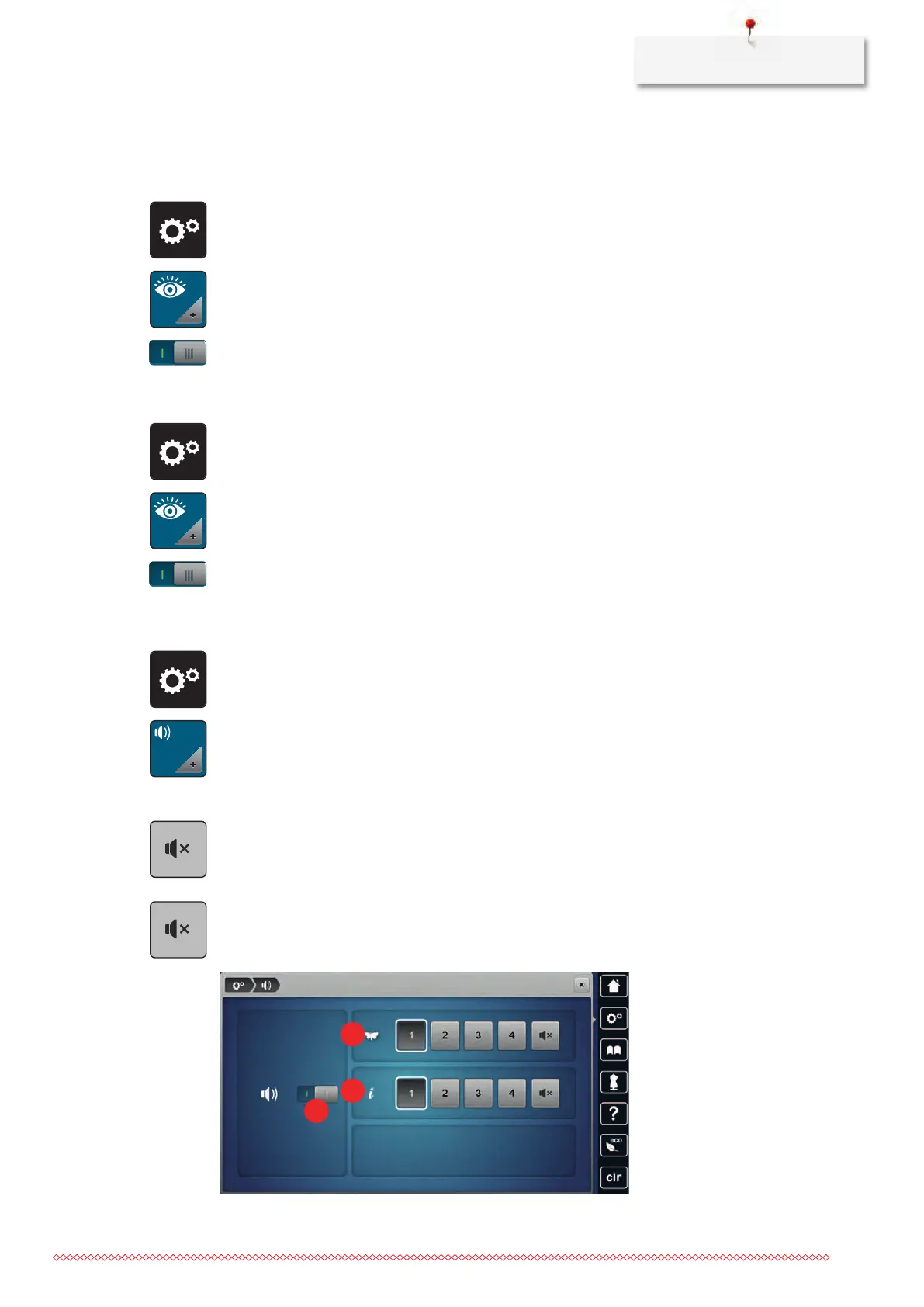
Activating the audio signals
> Touch the icon «Setup Program».
> Touch the icon «Audio signals».
> Touch the switch (1) to deactivate any audio signals in general.
> Touch the switch (1) again to activate any audio signals in general.
> Touch the icons «1–4» in the section (2) to set up the desired signal for the selection of a embroidery
motif.
> Touch the icon «Loudspeaker» in the section (2) to deactivate the signal for the selection of a embroidery
motif.
> Touch the icon «Loudspeaker» again to activate the signal for the selection of a embroidery motif.
> In the section (3) touch the icons «1 –4» to activate the signal for the selection of functions.
> In the section (3) touch the icon «Loudspeaker» to deactivate the signal for the selection of functions.
> In the section (3) touch the icon «Loudspeaker» again to activate the signal for the selection of functions.



 To Next Page