Embroidery preparation
35
Horizontal spool pin
Placing the foam pad, the thread spool and the spool disc
The spool disc provides an even unwinding of the thread from the thread spool. The spool disc is only used
with the horizontal spool pin.
> Place the foam pad on the spool pin.
> Place the thread spool on the spool pin.
> Position the appropriate spool disc on the spool pin so that there is no space between the spool disc and
the thread spool.
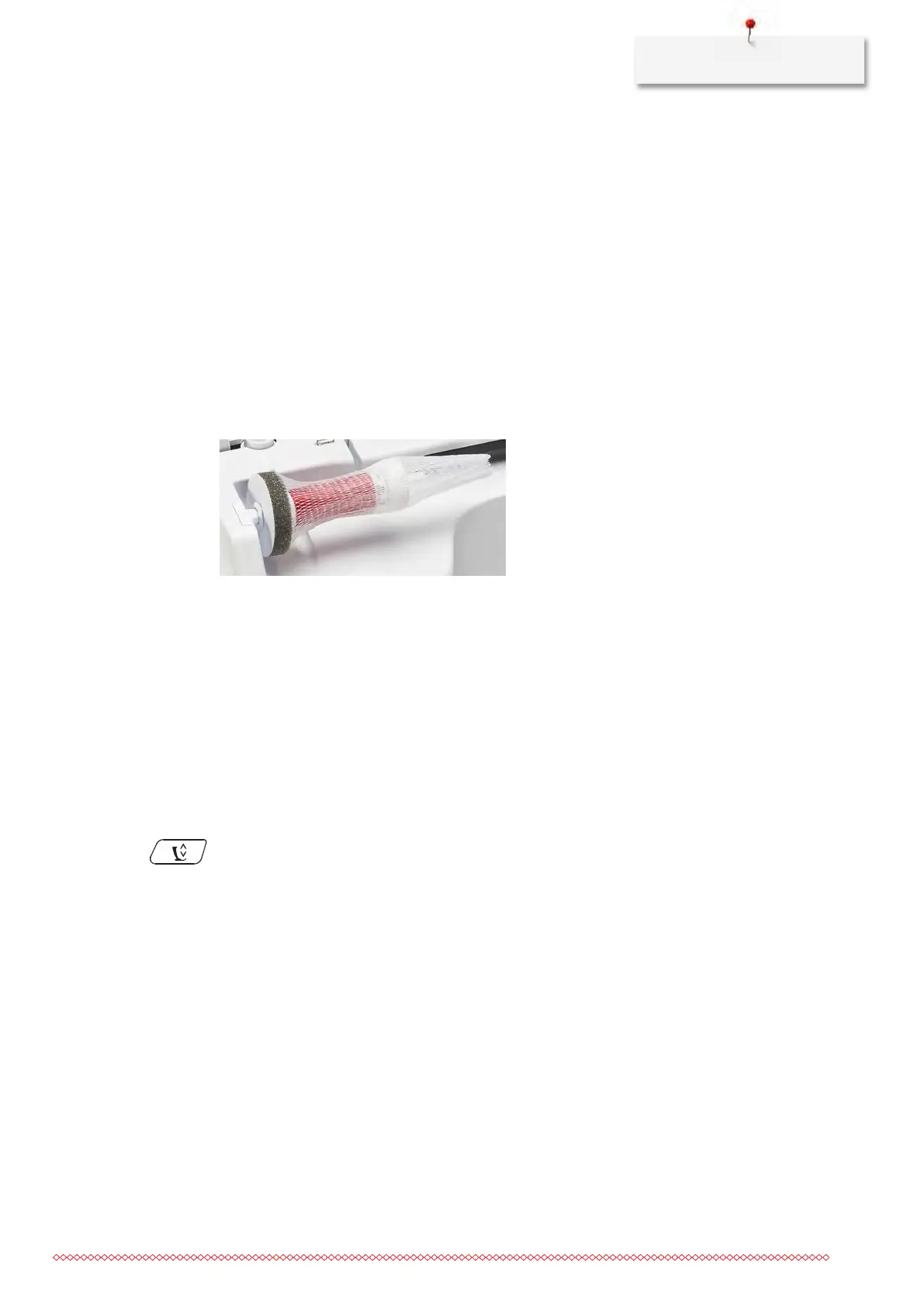
Using a spool net
The spool net provides an even unwinding of the thread from the thread spool and prevents the thread from
knotting and breaking. The spool net is only used with the horizontal spool holder.
> Pull the spool net over the thread spool.
Attaching the multiple-spool holder
Additional information how to assemble the multi-spool pin can be found in the separate instruction manual
of the multi-spool pin.
2.5
Free arm
The BERNINA 700 provides a solidly designed free arm which offers a lot of space for large project on the
right of the needle.
2.6
Embroidery foot
Adjusting the presser foot position via the button «Presser foot up/down»
> Push the button «Presser foot up/down» to raise the presser foot.
> Push the button «Presser foot up/down» again to lower the presser foot.
Attaching the embroidery foot
> Raise the needle.
> Switch the machine off and disconnect it from the power supply system.
> Push the clamping lever up (1).



 To Next Page