Attachment
97
7 Attachment
7.1
Maintencance and cleaning
Cleaning the display
> Clean the display in the switched off status with a soft slightly damp mircrofiber cloth.
Removing thread remnants under the stitch plate
CAUTION
Electronically driven components
Risk of injury near the needle and the hook.
> Switch the machine off and disconnect it from the power supply system.
Remove the thread remnants under the stitch plate regularly.
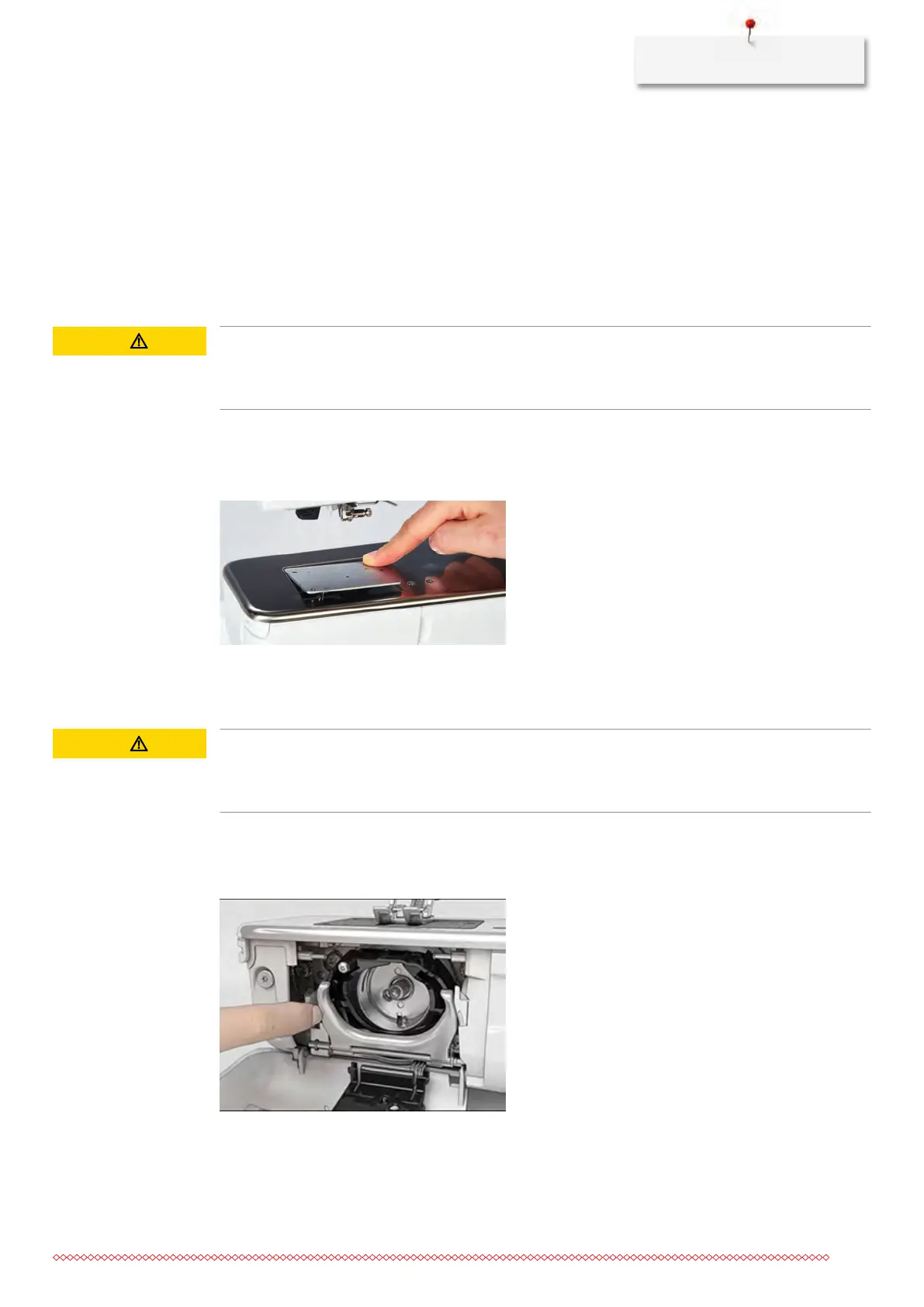
> Remove the presser foot and the needle.
> Remove the stitch plate.
> Remove the thread remnants under the stitch plate.
Cleaning the hook
CAUTION
Electronically driven components
Risk of injury near the needle and the hook.
> Switch the machine off and disconnect it from the power supply system.
> Open the bobbin cover.
> Remove the boobin case.
> Push the fastening bracket to the left.
> Flap down the fastening bracket along with the black hook race cover.



 To Next Page