Creative embroidering
88
Changing the thread brand
> Select the embroidery motif.
> Touch the icon «Color information».
> Touch the icon «Alter color/brand».
> To show more thread brands, touch the icons «Scroll left» and «Scroll rights» in the upper part of the
screen.
> Touch the icon «Allocate thread brand».
– Any thread colors of the selected embroidery motif will be matched with the selected thread brand.
5.10
Embroidering the embroidery motif
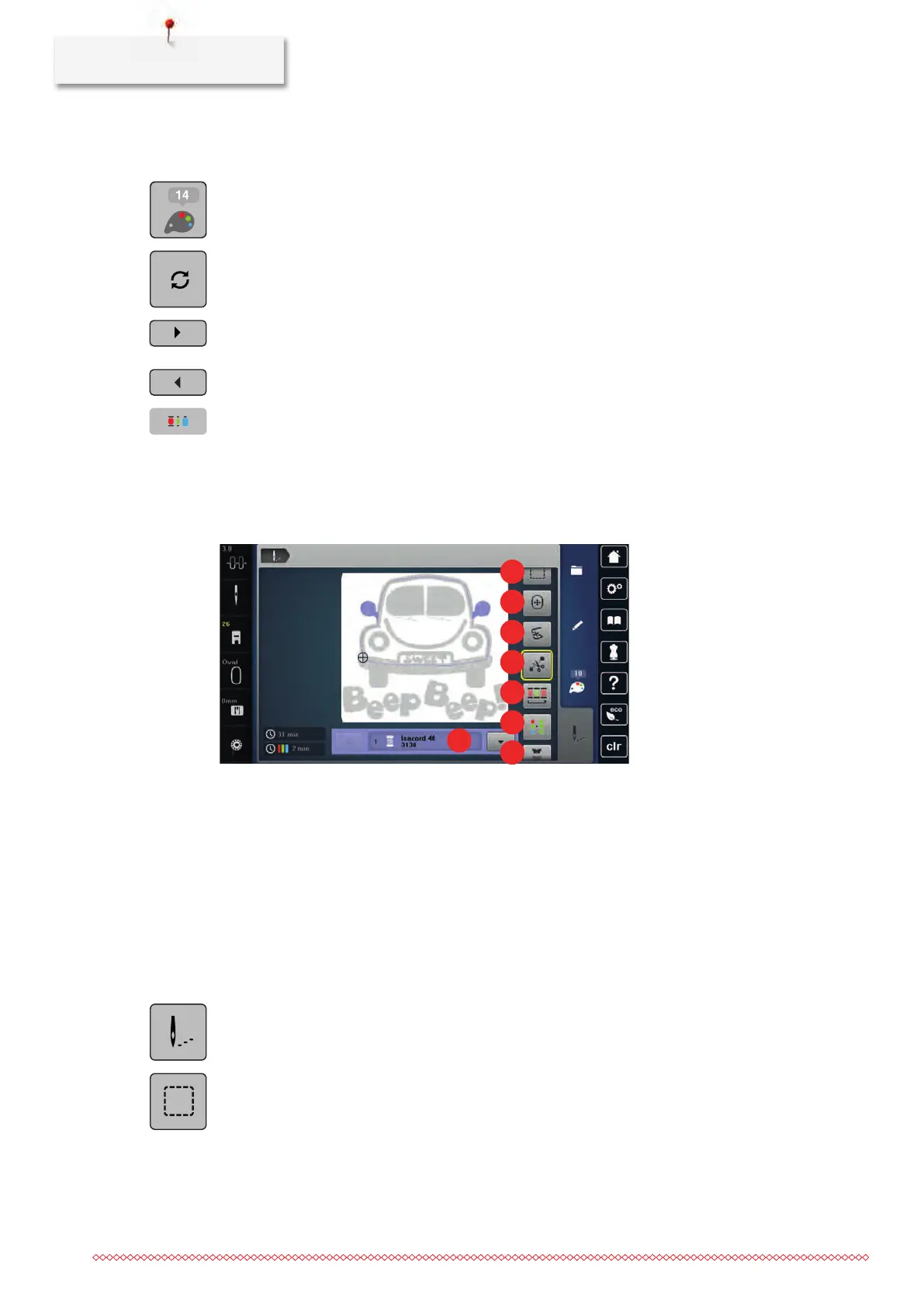
Overview Embroidery menu
1 Basting 5 Reducing color changes
2 Moving the hoop 6 Multi-colored embroidery motif on/off
3 Embroidery sequence control when the
thread breaks
7 Endless Embroidery
4 Cutting connecting stitches 8 Color indication
Adding basting stitches
The basting stitches can be embroidered along the embroidery motif. Therefore the connection between the
fabric and the stabilizer can be improved.
> Select an embroidery motif.
> Touch the icon «Embroidering».
> Touch the icon «Basting» to embroider basting stitches along the embroidery motif.
> Touch the icon «Basting» again to embroider basting stitches along the embroidery hoop.
> Touch the icon «Basting» again to deactivate the basting stitches.



 To Next Page