Setup Program
65
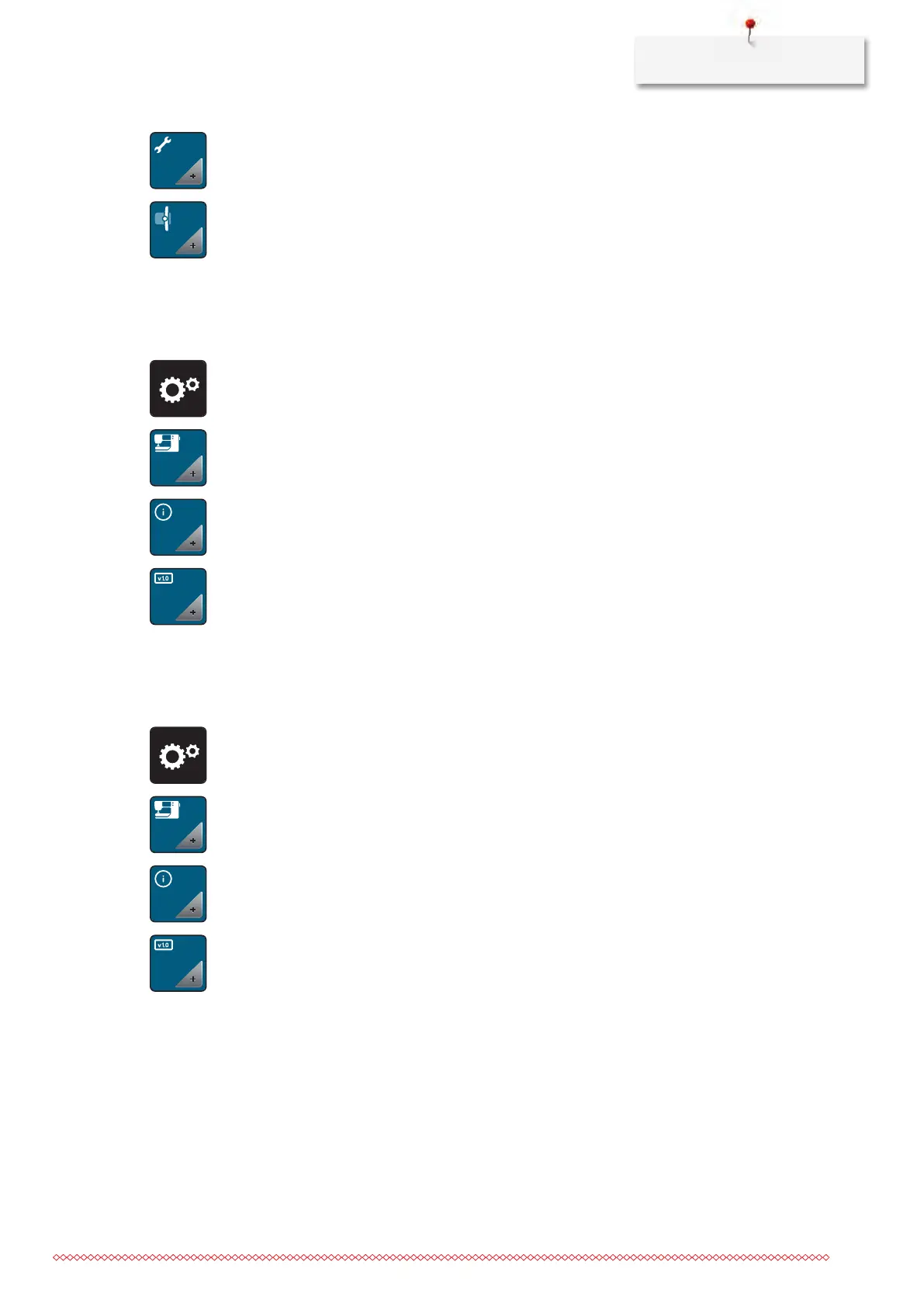
> Touch the icon «Maintenance/Update».
> Touch the icon «Pack position for the embroidery module».
> Follow the instructions on the display.
Checking the firmware version
Both the firmware and the hardware version of the machine and the attached embroidery module are
displayed.
> Touch the icon «Setup Program».
> Touch the icon «Machine settings».
> Touch the icon «Information».
> Touch the icon «Firmware and hardware information».
Reviewing the total number of stitches
The total number of stitches of the machine as well as the number of stitches since the last service carried
out by the specialized BERNINA dealer are displayed.
> Touch the icon «Setup Program».
> Touch the icon «Machine settings».
> Touch the icon «Information».
> Touch the icon «Firmware und Hardware Informationen».



 To Next Page