Embroidery preparation
37
2.7 Needle and stitch plate
Inserting the embroidery needle
Embroidery needles of the type 130/705 H-SUK provide a larger eye and are slightly rounded. This avoids
thread abrasion when using Rayon- and cotton embroidery thread. Depending on the embroidery thread
use a size No. 70-SUK to No. 90-SUK needle.
> Raise the needle.
> Switch the machine off and disconnect it from the power supply system.
> Remove the attached foot.
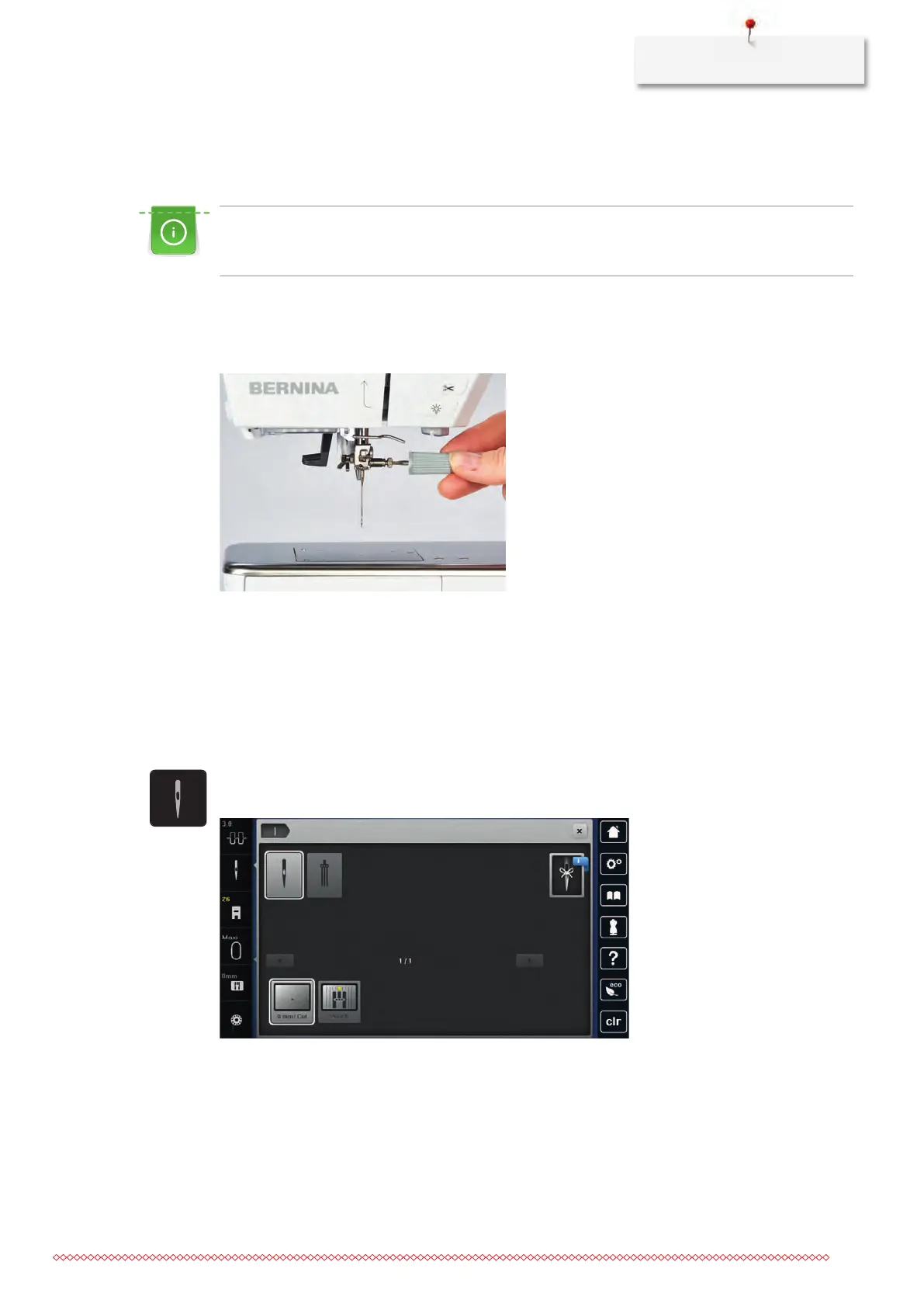
> Loosen the fixing screw of the needle using the screwdriver gray Torx.
> Pull the needle down.
> Hold the new needle with the flat side to the back.
> Insert the needle as far as it will go.
> Tighten the fixing screw of the needle using the screwdriver gray Torx.
Selecting the needle in the User Interface
After having changed the needle, it can be checked whether it can be used in combination with the selected
stitch plate.
> Touch the icon «Needle selection».
> Select the inserted needle.
– If the selected needle is suitable in combination with the stitch plate, embroidering can be started.
– If the selected needle is not suitable in combination with the stitch plate, starting the machine is
automatically blocked.



 To Next Page