Embroidery preparation
46
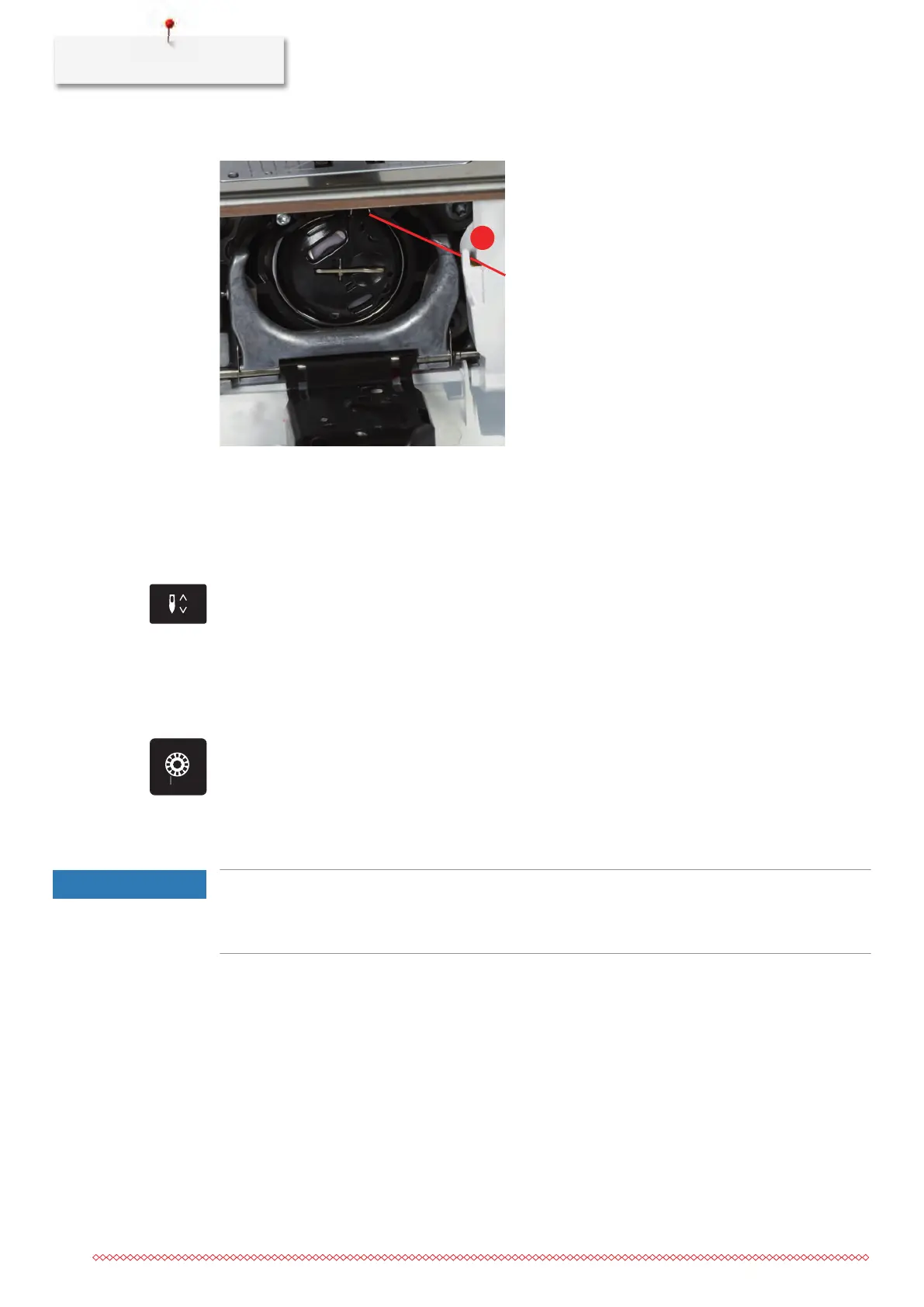
> Pull the thread through the thread cutter (6) and cut.
> Close the bobbin cover.
Thread-up command
The machine must be ready for embroidery to bring up the bobbin thread.The bobbin thread can be brought
up in one step for a manual knotting. If no securing stitches are wanted, it is recommended to deactivate the
securing stitches in the Setup.
> Hold the upper thread.
> Press the button «Needle up/down».
– The bobbin thread is brought up automatically.
Indicating fill level of bobbin thread
As soon as the fill level of the bobbin thread is low, an animation, which indicates that the bobbin thread is
running out, appears in the icon «Bobbin thread fill level».
> Touch the icon «Bobbin thread fill level» to thread the bobbin thread according to the animation.
2.9
Attaching the Module
NOTICE
Transporting the embroidery module
Damage to the embroidery module connection and machine.
> Remove the embroidery module before transporting the machine.
Prerequisite:
• The slide-on table (optional accessory) must not be attached.
> Make sure that the module and the machine are placed on a stable, even surface.
> Make sure that there is enough space around to allow the unimpeded movement of the embroidery arm.
> Lift the embroidery module on the left.



 To Next Page