Embroidery preparation
52
Centering the embroidery hoop to the needle
Relocating the embroidery hoop facilitates threading when the needle is close to the embroidery hoop.
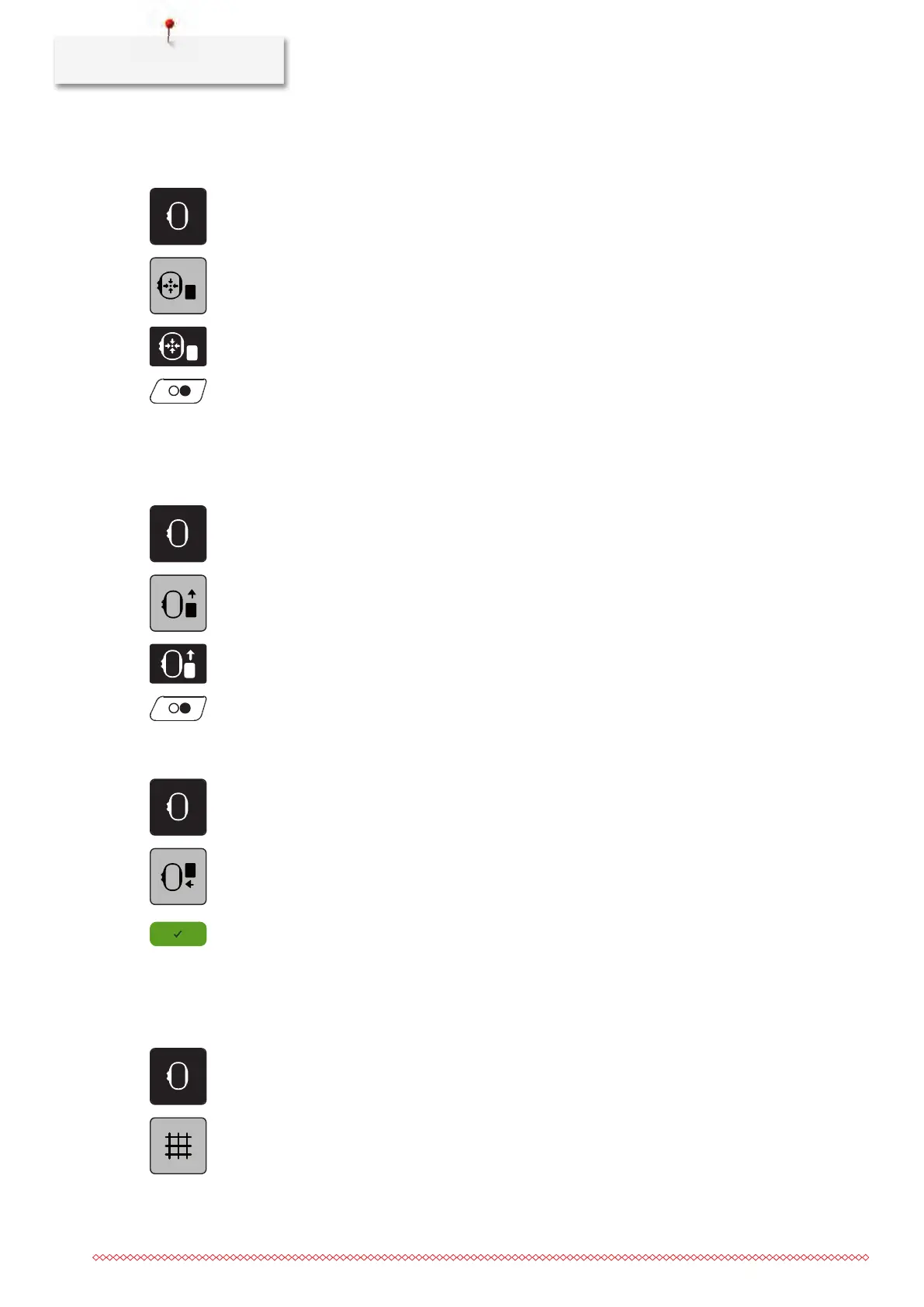
> Touch the icon «Embroidery hoop display/Embroidery hoop selection».
> Touch the icon «Center the embroidery hoop to the needle» or
> Push the button «Center the embroidery hoop to the needle».
> Thread the upper thread (see page39).
> Press the button «Start/Stop» to move the embroidery hoop back to the last position.
Moving the hoop to the back
To facilitate changing the bobbin, it is recommended to move the hoop to the back before threading. This
makes it easier to open the bobbin cover.
> Touch the icon «Embroidery hoop display/Embroidery hoop selection».
> Touch the icon «Move the hoop to the back» or
> Push the button «Move the hoop to the back».
> Thread the bobbin thread (see page44).
> Push the button «Start/Stop» to move the embroidery hoop back to the last position. Pull the upper
thread if necessary.
Moving the embroidery arm to the left
> Touch the icon «Embroidery hoop display/Embroidery hoop selection».
> Remove the hoop.
> Touch the icon «Move the embroidery arm to the left».
– An animation «Remove the embroidery hoop» appears.
> Touch the icon «Confirm» to bring the embroidery hoop to the left into the parking position.
Grid on/off
When the center of the hoop and the grid are displayed, the embroidery motif can be positioned more
exactly.
> Touch the icon «Embroidery hoop display/Embroidery hoop selection».
> Touch the icon «Grid on/off» to display the center of the hoop on the display.
> Touch the icon «Grid on/off» again to display the grid.
> Touch the icon «Grid on/off» again so that the center of the hoop and the grid disappear.



 To Next Page