Embroidery
95
6 Embroidery
6.1
Embroidering via the button «Start/Stop»
In case of a power cut the embroidery process is interrupted. After the restart the machine goes to the
position which was embroidered last.
> Push the button «Start/Stop» to start the embroidery machine.
– All parts of the motif being in the current color are embroidered.
– The embroidery machine stops automatically at the end.
– Both threads are cut automatically.
– The embroidery machine switches to the next color automatically.
> Change the upper thread.
> Push the button «Start/Stop» to embroider the new color.
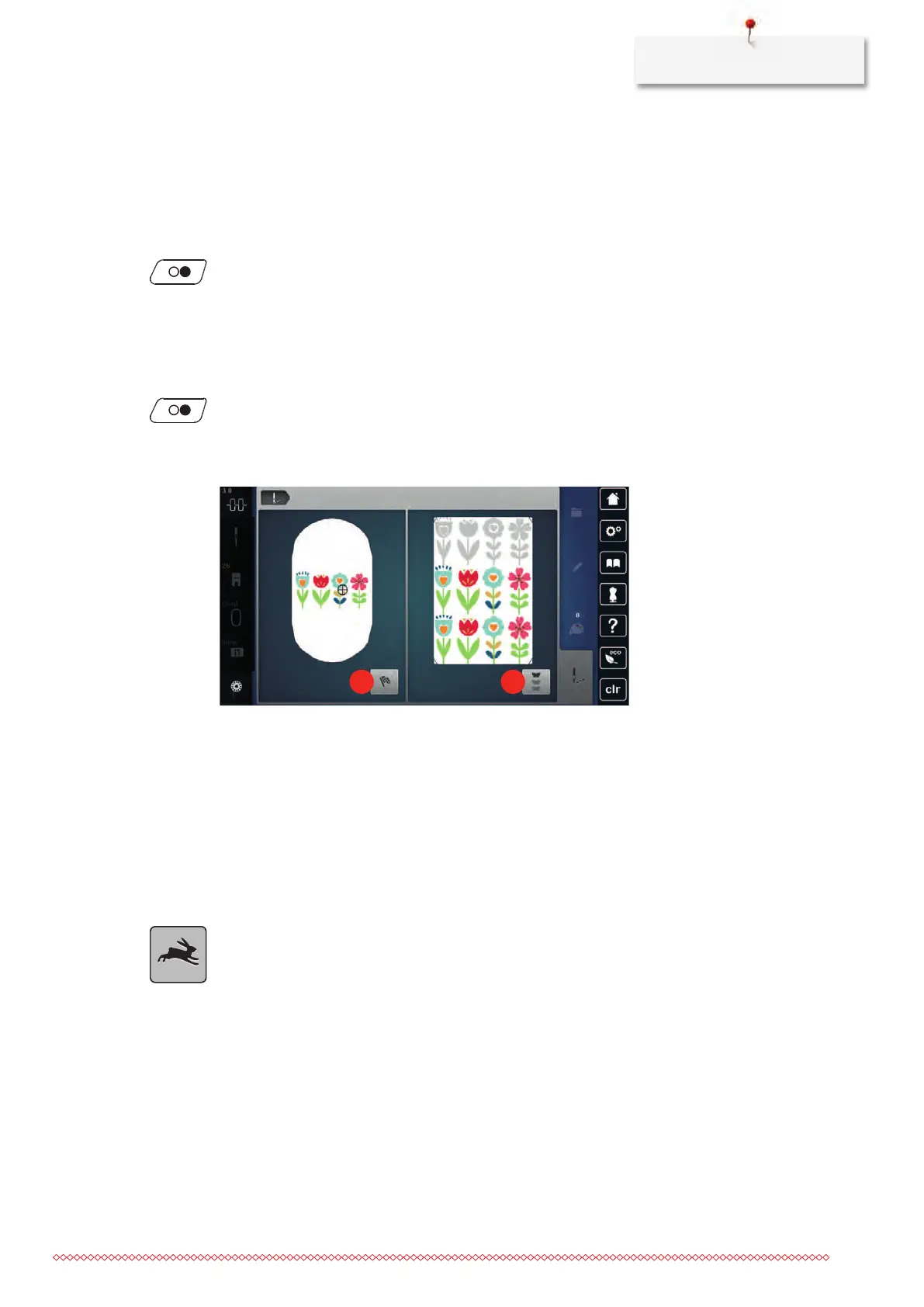
> After completing the embroidery motif, finish the embroidering process by touching the icon «Finishing
the embroidering process» (1) or embroider the motif again by touching the icon «Endless
embroidery»(2).
6.2 Increasing the embroidery speed
To ensure the best embroidery quality, the speed when embroidering is reduced depending on the
embroidery position. Choose between the two options to either embroider at optimal or maximum speed.
Standard = optimal speed. It has to be considered that the quality of the embroidered embroidery motif at
maximum speed cannot be ensured.
By switching the machine off and on, the optimal embroidery speed is activated.
Prerequisite:
• The embroidery motif is selected.
> Touch the icon «Embroidery speed».
– The maximum speed is activated.
> Touch the icon «Embroidery speed» again.
– The optimal speed is activated.



 To Next Page