Setup Program
60
3.5 Machine settings
Selecting a language
The User Interface can be programmed in different languages according to the customer's wish because
BERNINA provides a wide range of international languages for the customers. Via firmware updates
additional languages for the User Interface can be provided.
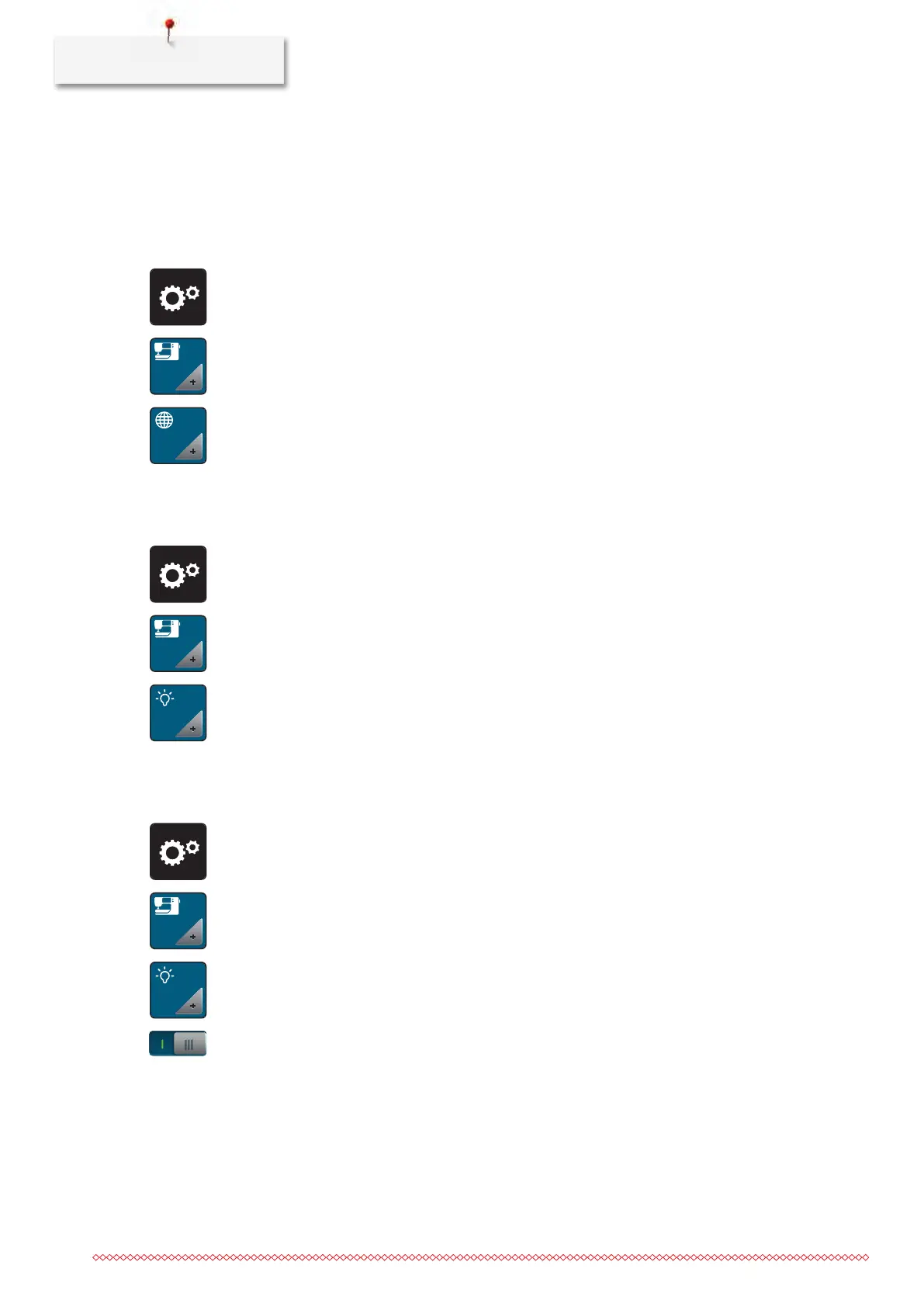
> Touch the icon «Setup Program».
> Touch the icon «Machine settings».
> Touch the icon «Language selection».
> Select a language.
Adjusting the brightness of the display
The brightness of the display can be adjusted corresponding to the personal preferences.
> Touch the icon «Setup Program».
> Touch the icon «Machine settings».
> Touch the icon «Adjust the brightness».
> Move the slide in the upper portion of the display using the touchscreen pen/finger or touch the icons
«+» or «-» to alter the brightness of the display.
Adjusting the sewing light
The brightness of the sewing light can be adjusted corresponding to the personal preferences.
> Touch the icon «Setup Program».
> Touch the icon «Machine settings».
> Touch the icon «Adjust the brightness».
> Move the slide in the upper portion of the display using the touchscreen pen/finger or touch the icons
«+» or «-» to alter the brightness of the sewing light.
> Touch the switch to switch the sewing light off.
> Touch the switch again to switch the sewing light on.



 To Next Page