Attachment
104
Message on the display Cause Repair
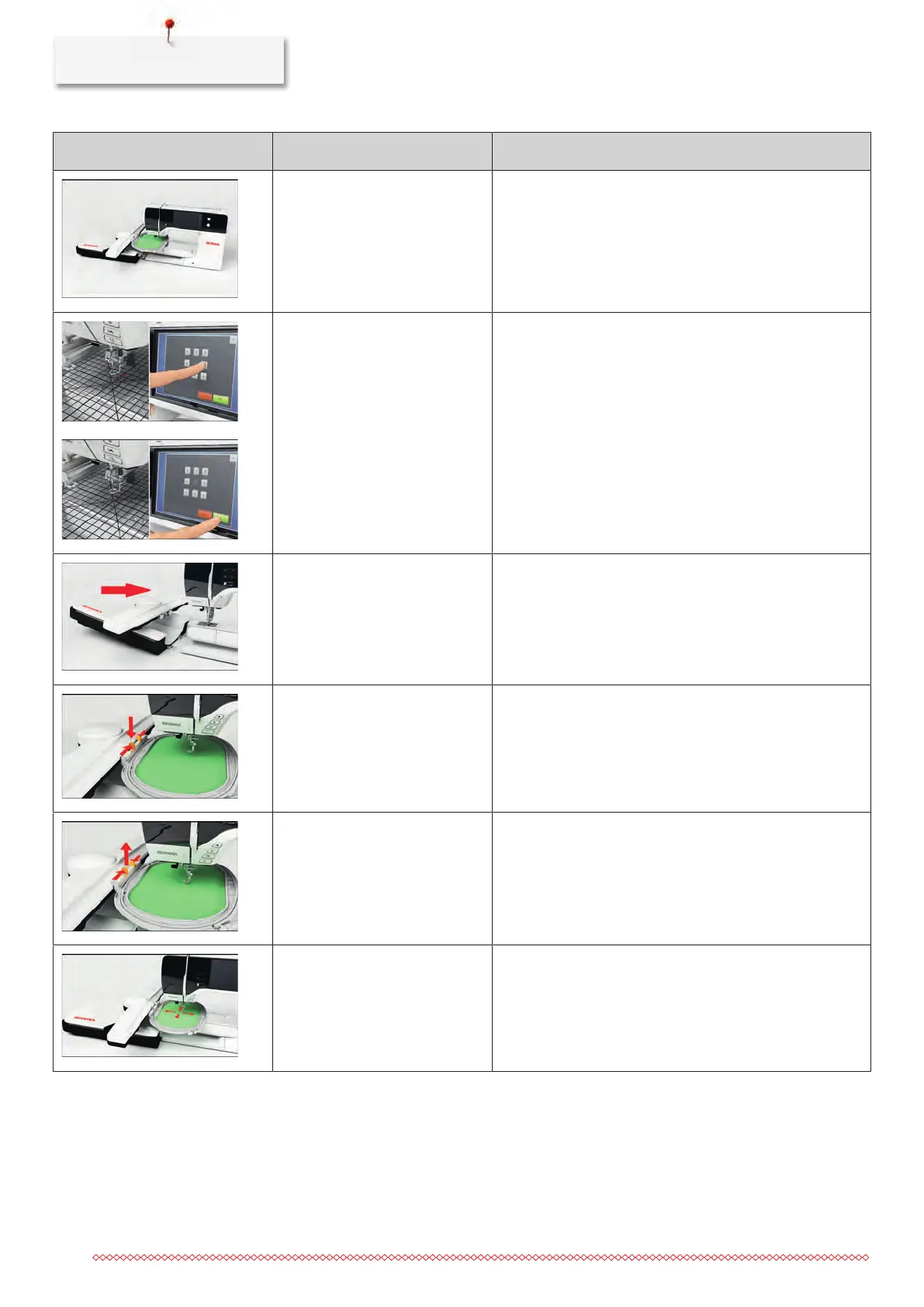
The contact between the
machine and the embroidery
module is interrupted due to
vibrations.
> Make sure that the module and the machine are
standing on a stable, even surface.
> Connect the embroidery module to the machine.
The needle position doesn't
correspond with the center of the
hoop.
> Calibrate the hoop.
The embroidery module is not
attached.
> Connect the embroidery module to the machine.
> Contact the specialized BERNINA dealer to have the
machine checked.
The hoop is not attached. > Attach the hoop.
The hoop is attached. > Remove the hoop.
The movement of the hoop
follows.
> Touch the icon «Confirm».



 To Next Page