7 Main Menu Device Setup LB 470 Level
56925BA2 Rev. 03, 11/2017
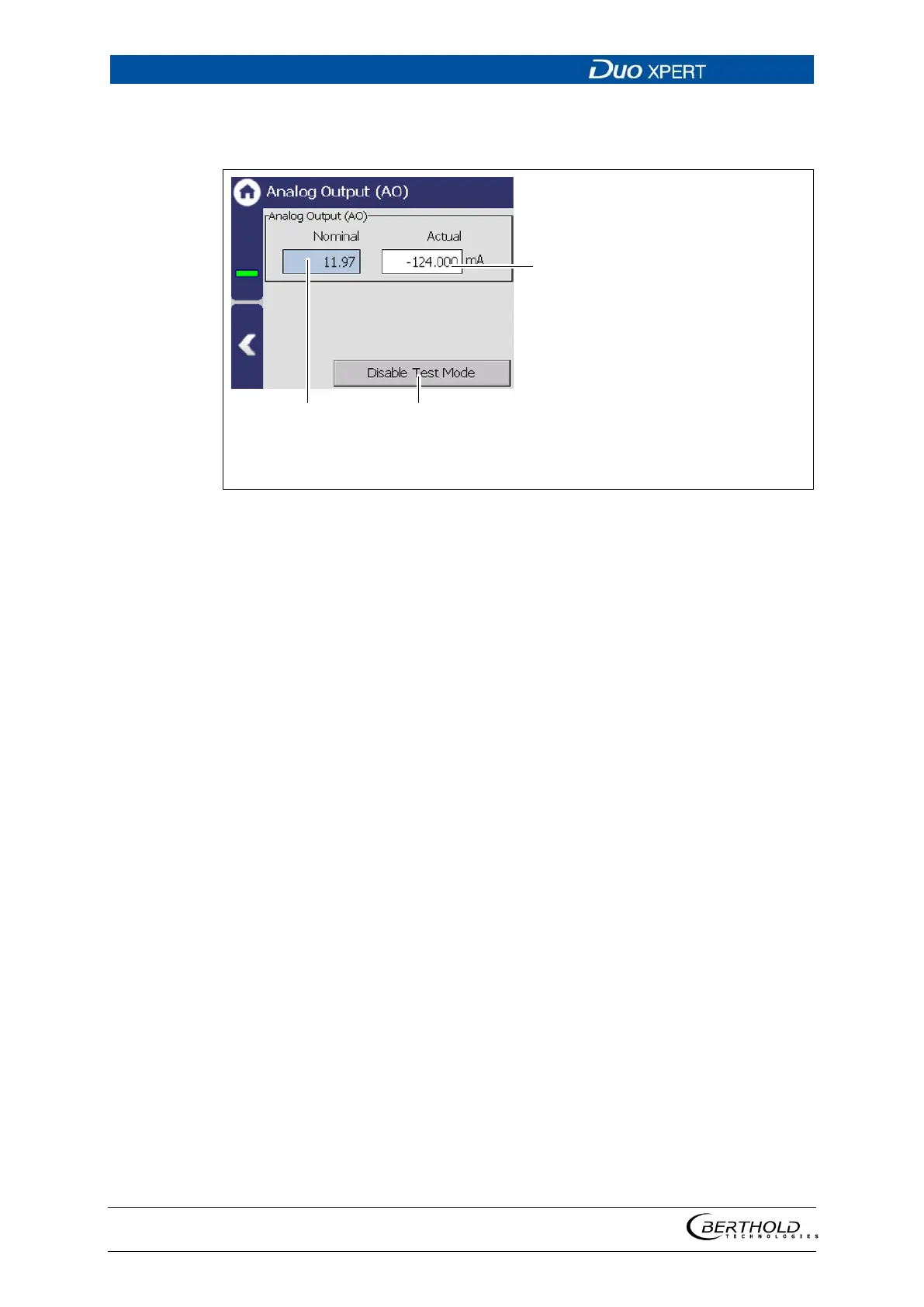
Simulation Analog Output
Device settings | Setup | Simulation | Analog Output
″
″
″
″
[mA]
Button < Disable Test Mode >
131 Simulation Analog Output
1. Click on the input field (Fig. 131, item 1) and enter the target value for the
simulation.
2. Confirm with the Enter key.
The test is performed, and a system event is displayed.
3. Click on the < Disable Test Mode > button (Fig. 131, item 3) to stop the simu-
lation.



 To Next Page