7 Main Menu Device Setup LB 470 Level
56925BA2 Rev. 03, 11/2017
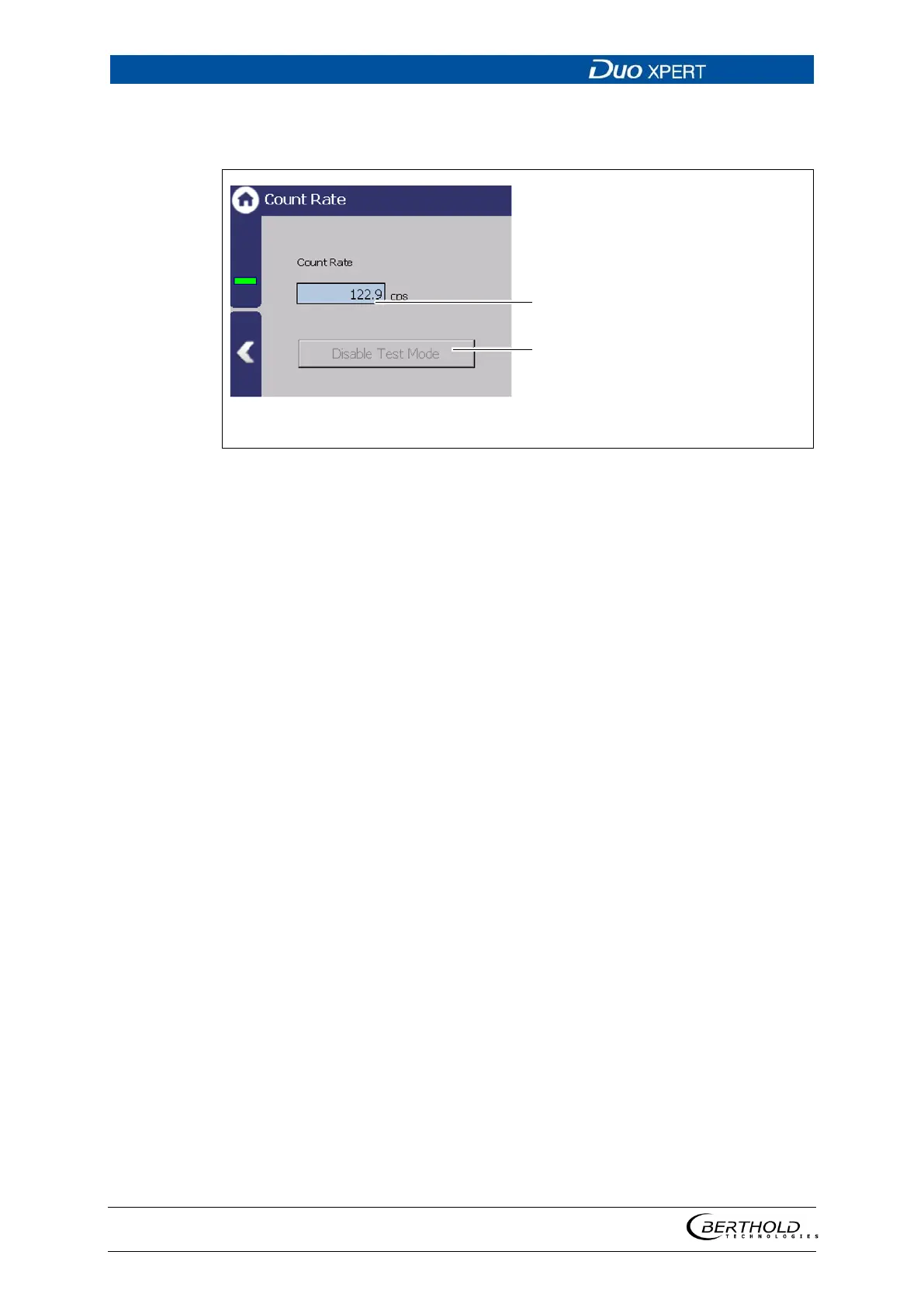
Simulation Count Rate
Device settings | Setup | Simulation | Count Rate
Input field Dampened count rate
Button <End test mode>
133 Simulation Count Rate
1. Click on the input field (Fig. 133, item 1) and enter count rate for the simula-
tion.
2. Confirm with the Enter key.
The test is performed, and a system event is displayed.
3. Click on the <Disable Test Mode> button (Fig. 133, item 2) to stop the simula-
tion.



 To Next Page