LB 470 Level 7 Main Menu Device Setup
56925BA2 Rev. 03, 11/2017
Input / Touch
Device Setup | Setup | System | Interfaces | Local Display | Input / Touch | Calibrate
Touchscreen
The mouse pointer automatically becomes visible when a mouse is inserted into
the USB port.
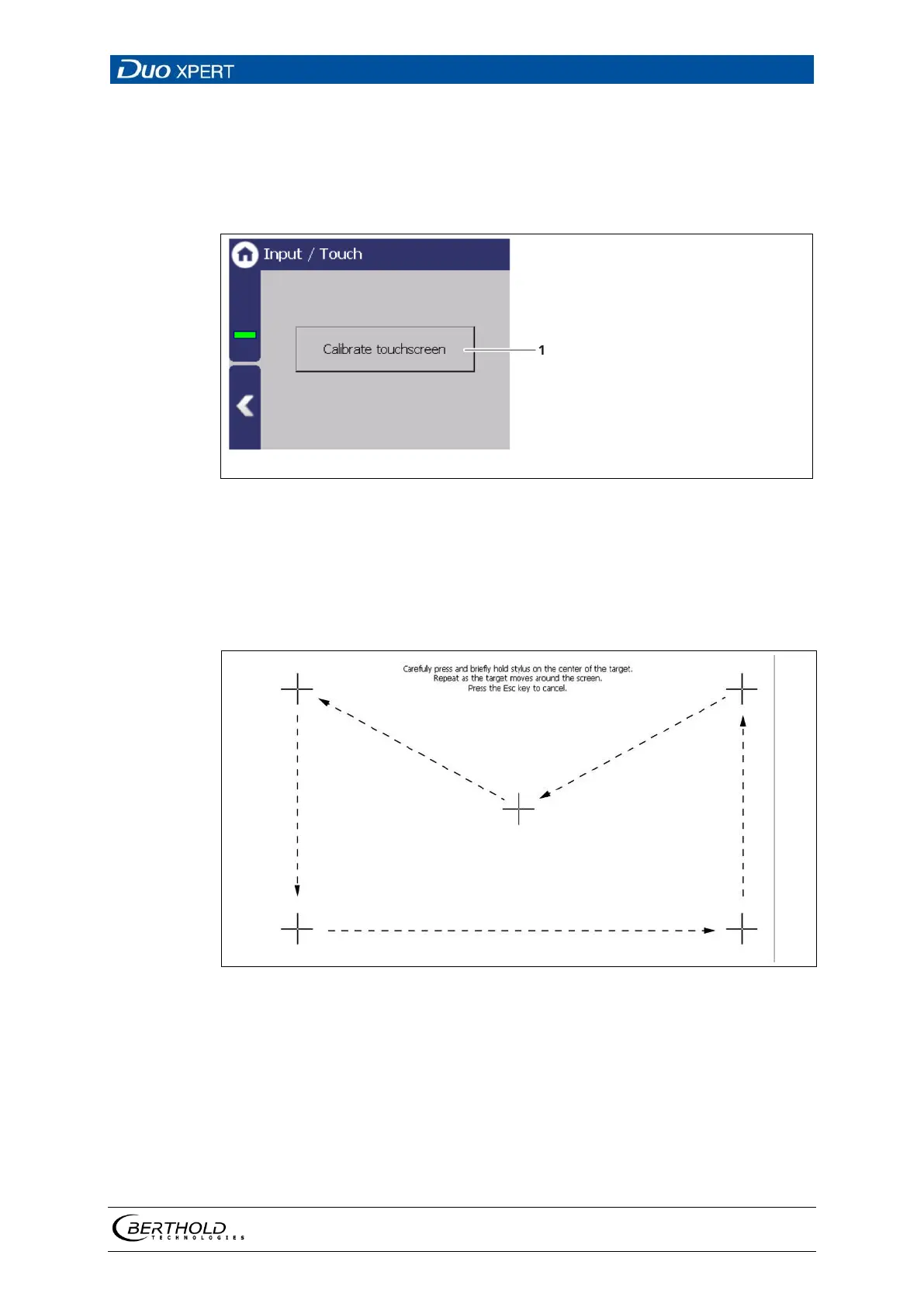
Button <Calibrate touch screen>
50 Input/ Touch
Calibrate touch screen
The calibration may only be carried out with direct skin contact. Take gloves or any
other protective equipment off your hands.
51 System menu, Settings - Display (Calibrate touch display)
1. Click on <Calibrate touch screen>.
The calibration screen opens.
2. Press the middle of the displayed cross with your finger.
If you take your finger off the cross again, the cross jumps to the top left
corner.



 To Next Page