7 Main Menu Device Setup LB 470 Level
56925BA2 Rev. 03, 11/2017
3. Repeat the process until the cross is no longer displayed and the calibration is
finished.
4. Confirm the calibration by clicking on the white screen to go back to "In-
put/Touch"
5. Execute a restart of the EVU after prompting.
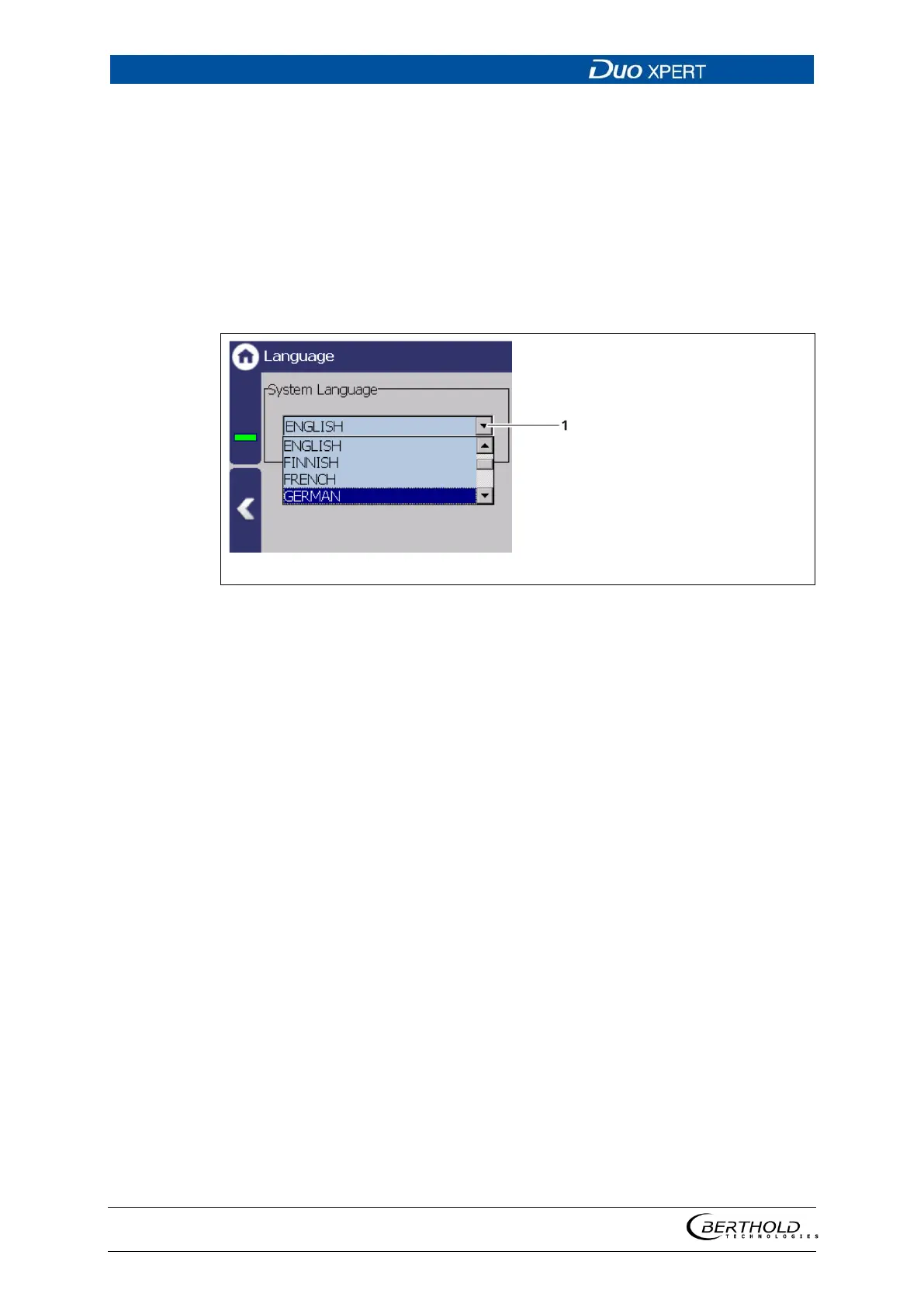
Language
Device Setup | Setup | System | interfaces | Language
52 Language
Change system language
1. Click on the selection arrow (Fig. 52, item 1) and select a language.
A message window ″Restart″ appears.
2. Confirm with ″OK″ to restart the device.
The device is restarted and the language has been changed.



 To Next Page