LB 470 Level 7 Main Menu Device Setup
56925BA2 Rev. 03, 11/2017
CE Remote Control
Device Setup | Setup | System | interfaces | Remote Control
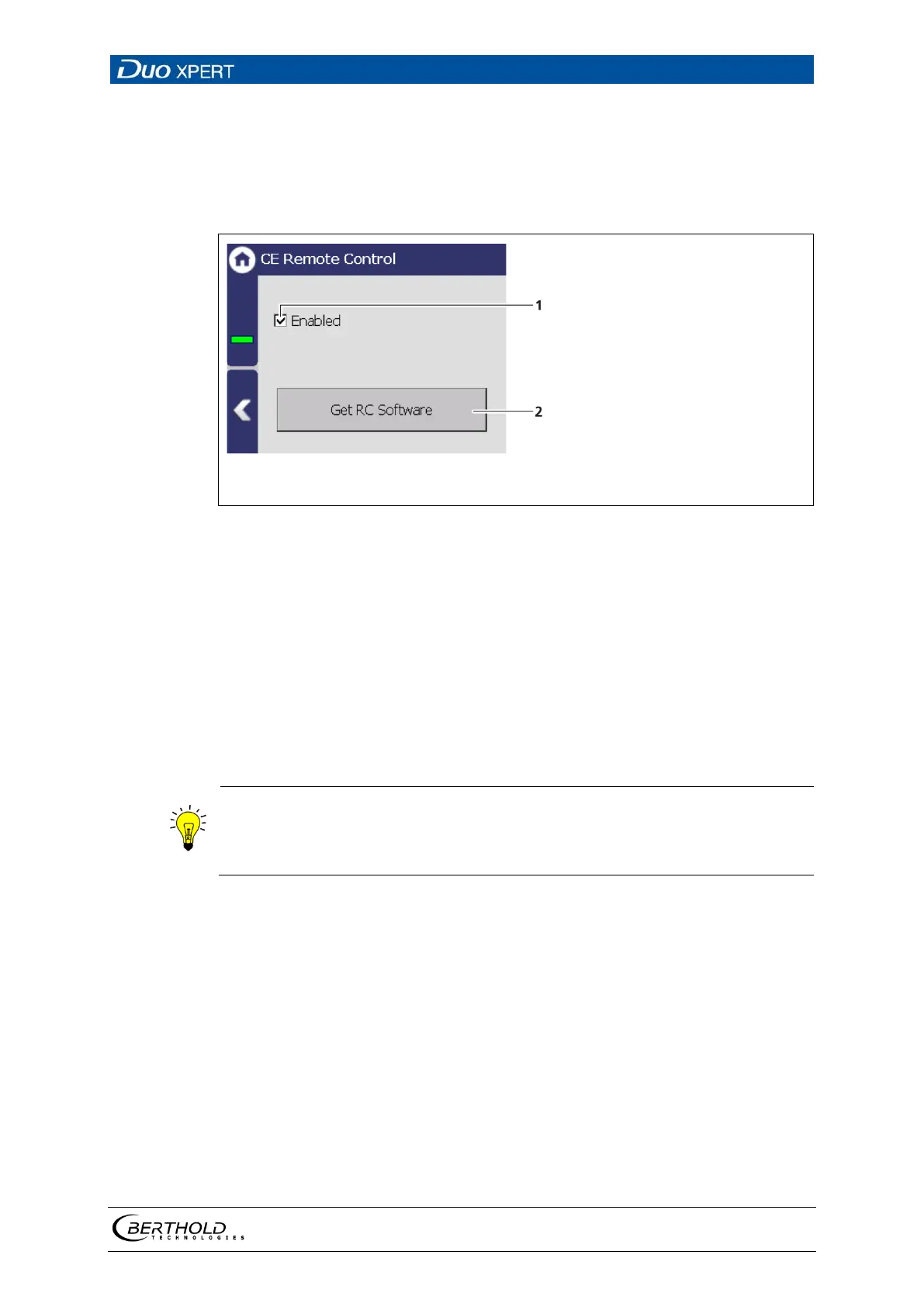
By activating (Fig. 53, item 1) the CE Remote Control, the unit can be operated via
the network connection. The software of the remote control (RC software) is stored
on the device and can be copied to a USB storage device.
″
″
Button <Copy RC software>
53 Remote Control
Copy RC software
1. Connect a USB storage device to the device (Fig. 3, item 5).
The USB storage device is recognised by the system after a few seconds and
the button <Copy RC software> (Fig. 53, item 2) can be clicked.
2. Click on the button <Copy RC software> (Fig. 53, item 2).
The software is copied to the USB storage device.
The RC software includes the file ″LB47xRemoteControl.exe″ and runs w ithout in-
stallation.
Operation of the RC software is described in Chapter “Remote Control Soft-
ware” (see next but one chapter).



 To Next Page