KB (E4 + E6) 02/2017 page 102/148
16.2 Selecting the parameters
Here you can select the parameters, which shall be displayed graphically. To select the parameters, go to
Menu > Measurement chart > Settings > Parameters
08.03.2015 05:05:06
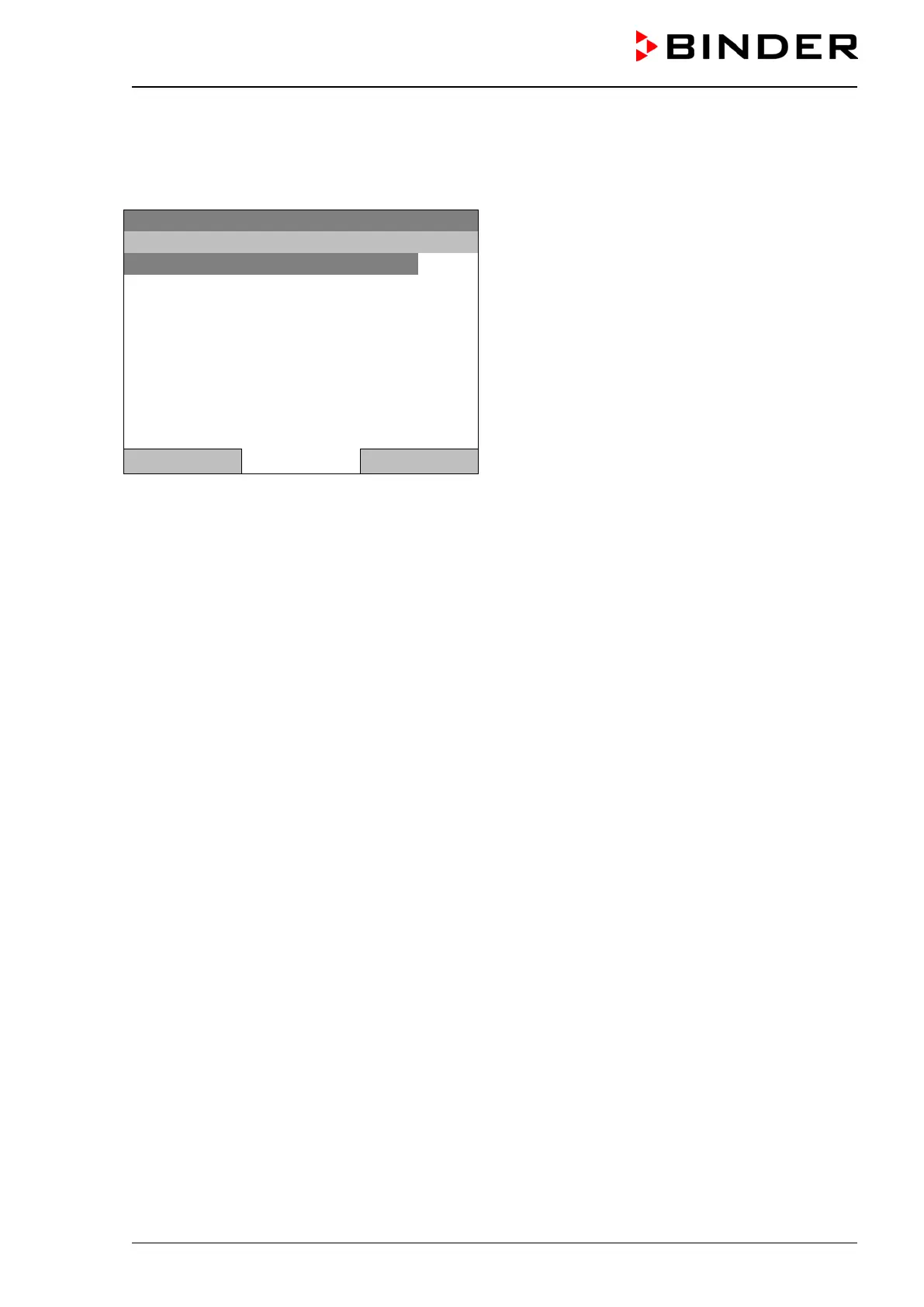
Submenu “Parameters”
(The menu items “Object temperature” and “Control
outputs” are visible only with optional chamber
equipment)
The current setting for each parameter is displayed.
Select the desired parameter
and press the operating button to change its status
On/Off.
The modified setting is displayed.
Press the button “Close” twice to go back to the graphic display. If any parameter was set to “Off”, it will
not be included in the graphical display.







 To Next Page