KB (E4 + E6) 02/2017 page 84/148
12.3 Selecting the menu language of the T4.12 controller
The T4.12 chamber controller communicates via a comprehensible menu navigation in plain text in a
selectable language.
To select the desired menu language, go to
Menu > Settings > Sprache, Language, Langue, Idioma, Lingua
08.03.2015 05:05:06
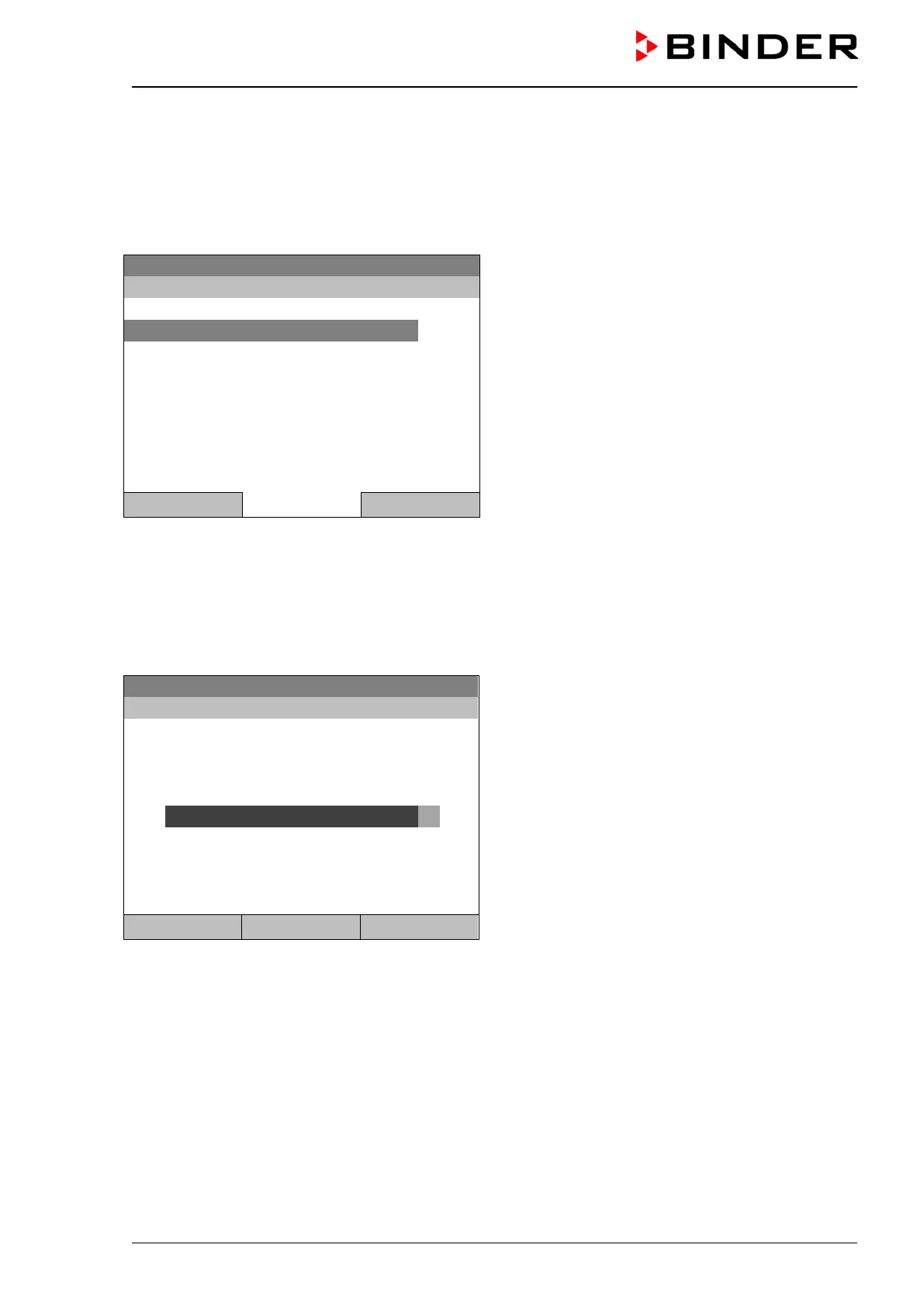
Submenu “Language”.
Select the desired language
and press the operating button.
..\ Sprache, Language, Langue, Idioma, Lingua
Close Home
If you selected the menu language, the controller returns to the „Settings“ menu..
Otherwise, go back to the “Settings” menu with “Close” or to the initial view with “Home”.
12.4 Setting display brightness
To select the display brightness, go to Menu > Settings > Display brightness
08.03.2015 05:05:06
Submenu “Display brightness”.
Select the desired setting by turning the
operating button.
Confirm by selecting “Save”.
Close Save Home
Go back to the “Settings” menu with “Close” or confirm the change with “Save”: The controller returns to
the initial view.







 To Next Page