KB (E4 + E6) 02/2017 page 58/148
9.3.9 Saving the time program and leaving the program editor
08.03.2015 05:05:06
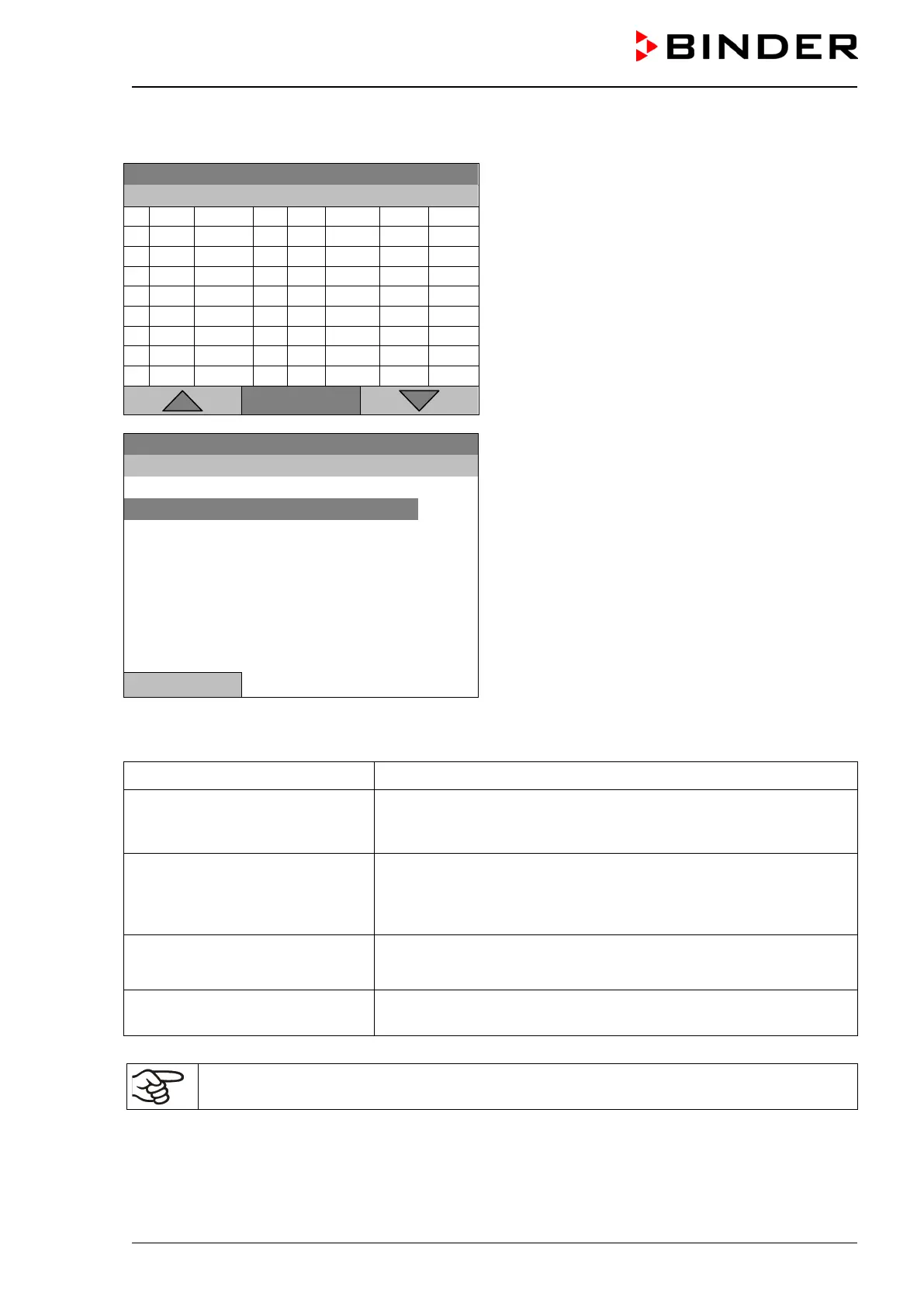
Time program editor (example).
Press the “Menu” button.
..\ Temperature controller
Menu
08.03.2015 05:05:06
Submenu “Program menu”.
Select “Save and exit”
and press the operating button.
Close
With the „Close“ button, the controller returns to the time program editor.
Select parameter Changing between temperature and fan speed.
Save and exit
Saving the program. The controller returns to the “Time programs”
submenu. You can now select and start the program as described
in chap. 9.1.
Save and run
Saving the program and start it. Enter the start date and time, see
chap. 9.1. If another time or week program is running, the program
is only saved, but not started. A corresponding message is dis-
played.
Exit (without saving!)
Attention: the program is not saved. After a security question, the
controller returns to the initial view.
Button “Close”
The controller returns to the time program editor. You can continue
programming.
Make sure that you saved the time program before leaving the program editor.







 To Next Page