KB (E4 + E6) 02/2017 page 78/148
11.1 Directly activating the key lock function
To directly activate the key lock, go to User > Key lock > Key lock On
08.03.2015 05:05:06
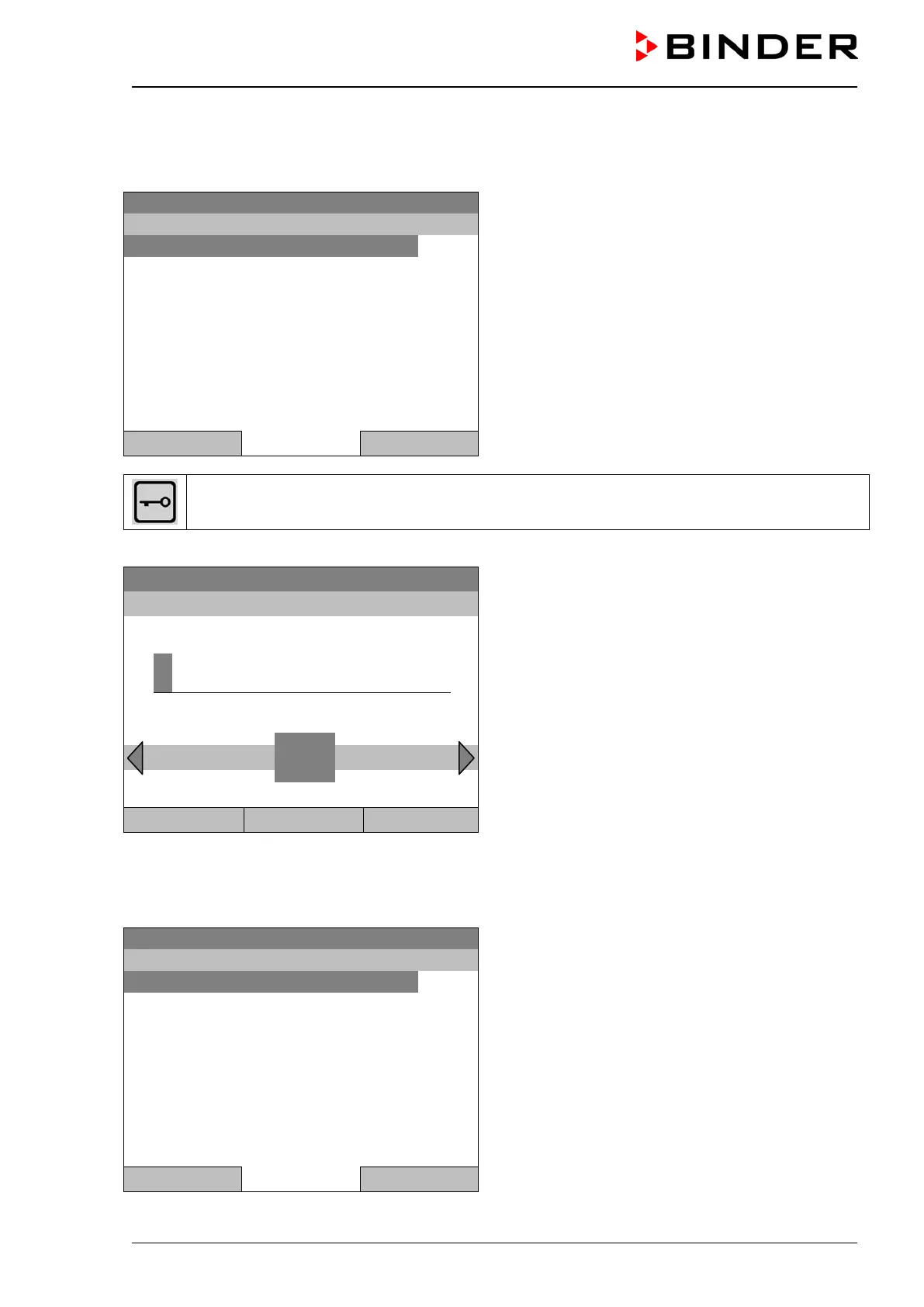
Submenu “Key lock”.
Select “Key lock On” to activate the key lock function
immediately
and press the operating button.
Close Home
This symbol on the controller display indicates that the “key lock” function is activated.
The controller remains in the initial view and may be operated only after entering the current password.
Enter password
08.03.2015 05:05:06
Entry menu “Key lock password”.
Enter the desired password with the operating but-
ton. Factory setting is 0000
Press the “Ok” button to confirm.
..\ Key lock password
0
Ok: A B C D E F
1 2 3 4 5 6 7 8 9
Close Ok Home
11.2 Automatic key lock
To configure the automatic key lock, go to User > Key lock > Automatic key lock
08.03.2015 05:05:06
Submenu “Automatic Key lock”.
Select the desired function
and press the operating button.
Close Home







 To Next Page