KB (E4 + E6) 02/2017 page 48/148
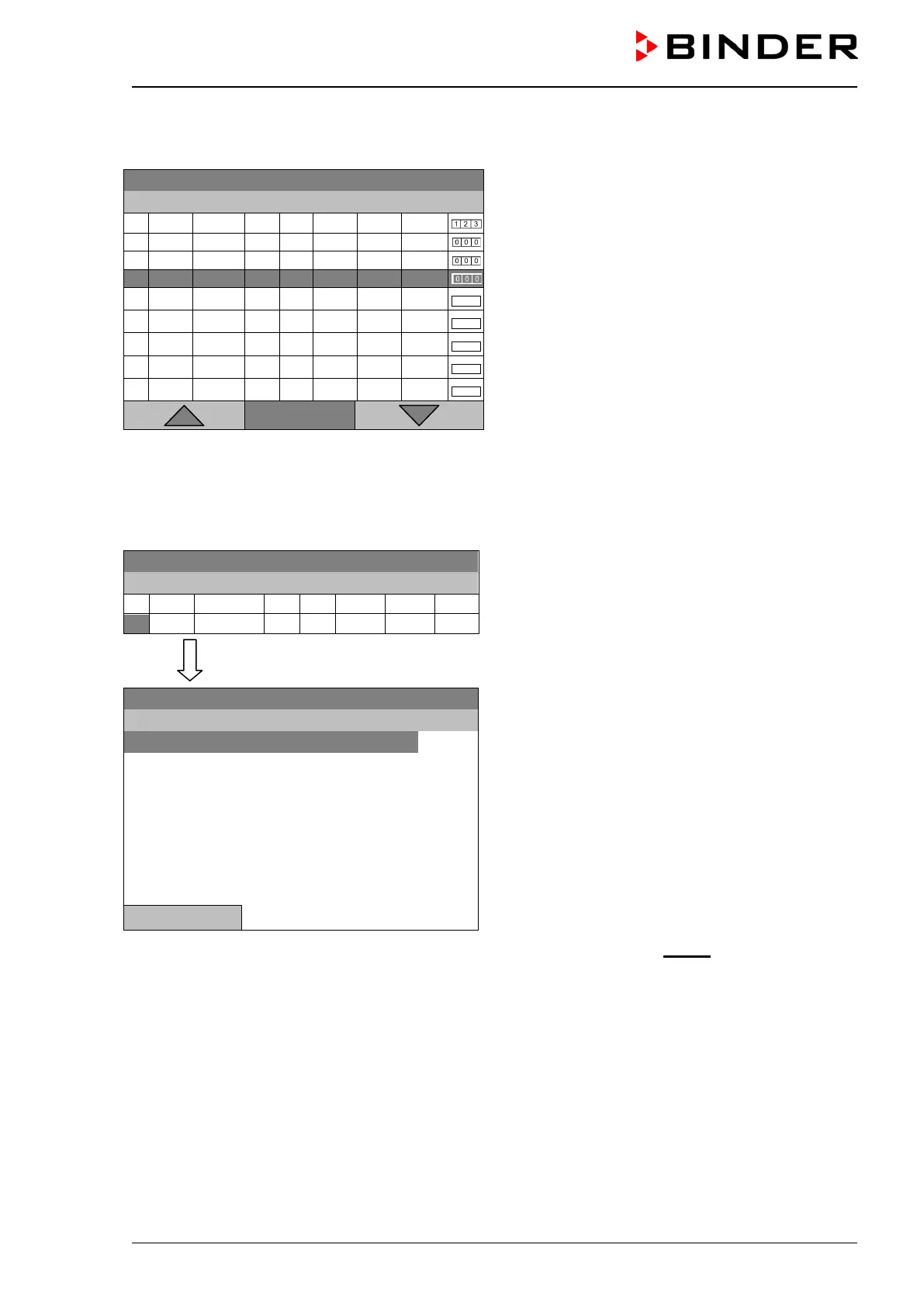
To create a second program line (section), turn the operating button to the right and press it. The next
section will be added.
08.03.2015 05:05:06
Time program editor
(view with optional control outputs).
To edit the values, press the operating button, select
the desired value and press the operating button
again.
..\ Temperature controller
Menu
The right column for the 3 control outputs is visible only on chambers equipped with optional control out-
puts.
9.3.1 Section handling
08.03.2015 05:05:06
Time program editor.
Select a value under “No.”
and press the operating button.
..\ Temperature controller
08.03.2015 05:05:06
Submenu “Program sections“.
Select the desired function
and press the operating button.
Close
Note: When selecting „Insert“ or “Paste”, the new program section is inserted before the current section.







 To Next Page