KB (E4 + E6) 02/2017 page 53/148
9.3.6 Set-point ramp and set-point step modes
“Ramp” mode
The set-point of a given program section functions as the section’s start temperature. During the section’s
duration, the temperature set-point gradually passes to the set-point of the subsequent program section.
The actual temperature value follows the continually changing set-point. If the last program section is in
“ramp” mode, then you must program an additional section to provide the target temperature. Otherwise,
the corresponding section would be incomplete, i.e., the program would stop one section too early.
Programming in the “ramp” mode allows various kinds of temperature transitions:
• Gradual slow temperature changes
The set-point changes its value gradually during the entered section duration. The actual temperature
value (X) follows the continually moving set-point (W) at any time.
• Constant temperature
The initial values of two subsequent program sections are identical; so the temperature remains con-
stant during the duration of the first program section.
• Sudden temperature changes
These changes occur rapidly within the minimum amount of time (minimum entry: 1 second).
“Step” mode
The set-point of any program section functions as the section’s target temperature. At the start of the
program section, the chamber heats up or cools down with the maximum speed to reach the entered
value; and then it holds it for the remaining section time. The set-point temperature remains constant for
the section’s duration.
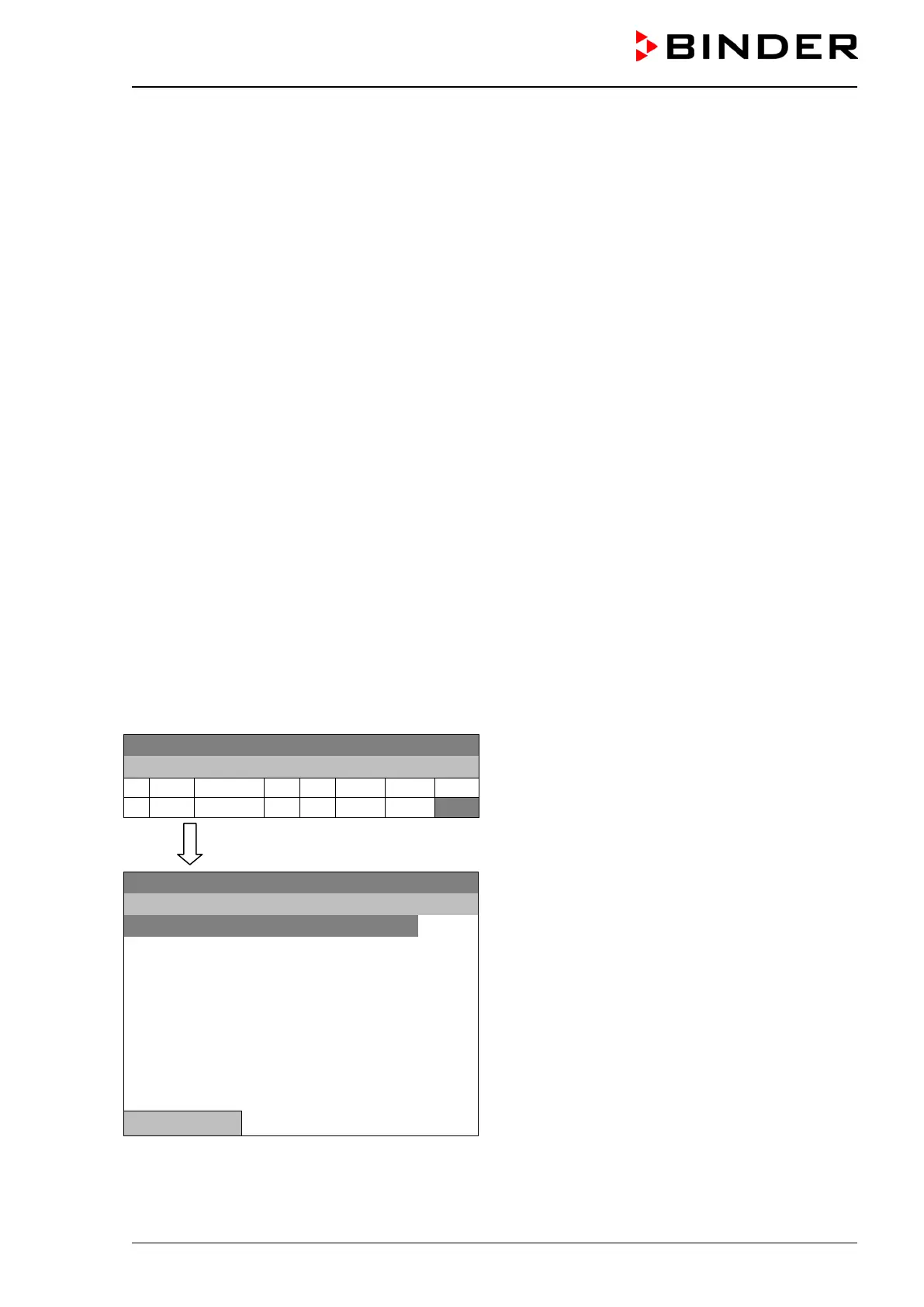
Selecting the setting “Ramp” or “Step”:
08.03.2015 05:05:06
Time program editor.
Select a value under “R/S”
and press the operating button.
..\ Temperature controller
08.03.2015 05:05:06
Submenu “Ramp/step“.
Select the desired function
and press the operating button.
“Ramp” = Setpoint ramp mode selected
“Step” = Setpoint step mode selected
Close







 To Next Page