KB (E4 + E6) 02/2017 page 70/148
10.3.2 Temperature setpoint
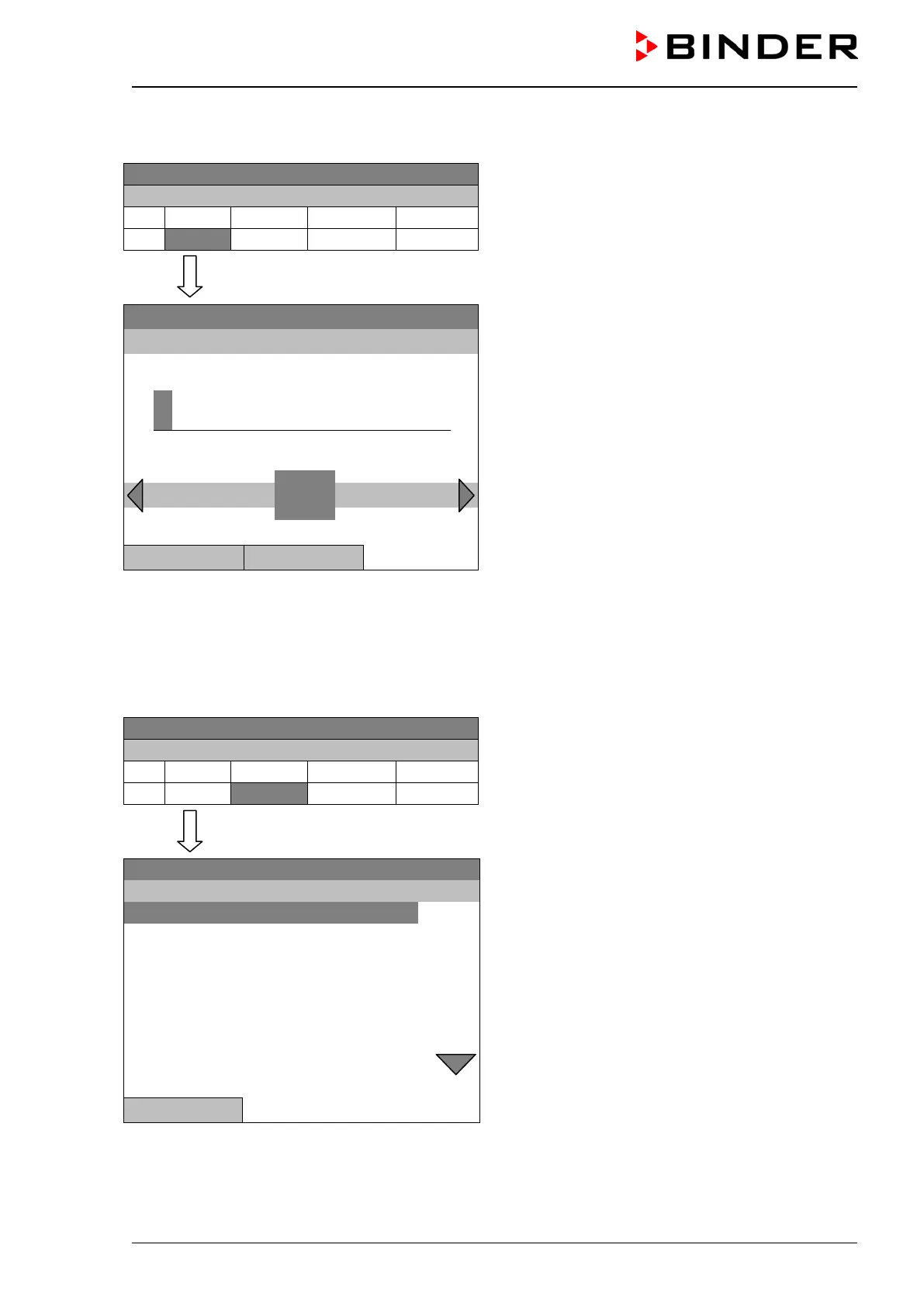
08.03.2015 05:05:06
Week program editor.
Select a value under “Value”
and press the operating button.
..\ Temperature controller
08.03.2015 05:05:06
Entry menu “Temperature setpoint”.
A temperature value is shown. Enter the desired
value with the operating button.
Setting range: 4 °C up to 100 °C.
Press the “Ok” button to confirm.
2
Pos1 End Ok 0 1
3 4 5 6 7 8 9 , -
Close Ok
When entering a value outside the setting range, the message “invalid value” appears. Press the operat-
ing button to confirm with “Ok” and repeat the entry with a correct value.
10.3.3 Day of the week
08.03.2015 05:05:06
Week program editor.
Select a field under “Day”
and press the operating button.
..\ Temperature controller
08.03.2015 05:05:06
Submenu “Day of week“.
Select the desired day or combination of days
and press the operating button.
Keep turning the operating button to access further
menu items.
Close







 To Next Page