KB (E4 + E6) 02/2017 page 60/148
9.4 Program interruption
You can manually interrupt a time program (pause), or this will automatically occur when exceeding the
entered tolerance range values of the corresponding program section (see chap. 9.3.5).
Manual program interruption
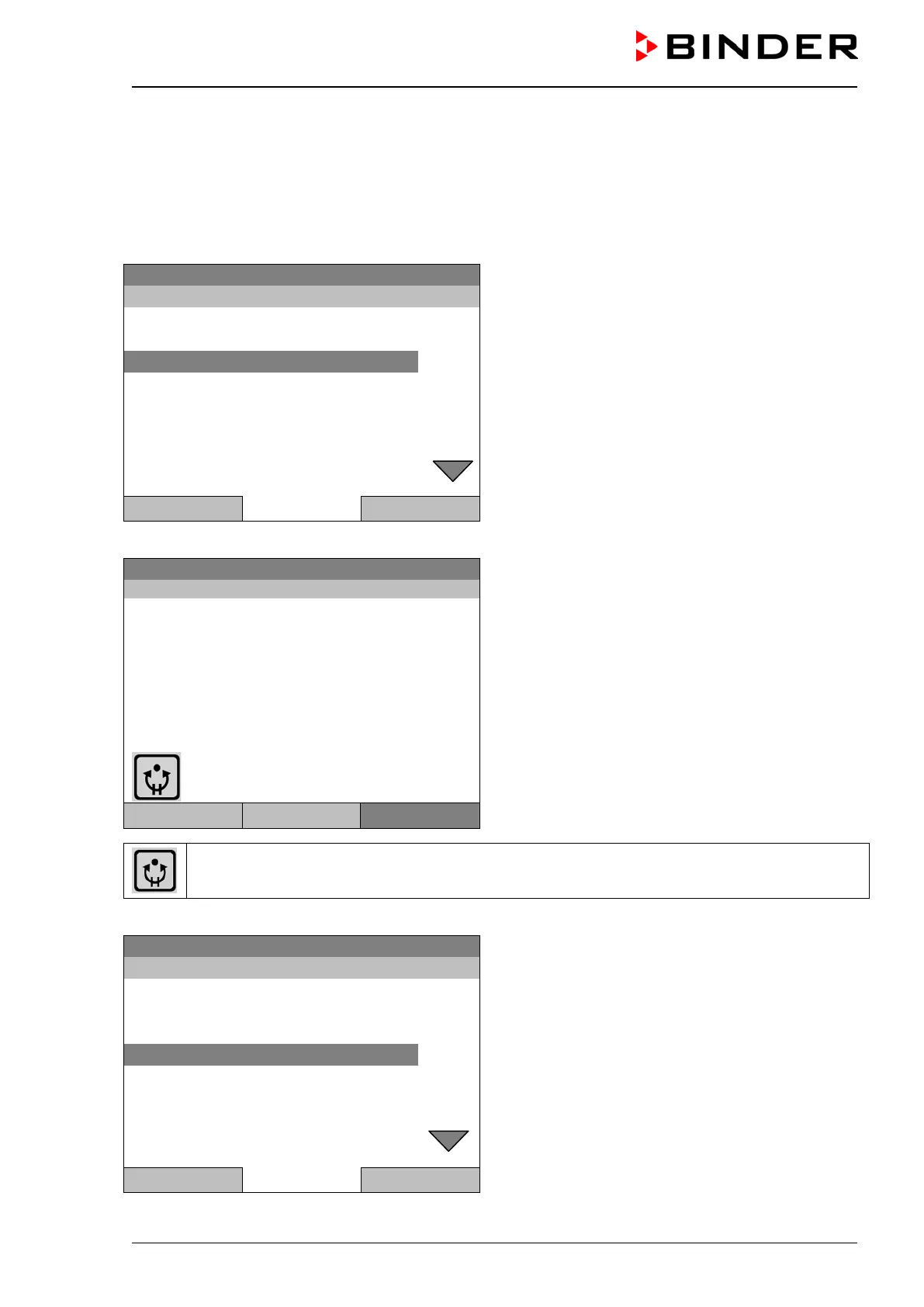
To interrupt a time program, go to Menu > Programs > Time programs > Pause
08.03.2015 05:05:06
Submenu “Time program”.
Select “Pause” to interrupt the running time program
and press the operating button.
Close Home
With button “Home” the controller returns to the initial view.
08.03.2015 05:05:06
Initial view (example values).
The time program is running, but halted. The final
time (in this example: 08:07:44) is running.
Temperature [°C]
Section 02 End: 08.03.2015 08:07:44
Fan [%]
User Quick menu
Menu
This symbol on the controller display indicates that a running time program is interrupted.
Continuing the time program after a manual interruption
08.03.2015 05:05:06
Submenu “Time program”.
Select “Resume” to continue the time program
and press the operating button.
Close Home
With button “Home” the controller returns to the initial view.







 To Next Page