KB (E4 + E6) 02/2017 page 105/148
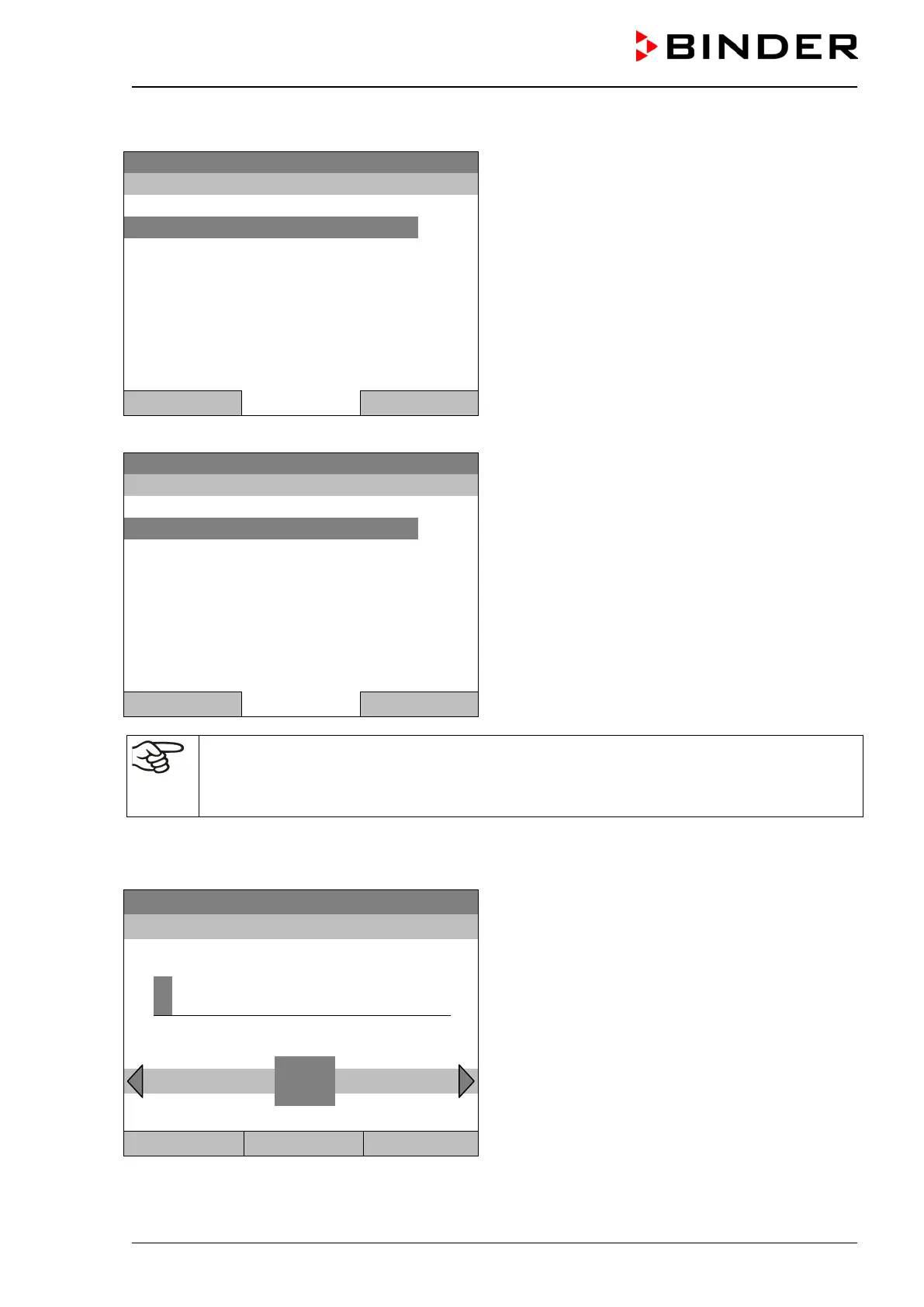
Entering the safety controller setpoint
08.03.2015 05:05:06
Submenu “Safety controller”
(view with standard chamber equipment)
Select “Setpoint”
and press the operating button.
Close Home
or
08.03.2015 05:05:06
Submenu “Safety controller”
(view with optional chamber equipment)
Select “Overtemperature“
and press the operating button.
Close Home
In case of a temperature safety device class 3.1 combined with optional chamber equipment,
the safety controller setpoint is indicated as “Overtemperature”. In this case an additional pa-
rameter “Undertemperature” is shown. This latter has no function; if you select it, the message
“Setpoints not available” appears.
You can also access this submenu to directly enter the safety controller setpoint via
Quick menu > safety controller setpoint
Fixed value
08.03.2015 05:05:06
Entry menu “Safety controller setpoint”.
Enter the desired value with the operating button
and press the operating button to confirm.
Press the “Ok” button to confirm.
..\ Safety controller setpoint
4
End Ok 0 1 2 3
5 6 7 8 9 Del Ins
Close Ok Home
Go one level back with the “Close” button or back to the initial view with “Home”.







 To Next Page