KB / KB-UL (E4 + E6) 10/2021 page 106/147
08.03.2015 05:05:06
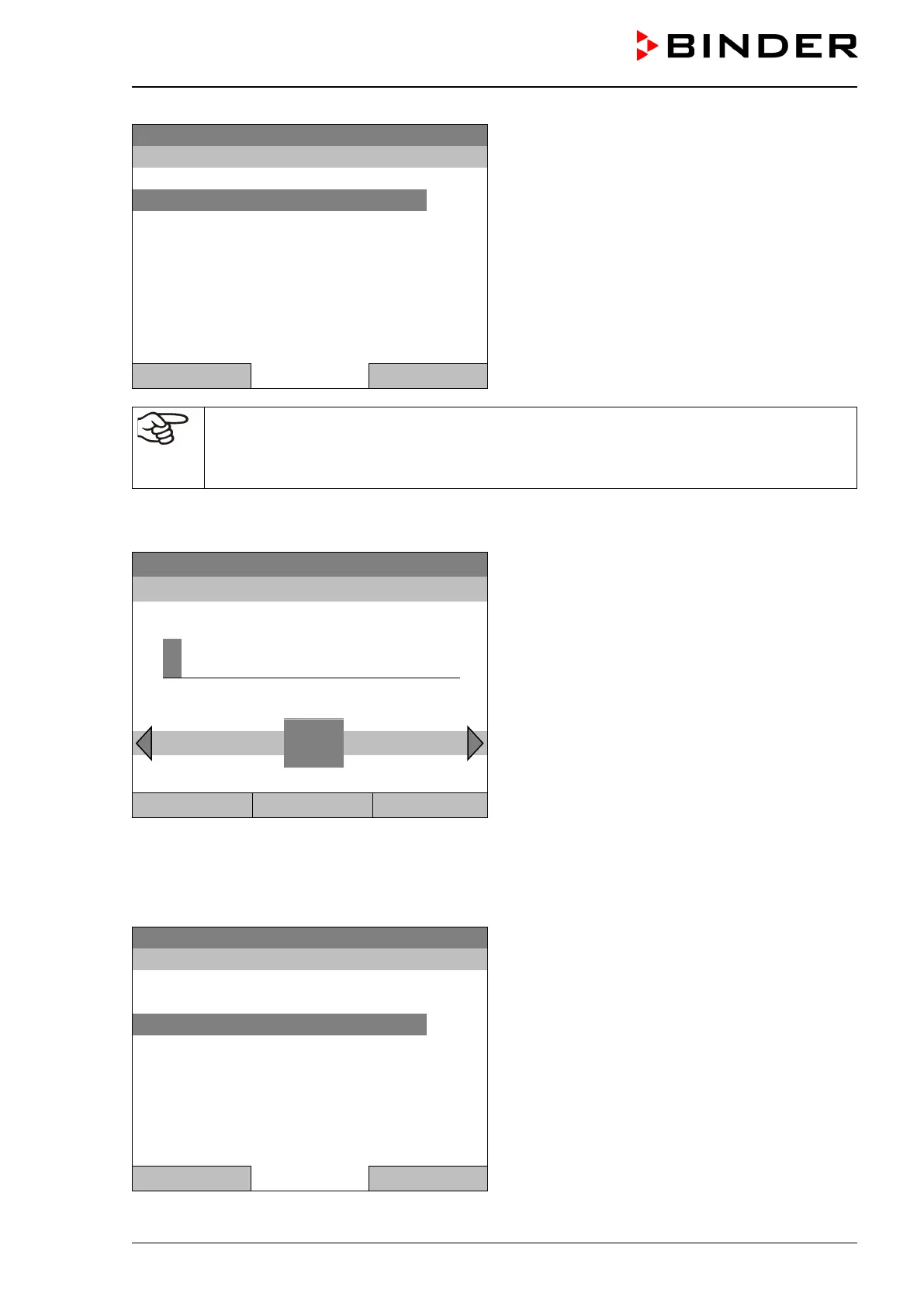
Submenu “Safety controller”
(view with optional chamber equipment)
Select “Overtemperature“
and press the operating button.
Close Home
In case of a temperature safety device class 3.1 combined with optional chamber equipment,
the safety controller setpoint is indicated as “Overtemperature”. In this case an additional pa-
rameter “Undertemperature” is shown. This latter has no function; if you select it, the mes-
sage “Setpoints not available” appears.
You can also access this submenu to directly enter the safety controller setpoint via
Quick menu > safety controller setpoint
08.03.2015 05:05:06
Entry menu “Safety controller setpoint”.
Enter the desired value with the operating button
and press the operating button to confirm.
Press the “Ok” button to confirm.
..\ Safety controller setpoint
4
End Ok 0 1 2 3 5 6 7 8 9 Del Ins
Close Ok Home
Go one level back with the “Close” button or back to the initial view with “Home”.
Overview of the current settings
You can check the current settings of the safety controller:
08.03.2015 05:05:06
Submenu “Safety controller”
(view with standard chamber equipment)
Select “Show settings”
and press the operating button.
Close Home








 To Next Page