USER MANUAL
TD069-O&M-001
REVISION 6
Page 52 of 80
the door interlocks (see following screen) and at least one glove is to be
removed, this is to stop a pressure build-up in the chamber.
When the unit is to be used again, a decontamination cycle of the whole system
should be run, and this will set the system back into normal operation.
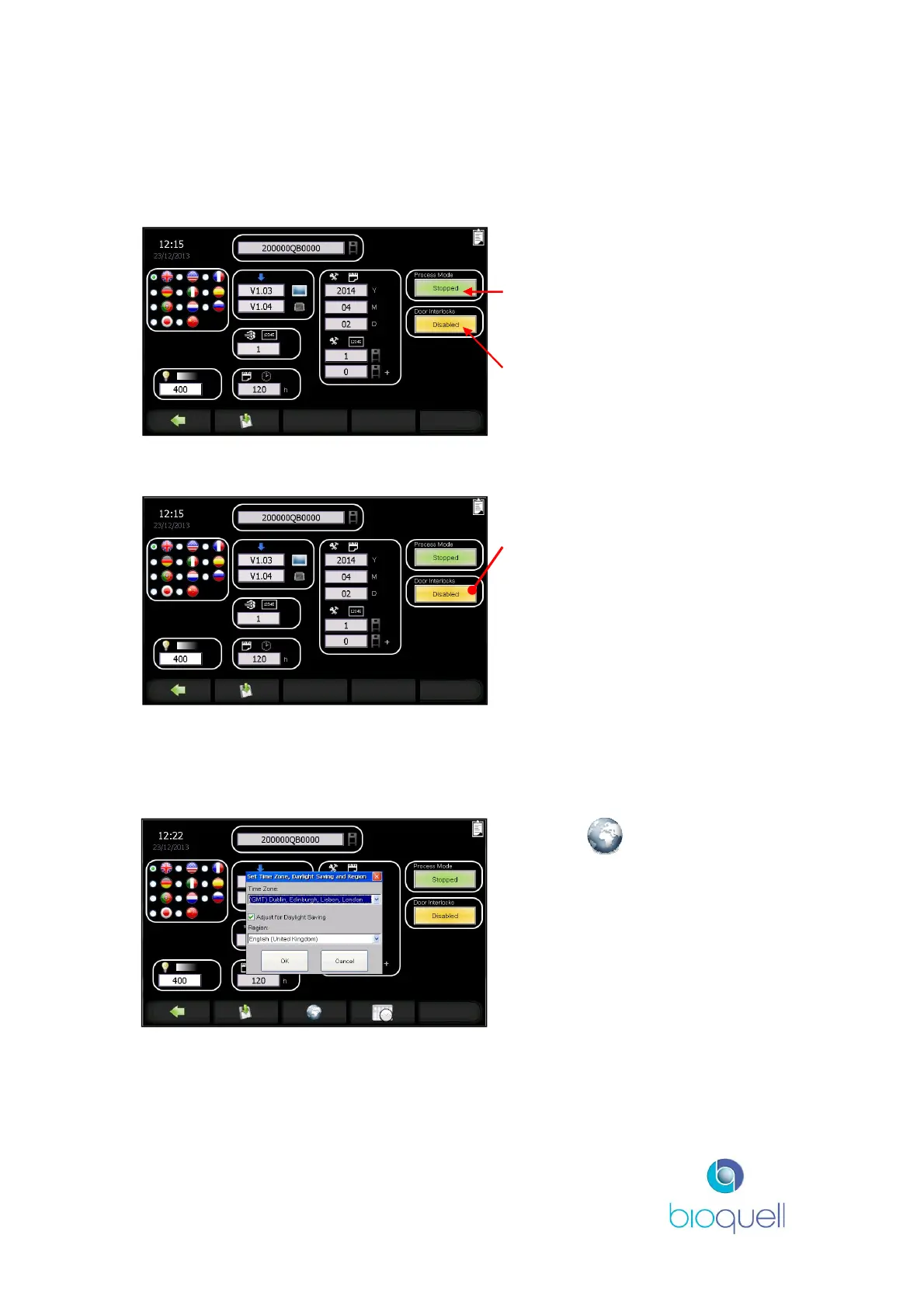
‘Process Mode’ button shows
‘Running’ for normal running,
‘Stopped’ for when not in use.
‘Door Interlocks’ button shows
‘Enabled’ for normal running,
‘Disabled’ to allow internal doors to
be opened
5.3.2Door Interlocks
Press ‘Door Interlocks’ button to
‘Disabled’ to allow any door to be
opened thus overriding the door
interlock logic.
5.3.3Set Time Zone
The QUBE control system incorporates a real time clock. The time zone and
region is settable.
Press the button.
The pop-up box that appears
enables the User, via the drop
down arrows and scroll bar, to
select the appropriate time zone
and region.
Click OK to accept.


 To Next Page