USER MANUAL
TD069-O&M-001
REVISION 6
Page 29 of 80
4 QUBE OPERATION
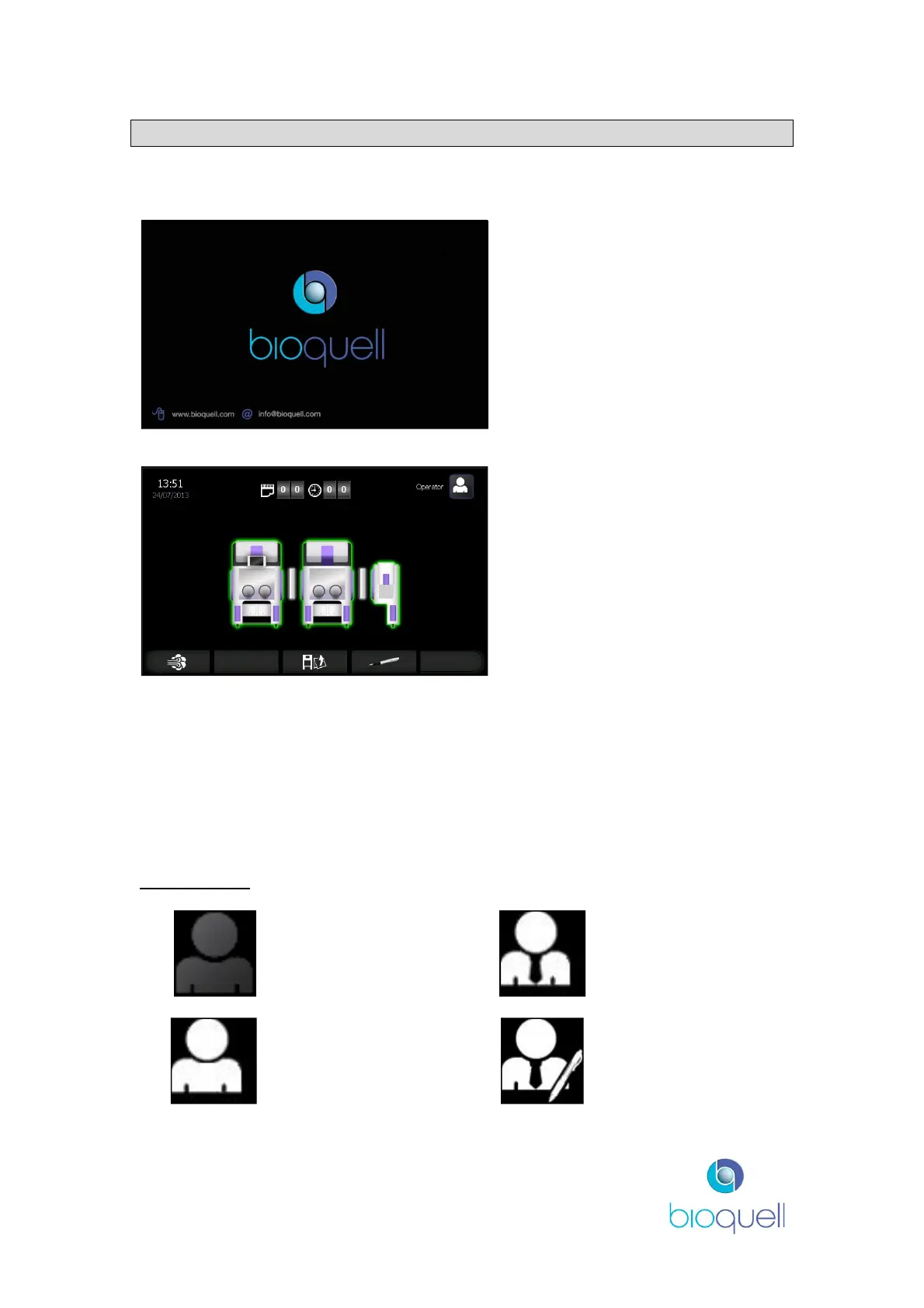
When initially powered, after booting up, the QUBE splash screen with the
Bioquell logo will appear.
Press anywhere on screen to
proceed to the start page once
loaded.
The system automatically detects
the configuration of equipment and
displays this in icon form.
The time displayed in the top
centre is the time since the aseptic
hold was established in days and
hours.
The time and date displayed in the
top left hand corner is the present
time and date.
4.1 The Control Panel Explained
4.1.1Icons
The Control Panel has been developed using custom-designed icons to
communicate functions. A quick reference guide is provided on the following
pages.
Access Level
Logged off Supervisor
Operator – Logged
on
Administrator
Access rights for each level is detailed in section 5.4.3.1


 To Next Page