Page 19
877-877-2269 | blackbox.com
Chapter 4: Quick Installation Guide
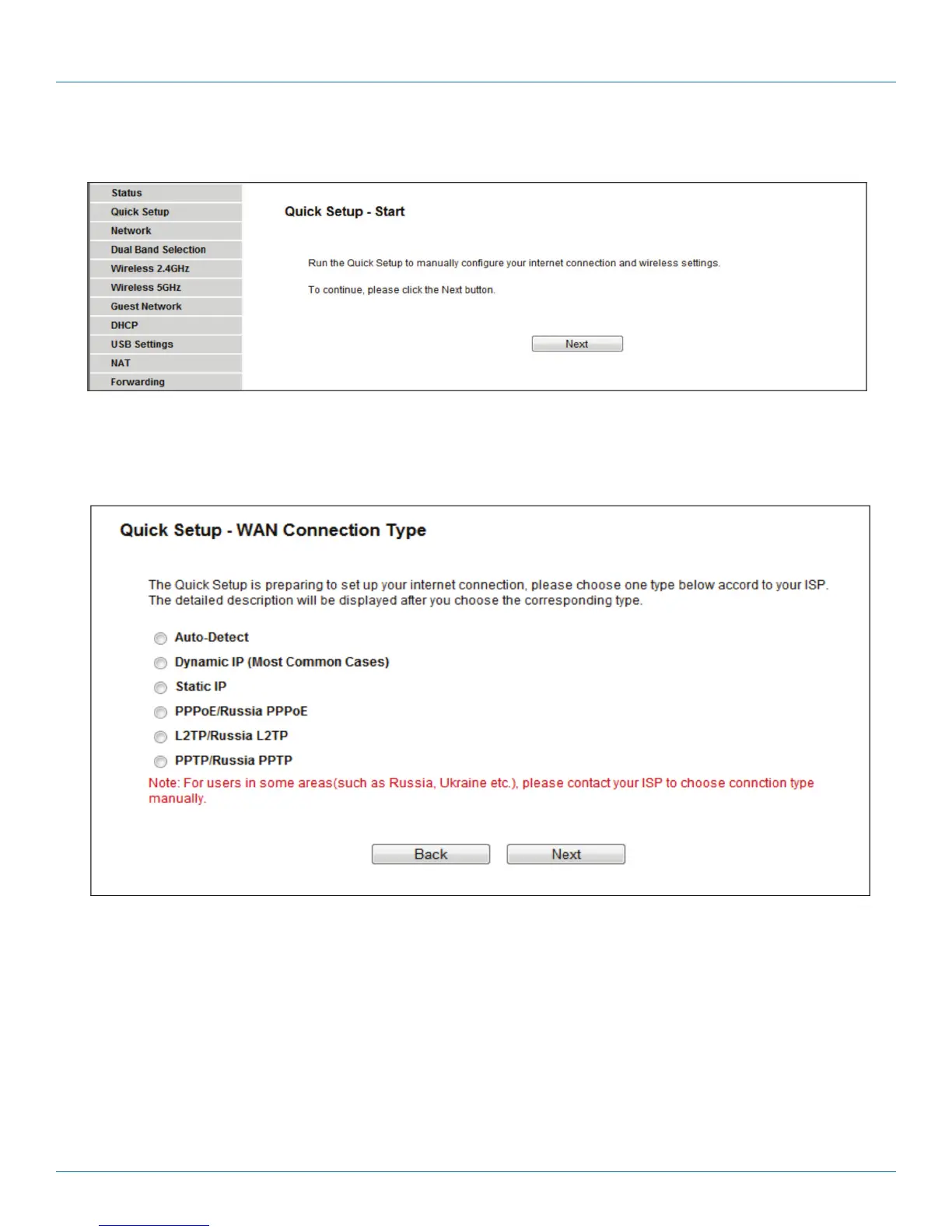
2. After successful login, the Quick Setup page will appear for you to quickly configure your router.
Figure 4-5. Quick setup screen.
3. Click Next, and then WAN Connection Type page will appear.
Figure 4-6. WAN Connection Type.
The router provides an Auto-Detect function and supports five types of WAN connection: Dynamic IP, Static IP, PPPoE/Russian
PPPoE, L2TP/Russian L2TP, and PPTP/Russian PPTP. We recommend using the Auto-Detect function. If you are sure of what kind
of connection type your ISP provides, you can select the very type and click “Next” to continue configuring.
4. If you select Auto-Detect, the router will automatically detect the connection type your ISP provides. Make sure the cable is
securely plugged into the WAN port before detection. The appropriate configuration page will be displayed when an active
Internet service is successfully detected by the router.
NOTE: If Auto-Detect fails, you can select the connection type your ISP provides and follow the procedures below to continue
configuring the router.



 To Next Page