877-877-2269 | blackbox.com
Page 20
Chapter 4: Quick Installation Guide
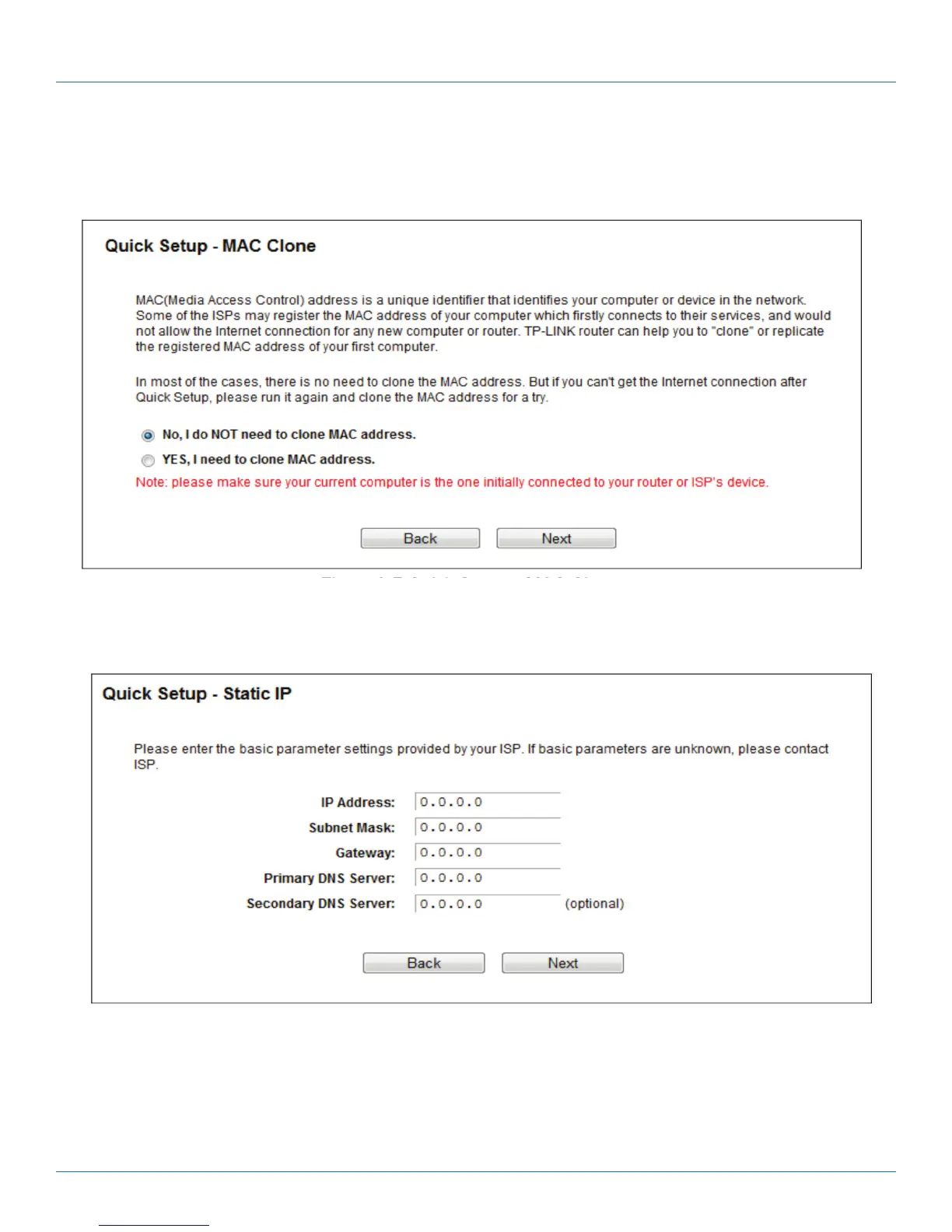
1. If the connection type detected is Dynamic IP, the MAC Clone page will appear. In most cases, you don’t need to clone the
MAC address. Select “No, I do NOT need to clone MAC address” and then click “Next.” If you need to clone the file, select
“Yes, I need to clone MAC address” and then click “Next.”
Figure 4-7. Quick Setup—MAC Clone.
2. If the connection type detected is Static IP, the next screen will appear. Configure the following parameters and then click
“Next” to continue.
Figure 4-8. Quick Setup—Static IP.
• IP Address—This is the WAN IP address external users see on the Internet (including your ISP). Your ISP will provide the IP
address you need to enter here. Enter the IP address into the field.
• Subnet Mask—The Subnet Mask is used for the WAN IP address. Your ISP will provide the subnet mask, which is usually
255.255.255.0.



 To Next Page