Connection
Integrus Transmitters
This section gives an overview of typical system connections using the INT‑TX range
transmitter:
– The DCN Next Generation system
– Other external audio sources
– An emergency signal switch
– Another transmitter
– Radiators
Connect the DCN Next Generation system
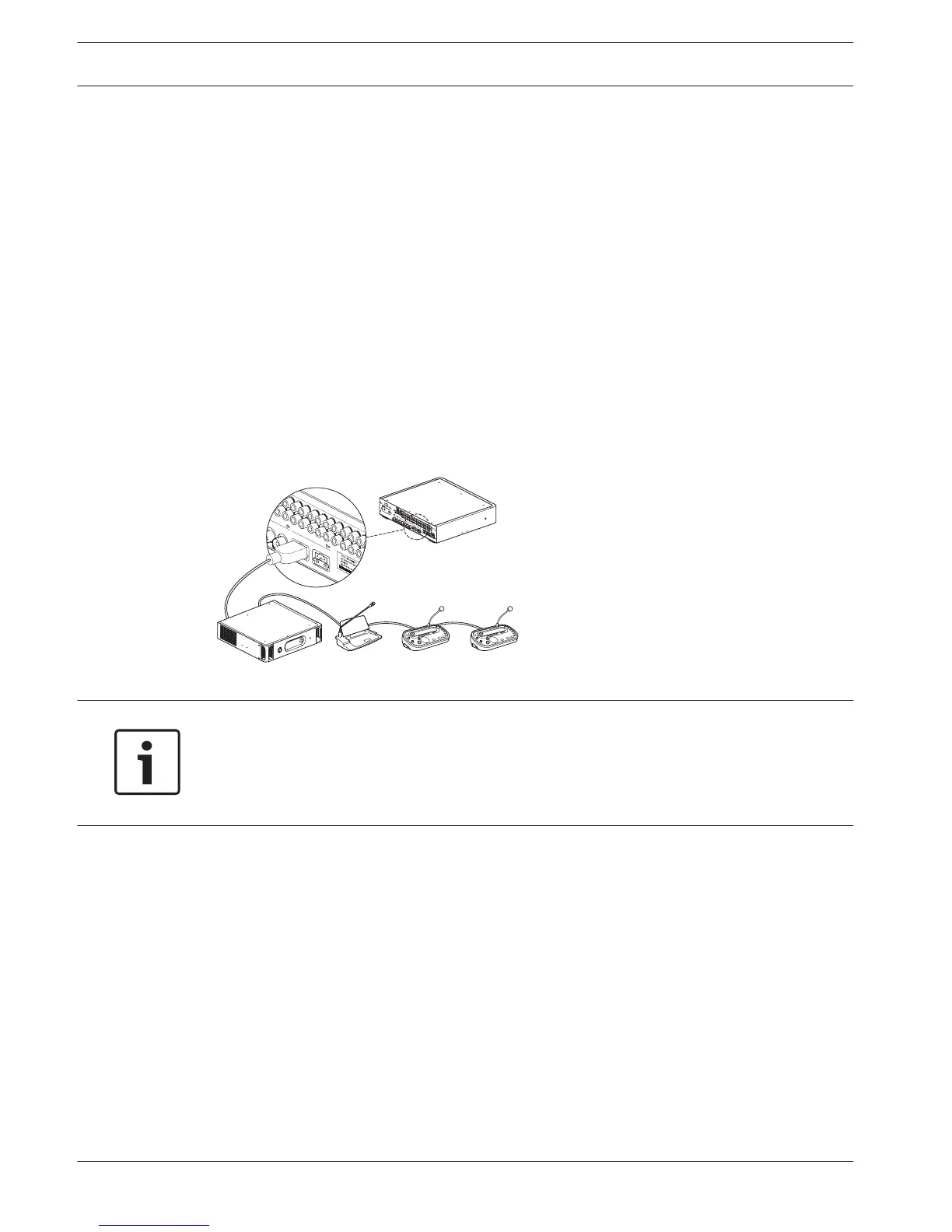
The transmitter can be directly connected to the optical network of the DCN Next Generation
conference system. Use an optical network cable to connect one of the optical network
sockets of the transmitter to the optical network (see the next figure). The network mode
must be enabled with the configuration menu (see section Set network mode (4B), page 52).
Figure 6.1: Connecting the optical network to the modular IR transmitter
Notice!
See the DCN Next Generation Operating Manual for more information about connecting the
transmitter in the optical network.
The transmitter needs to be downloaded with the same version firmware via the Central
Control Unit.
6
6.1
6.2
42 en | Connection Language Distribution System
2013.11 | V1.4 | Operation manual Bosch Security Systems B.V.















 To Next Page