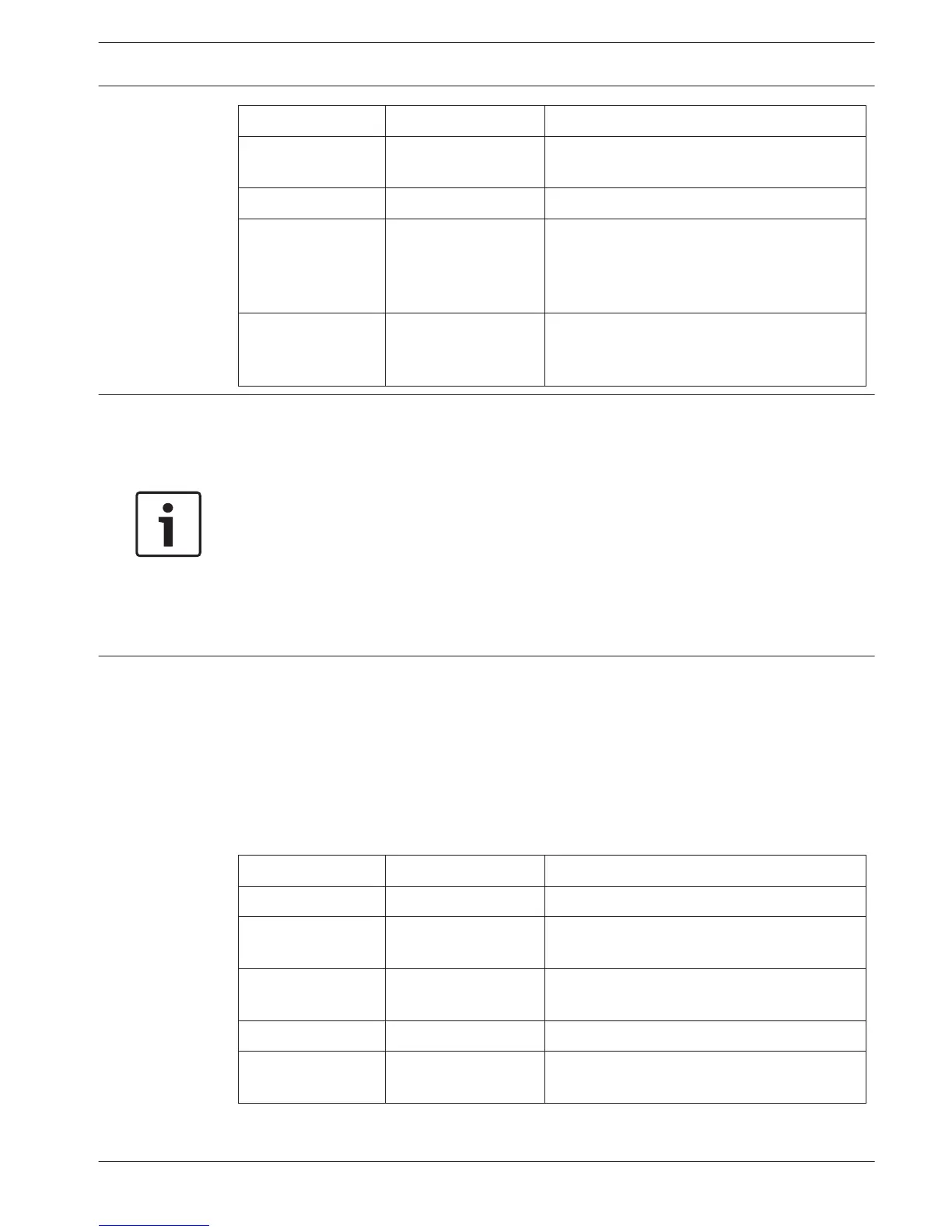
Menu Item Options Description
- Stereo PQ Set selected channel to stereo, premium
quality.
Source:
In 00 .. 31 Select the audio input that should be
distributed on the selected channel. For
stereo signals, the input number of the left
signal (even number) should be selected.
On 00 .. 31 Select the optical network channel that
should be distributed on the selected
channel.
Notice!
An asterisk (*) is shown behind the channel number when the channel in the configured
quality does not fit on the available carriers (see section Carriers and channels, page 22).
With an optical network connected, an asterisk (*) is shown behind the input number and the
channel number when the selected input can not be routed to the selected channel, due to
the routing limitations of the hardware. The user has to browse through the inputs in order to
determine which input can be routed to the selected channel.
Without an optical network connected, an asterisk (*) is shown behind the input number and
the channel number when an optical network channel (On) is selected, or when an input is
selected that can not be routed to the selected channel due to the routing limitations of the
hardware (typically inputs 28, 29, 30 & 31 can not be routed to other carriers than carrier 7).
Language list (4E)
The menu item 4E (Language list) is reserved for future use.
Set channel names (4F)
The Channel Names menu (4F) selects channel names of the used channels. 'Automatic' is
used exclusively in combination with DCN Next Generation. When 'Per Channel' is selected the
user can set the channel name manually. The name can be a general term (for example
'Original', ‘Info’, or ‘Radio’) or a pre-defined language name.
Menu Item Options Description
4F Ch. Names ... Push the button to go to the sub-menu.
4F Ch. Names ... Automatic The channel names are derived from the
DCN‑NG
Per channel ... Select to set the channel name per channel
manually.
4F Channel 00 00..31 Select the channel to set the name for.
* - ‘Floor’, ‘Original’ Use this name for the channel that carries the
original floor language.
7.2.6
7.2.7
Language Distribution System Configuration | en 55
Bosch Security Systems B.V. Operation manual 2013.11 | V1.4 |















 To Next Page