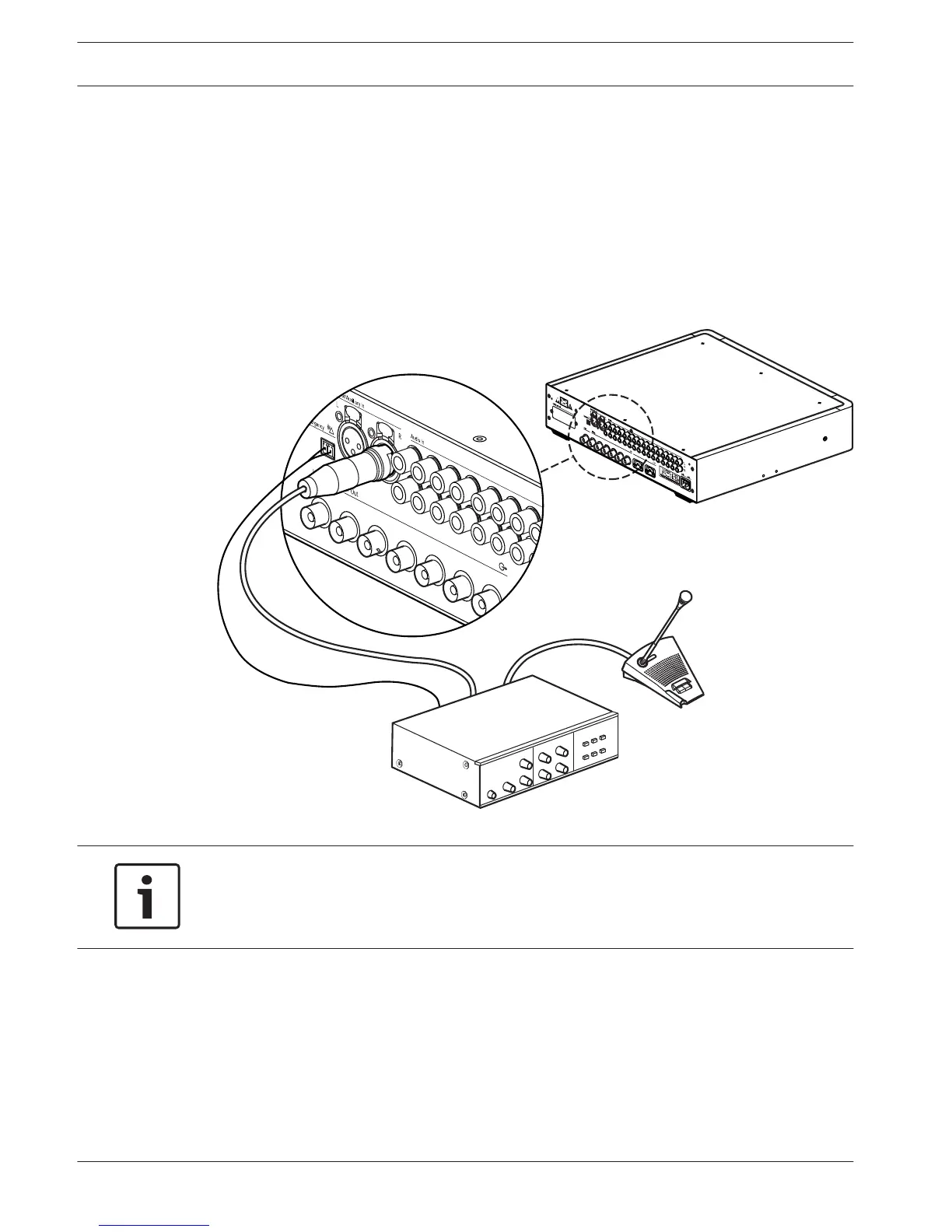
Connect an emergency signal
To use the emergency signal function, a switch (normally-open) must be connected to the
emergency switch connector. The reaction of the transmitter on a closed switch depends on
the configuration of the auxiliary inputs (see also section Configure auxiliary inputs (4I), page
57):
– If the auxiliary input is 'Mono + Emergency', the audio signal on the Aux‑Right input is
distributed to all output channels, overriding all other audio inputs.
– If the auxiliary input is 'Stereo' or 'Stereo to Mono', the audio signals on the Aux‑Left and
Aux‑Right inputs are distributed to all output channels, overriding all other audio inputs.
Figure 6.3: Connecting an emergency signal
Notice!
When the network mode is enabled (see section Set network mode (4B), page 52), the
emergency signal function is not available when the control unit of the DCN Next Generation
conference system is switched off or defective.
6.4
44 en | Connection Language Distribution System
2013.11 | V1.4 | Operation manual Bosch Security Systems B.V.















 To Next Page