Troubleshooting
Fault messages
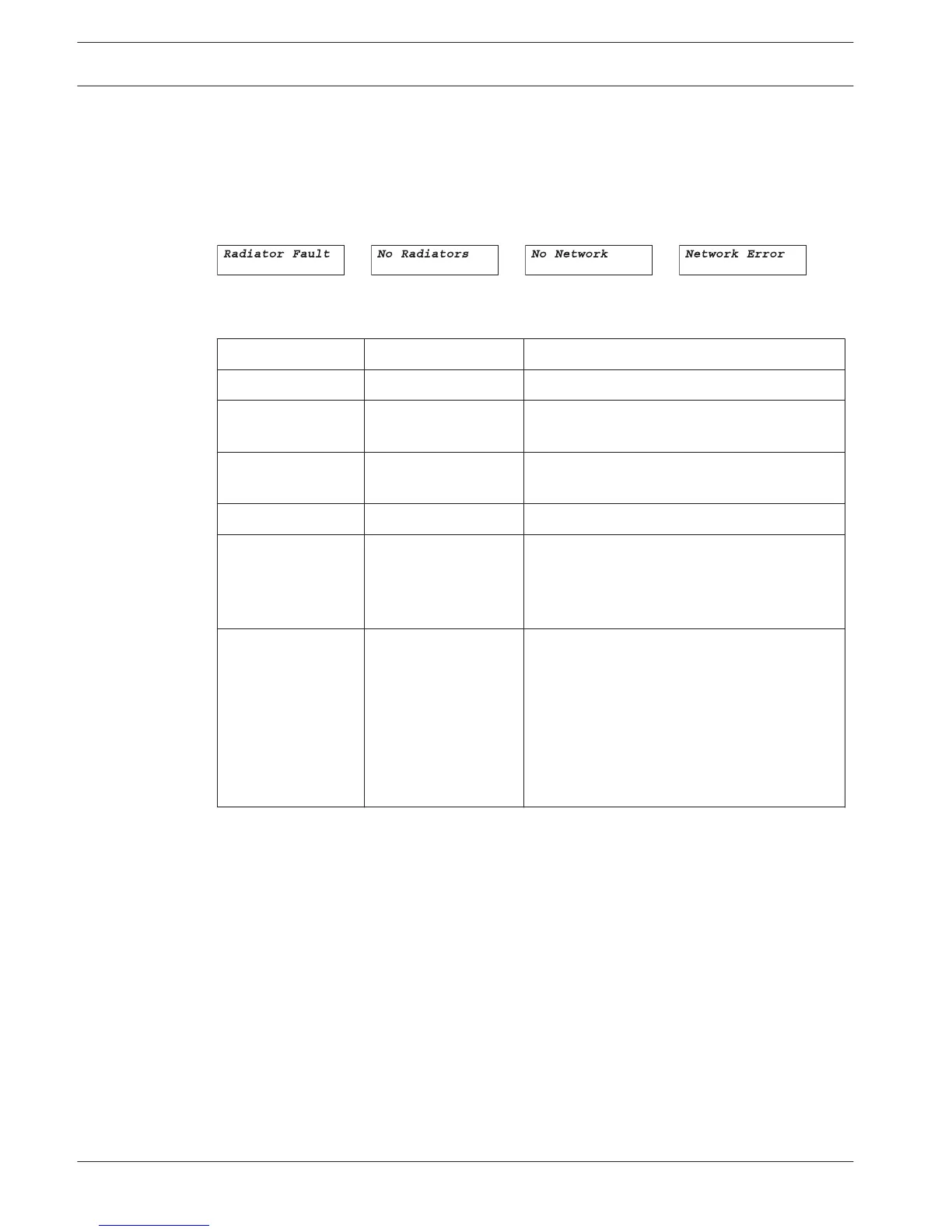
When the system detects a failure for the first time, a flashing fault message pops-up on any
menu screen:
The fault status of the radiators can be seen in the second screen of the transmitter main
menu:
Menu Item Value (read only) Description
1 Fault Status Fault:
- No Faults The connected radiators function without
problems.
- Radiator Fault One of the connected radiators is not
functioning properly.
- No Radiators No radiators are connected to the transmitter
- No Network When the Network Mode (see section Set
network mode (4B), page 52) is Enabled, this
fault is shown when there is a fault in the
optical network.
- Network Error When the Network Mode (see section Set
network mode (4B), page 52) is Standalone,
this fault is shown when there is a fault in the
optical network. This message usually occurs
when the Network Mode (see section Set
network mode (4B), page 52) is Standalone,
and a DCN Next Generation CCU is connected
to the transmitter.
Push the menu button to remove the fault message from the screen and to go back to the
menu screen that was visible before the fault message popped-up. The flashing message will
also disappear when the fault has been resolved. See next section how to resolve this
problem.
10
10.1
72 en | Troubleshooting Language Distribution System
2013.11 | V1.4 | Operation manual Bosch Security Systems B.V.















 To Next Page