M210/M210-LAB User Manual 37
You can also choose symbols through the Menu function.
1. Press MENU.
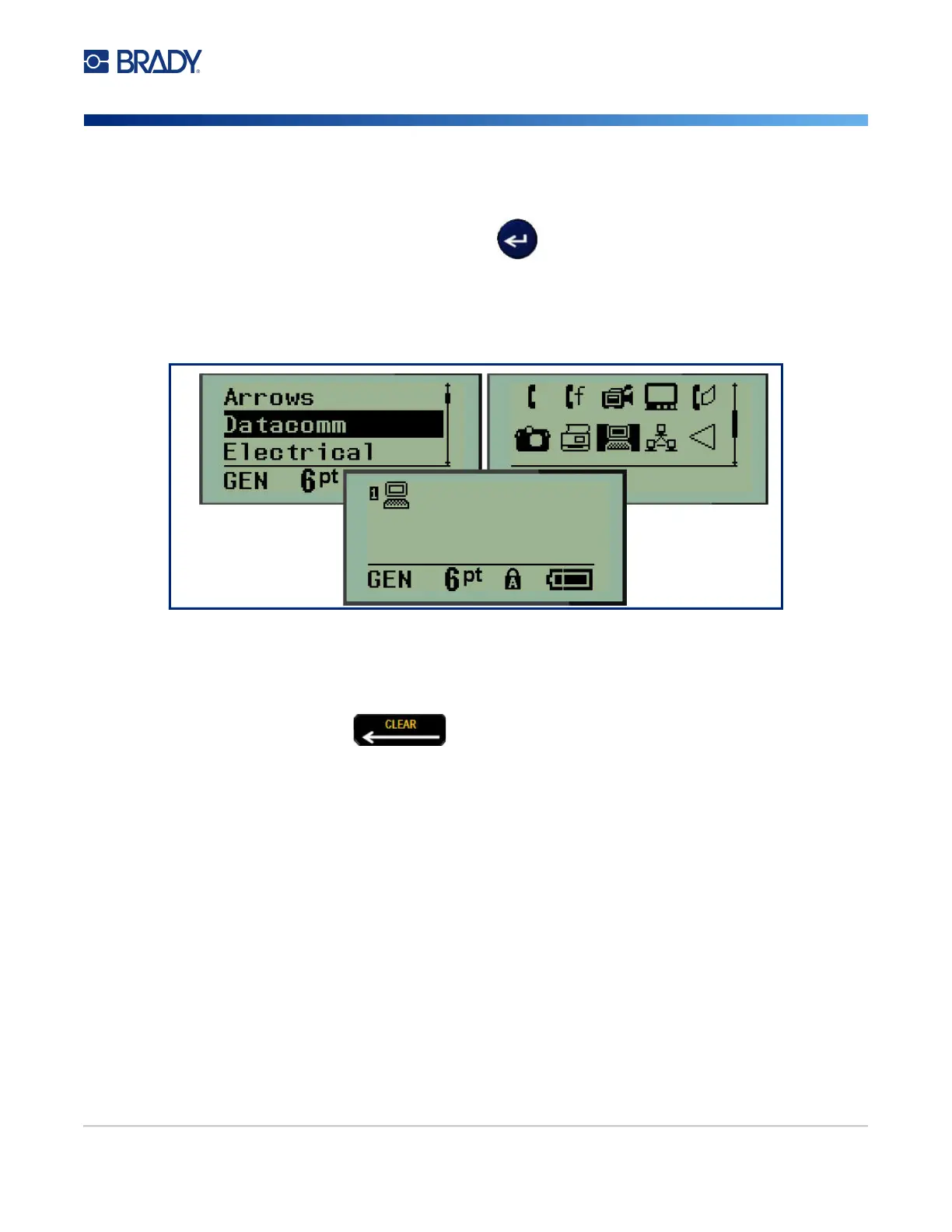
2. Navigate to Symbols, then press Enter .
3. Navigate to the desired symbol category, then press Enter.
4. Using navigation keys, select the desired symbol, then press Enter.
The symbol displays with the same font size that is currently in use.
Remove a Symbol
The symbol is the same as any other character. To remove a symbol:
1. Position the cursor to the right of the symbol.
2. Press Backspace .



 To Next Page