M210/M210-LAB User Manual 46
4 File Management
A label can be saved as a file, to be opened and reused at a later date. You can save up to 12 files.
The files are retained and are not lost when removing the batteries.
Note: The M210/M210-LAB printer CANNOT be connected to a PC, therefore you cannot print PC
label files on the printer.
File Naming Standards
To create a file the file must be given a name. Names can be up to 11 characters long and can consist
of letters, numbers, and spaces.
Unlike file names in a Windows environment, two different files can have the same name. File names
in the M210 Label Printer are designated and separated by the position number (1 - 12) so same
names are allowed.
Save a File
You can save a file internally on the M210. The saved file retains the label data and data attributes.
This file is available for reuse whenever needed.
To save labels as a file:
1. Press MENU.
2. Navigate to File, then press Enter .
3. Navigate to Save, then press Enter.
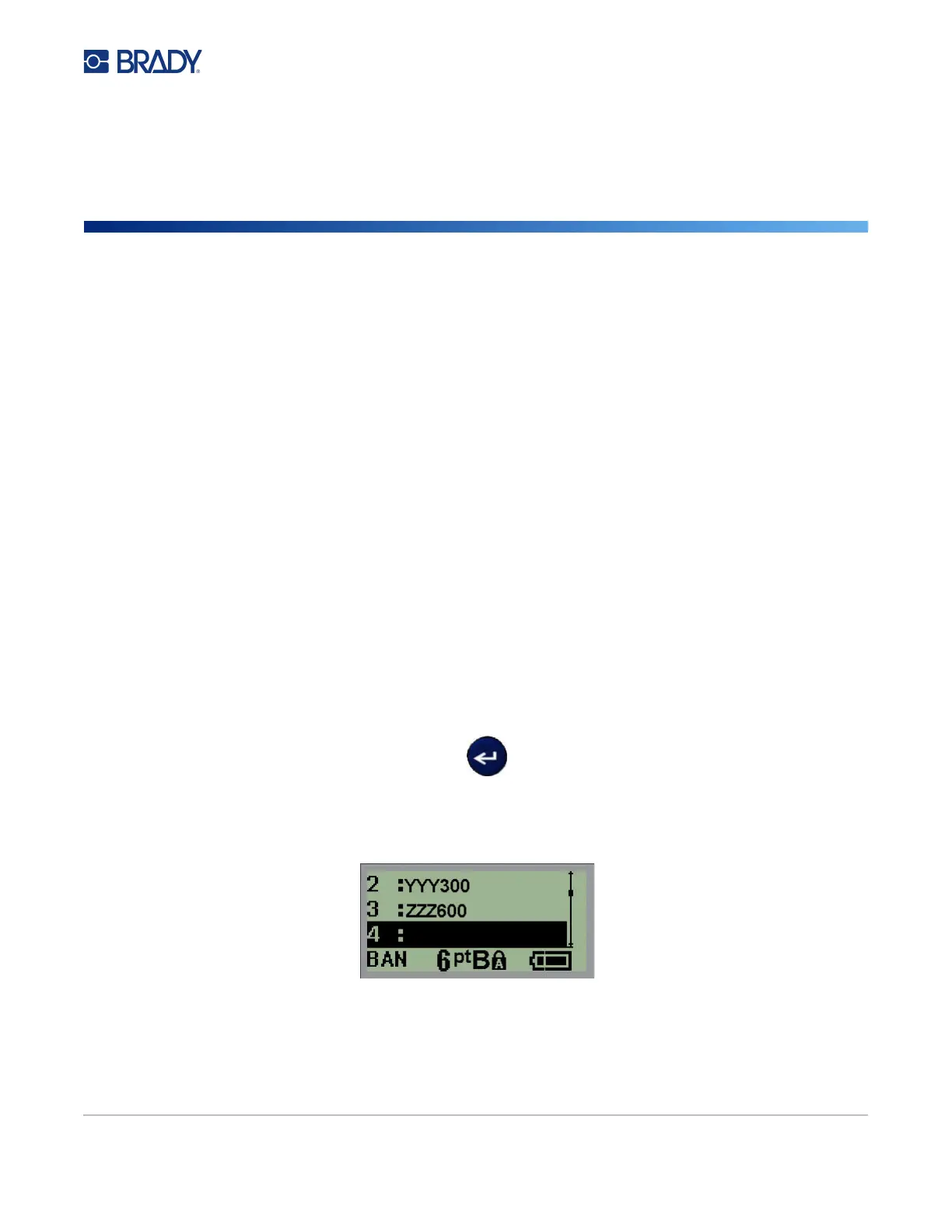
4. Navigate to an open numbered field (blank field) and press Enter.



 To Next Page