M210/M210-LAB User Manual 52
Banner Landscape Label Type
Banner Landscape label type allows you to enter a long text string. Any media can be installed for
Banner Landscape. If a label type is not supported for newly installed media, the label type
automatically switches to Banner Landscape.
To print a long text string (i.e., producing a “banner”):
1. Press LABEL TYPE.
2. Using navigation keys, choose Banner Landscape, then press Enter .
3. Using navigation keys, choose Horizontal Text or Vertical Text, then press Enter.
Note: When using Vertical Text on a Banner Landscape label type, you are limited to four lines of
text and the message “Cannot Fit” displays if each individual line of text is too long. When
using Horizontal Text on a Banner Landscape label, you are limited to four lines of text with
each individual line having a maximum of 50 characters per line. Horizontal text is the only
option available for use with pre-sized labels.
4. On the Editing screen, enter the text string.
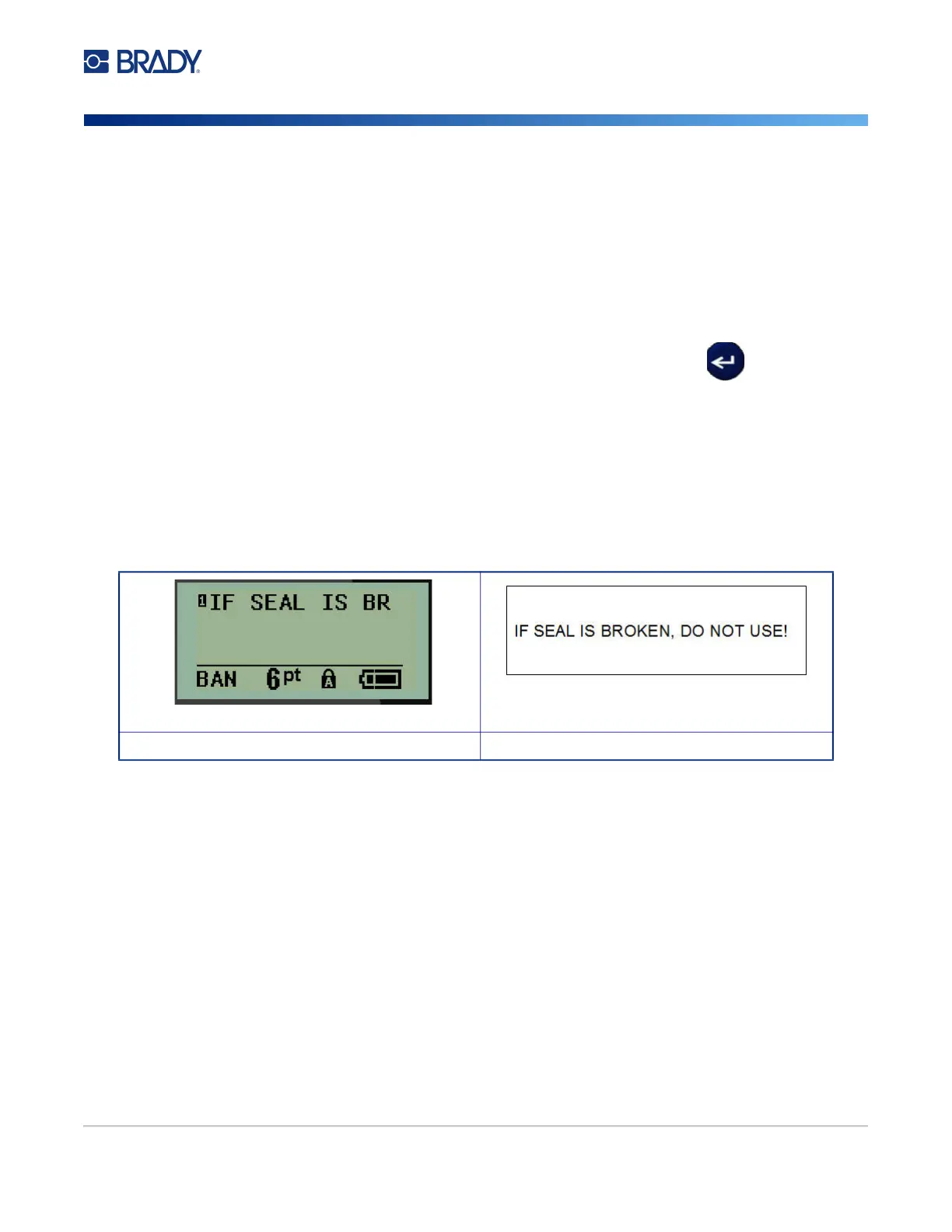
Banner Landscape label type - text on screen Banner Landscape label type - text printed out



 To Next Page