M210/M210-LAB User Manual 60
To cancel the deletion:
14. Press Backspace again.
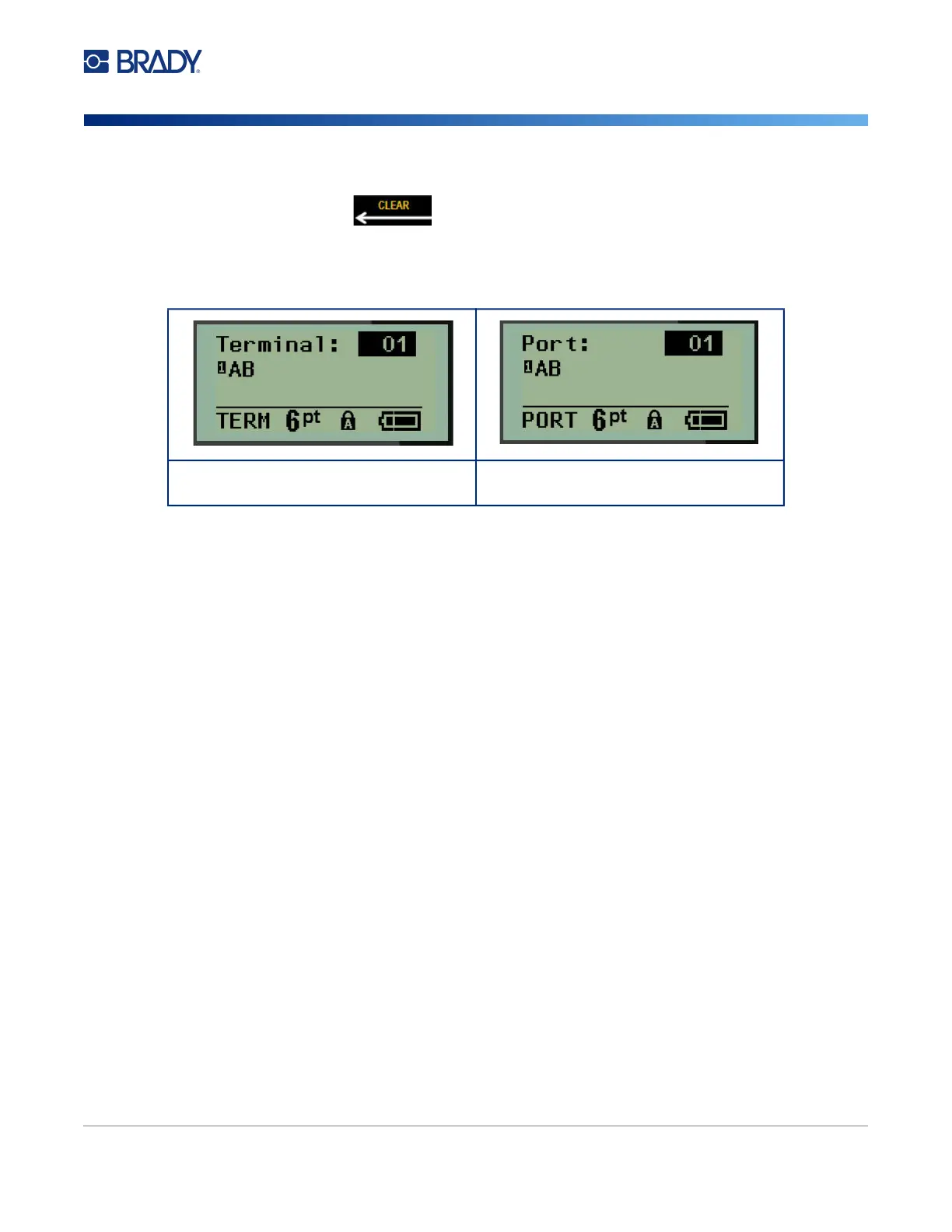
Note: If serialization was turned OFF, the number of terminals (or ports) display in individual areas.
The terminal areas display in the upper right corner of the editing screen.
15. Use the up and down navigation keys to navigate to the first numbered data field and enter the
identifying information for that terminal.
16. When on a terminal number, use the left or right navigation key to toggle to another terminal
number.
Terminal Block editing screen
Serialization turned OFF
Patch Panel editing screen
Serialization turned OFF



 To Next Page