78 1019572 REV. 03
4.10 Testing the Installation
1. Turn on the air supply connections including the pneumatic dump valve and verify that the air
pressure indicator light in the actuator is lit.
2. Ensure there are no leaks in the air supply connections.
3. Turn on the power supply. The power supply will begins its normal self-check.
4. If the power supply displays an alarm message other than Recalibrate Actuator, find the alarm
message definition, cause and correction in Chapter 7:
Maintenance of this manual. If the power
supply displays the alarm message Recalibrate Actuator, or “Ready” appears in the power supply
display, go on to the next step.
5. Perform an actuator calibration by touching the Main Menu button, and then touch the
Calibration button. Verify that there is a minimum clearance from horn face to workpiece greater
than 0.70".
6. Touch Cal Actuator.
7. In the screen that follows, touch w/Start Switches (Automation users select Manual Override).
8. Press the Start switches to complete the calibration.
9. Press the Test button.
10. If the power supply displays an alarm message at this point, find the alarm message definition in
the Maintenance section of Chapter 7:
Maintenance of the power supply manual. If there are no
alarm messages displayed, go on to the next step.
11. Fit a test part onto the fixture.
12. Touch Horn Down on the Main Menu. The horn will descend to the fixture on the base of the
Actuator. This verifies specifically that the pneumatic system is working.
13. Press the Retract button or any of the 4 buttons on the bottom row. The horn will retract. The
system should now be functional and can be set up for your application.
In summary, if the power supply does not display an alarm message and the descends and
retracts correctly, your ultrasonic welder is ready for operation.
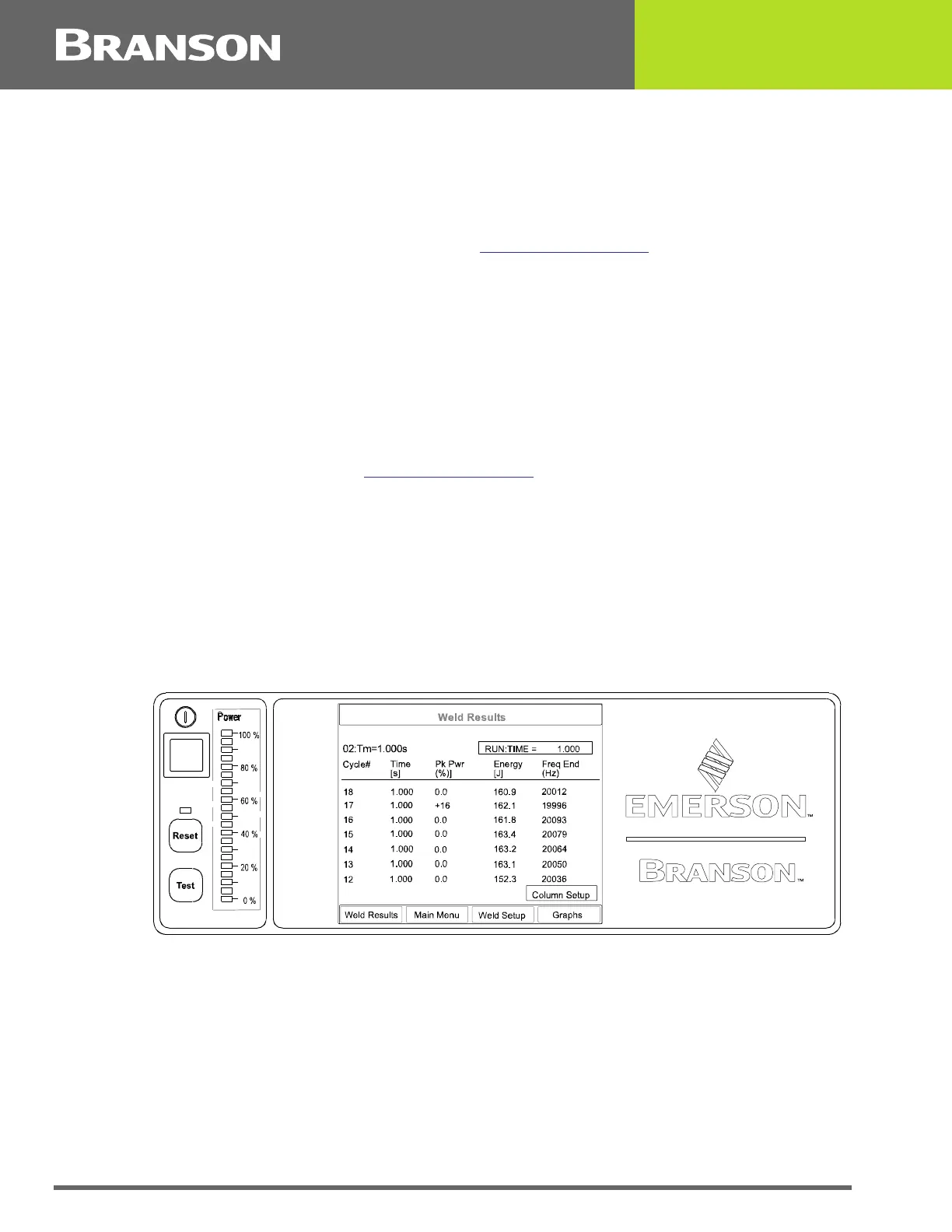
Figure 4.28 Normal Front Panel Display After Power-Up



 To Next Page