38
Operating and commissioning
Type 8228
Icon Meaning and alternatives
Sensor in good condition, fluid conductivity and fluid temperature within the set ranges.
If the monitoring of the conductivity and/or the fluid temperature and/or the fluid conductivity has
been activated, the alternative icons in this position are:
•
, associated with : see chap. 9.13.2, chap. 9.13.3, chap. 9.15.1, chap. 10.3
•
, associated with
ERR
: see chap. 9.13.2, chap. 9.13.3, chap. 9.15.1, chap. 10.3
The device is measuring. The alternative icons in this position are:
•
HOLD
!
flashing: function HOLD is active (see chap. 9.12.1)
•
: running check that the outputs are working and behaving correctly (see chap. 9.14.2 and
chap. 9.14.3)
"maintenance" message; See chap. 9.12.4, chap. 9.15.1, chap. 10.3
"warning" message; See chap. 9.11.10, chap. 9.13.2, chap. 9.13.3, chap. 9.15.1, chap. 10.3
ERR
"error" message; See chap. 9.11.9, chap. 9.13.2, chap. 9.13.3, chap. 9.15.1, chap. 10.3
9.7.2 Knowing the display at the power-up of the device
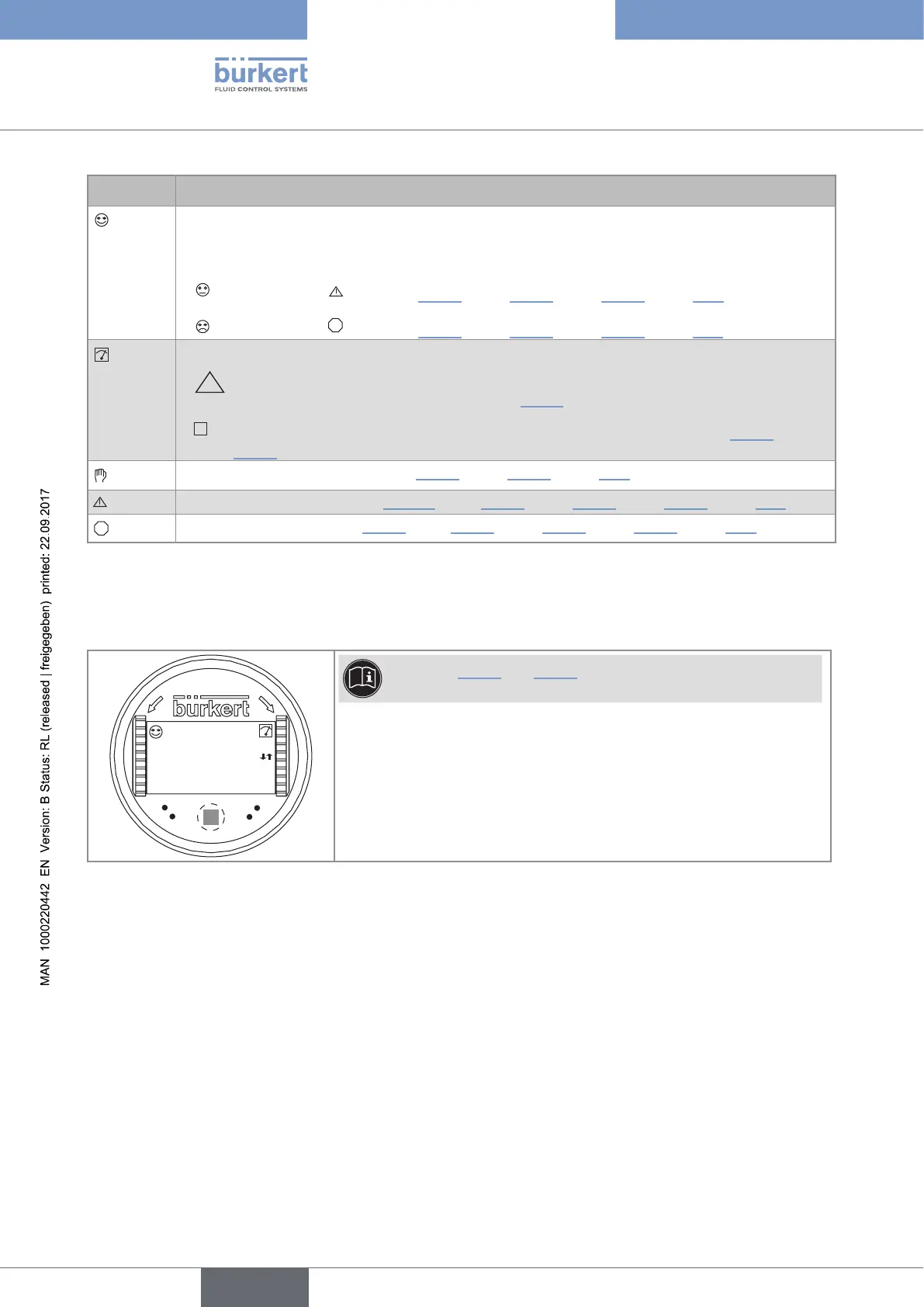
When the device is powered up or the display module mounted on the electronic module, the display indicates
the software version of the display module. The display then shows the first screen of the Process level:
O
P
E
N
L
O
C
K
CondS
0.000µS/cm
TempC
23.8 °C
See chap. 9.11.5 and 9.11.6 to choose the data to be displayed
in the Process level.
Fig. 31: Display indications after power-up of the device
English



 To Next Page