53
Operating and commissioning
Type 8228
9.12 Knowing the Calibration menu
9.12.1 Activating/deactivating the Hold function
See chap. 9.9 to access the Calibration menu.
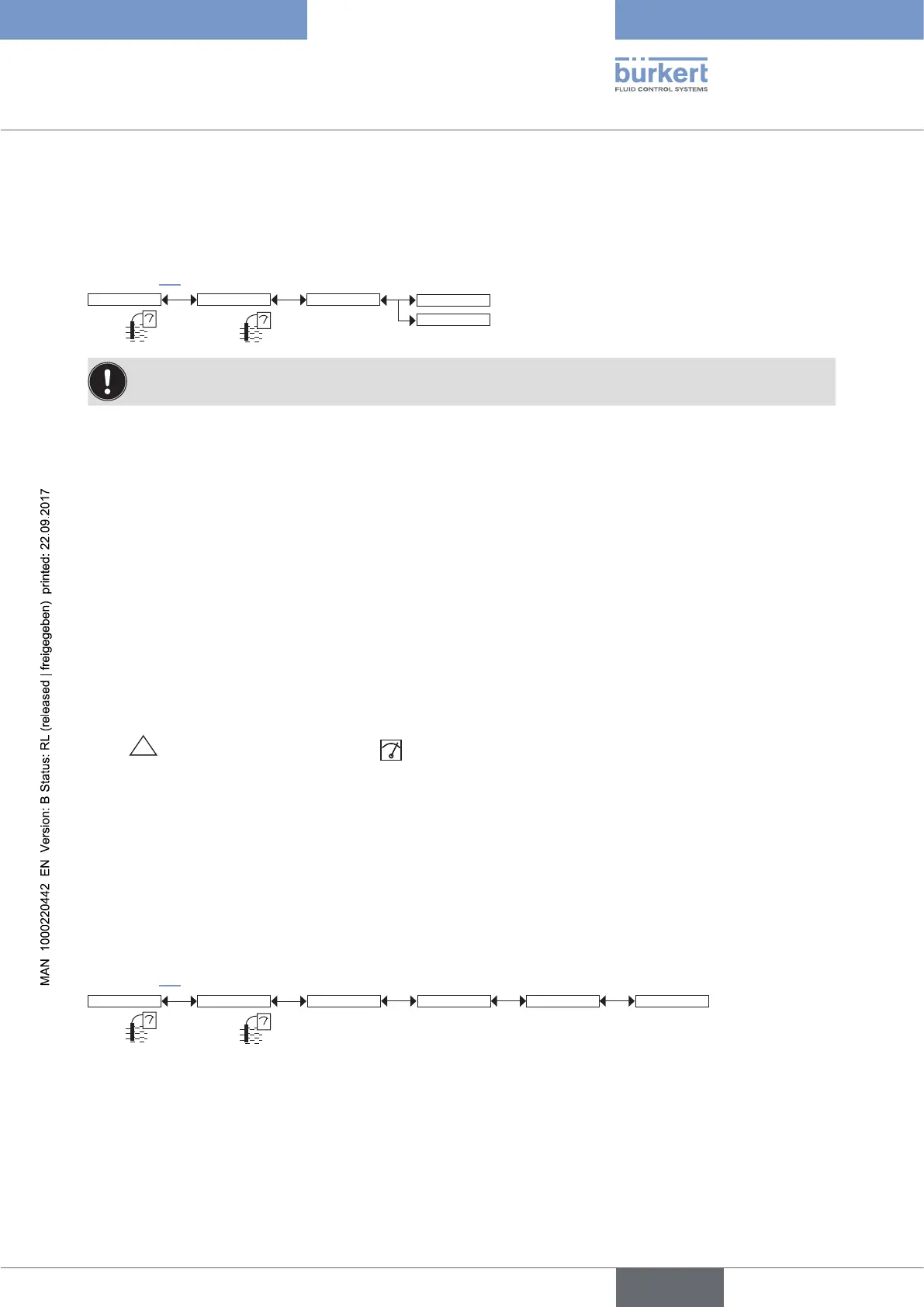
Calib System Hold
Hold:Disable
Hold:Enable
If the mode "Hold" is activated and if there is a power interruption, then, when the device restarts, the
mode "Hold" is automatically deactivated.
The mode "Hold" is used to carry out maintenance work without interrupting the process.
To activate the mode HOLD:
→ access the "HOLD" function;
→ choose "enabled" and confirm by "OK".
To deactivate the mode HOLD:
→ access the "HOLD" function;
→ choose "disabled" and confirm by "OK".
In practice, when the device is in mode "Hold":
• the
HOLD
!
icon is displayed in place of the icon;
• the current emitted on each 4-20 mA output is fixed at the value of the last measurement of the physical
parameter associated with each output;
• each transistor output is fixed at the status acquired at the moment the Hold function is activated;
• the device is in Hold mode until the HOLD function is deactivated.
9.12.2 Modifying the Calibration menu access code
See chap. 9.9 to access the Calibration menu.
Code 0*** Confirm code 0***Calib System
Enter the new
code
Enter the new code
a second time
If the default code (0000) is entered, the code will not be requested to access the menu.
English



 To Next Page