46
Operating and commissioning
Type 8228
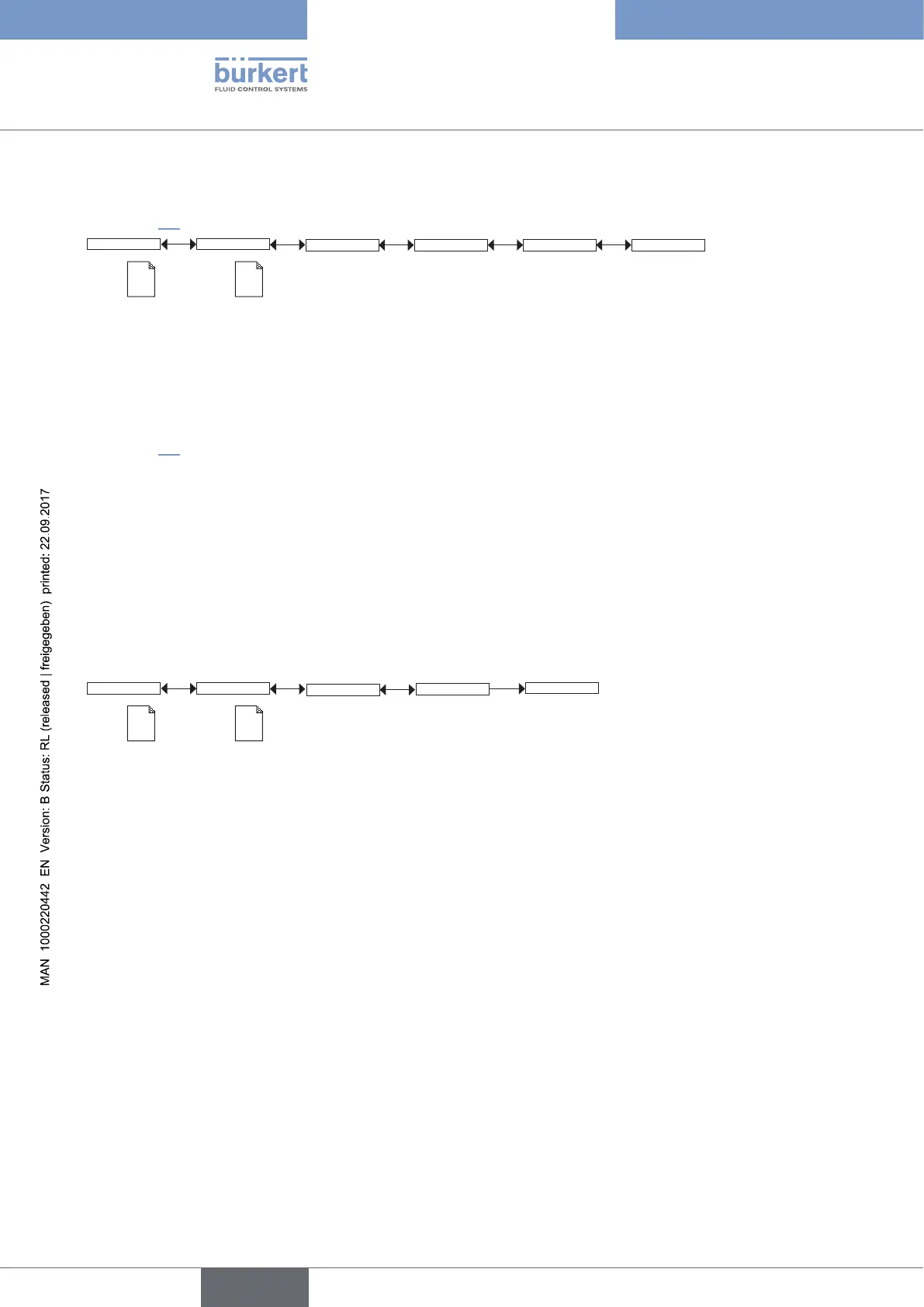
9.11.3 Modifying the PARAM menu access code
See chap. 9.9 to access the Parameters menu.
System
Code
Param
0*** Confirm code 0***
This is
when the
device is be-
ing parame-
tered............
....................
This is
when the
device is be-
ing parame-
tered............
....................
Enter the new
code
Enter the new code a
second time
If the default code (0000) is entered, the code will not be requested to access the menu.
9.11.4 Restoring the default parameters of the Process level and
the outputs
See chap. 9.9 to access the Parameters menu.
The following data can be restored to their default values:
• user set data of the PARAM menu (except the date, the time, the contrast and brightness levels for the display),
• user set data of the DIAGNOSTIC menu,
• the TDS factor set in the menu Calib -> Sensor -> Probe -> Cell cst TDS,
• the correction factor set in the menu Calib -> Sensor -> Probe -> K-fitting,
• the periodicity of calibrations set in the menu Calib -> Sensor -> Probe -> Calib interval,
• the access codes to the menus.
SystemParam
This is
when the
device is be-
ing parame-
tered............
....................
This is
when the
device is be-
ing parame-
tered............
....................
Factory Set
Execute
Reset Yes/No
→ Choose “Yes” to restore the default values.
→ Choose “No” to keep the set values.
English



 To Next Page