63
Operating and commissioning
Type 8228
AC1: check that current output 1 is working correctly by entering a current value and then selecting “OK”.
AC2: check that current output 2 is working correctly by entering a current value and then selecting “OK”.
TR1: check that transistor output 1 is working correctly by selecting the status of the transistor (“ON” or “OFF”)
then “OK”.
TR2: check that transistor output 2 is working correctly by selecting the status of the transistor (“ON” or “OFF”)
then “OK”.
9.14.3 Checking the outputs behaviour
See chap. 9.9 to access the Test menu.
• Make sure the "Hold" mode is deactivated (see chap. 9.12.1).
• The symbol
is displayed in place of the symbol as soon as a simulation of a measurable variable
has been started. During the check the outputs do not react according to the measured process
variable.
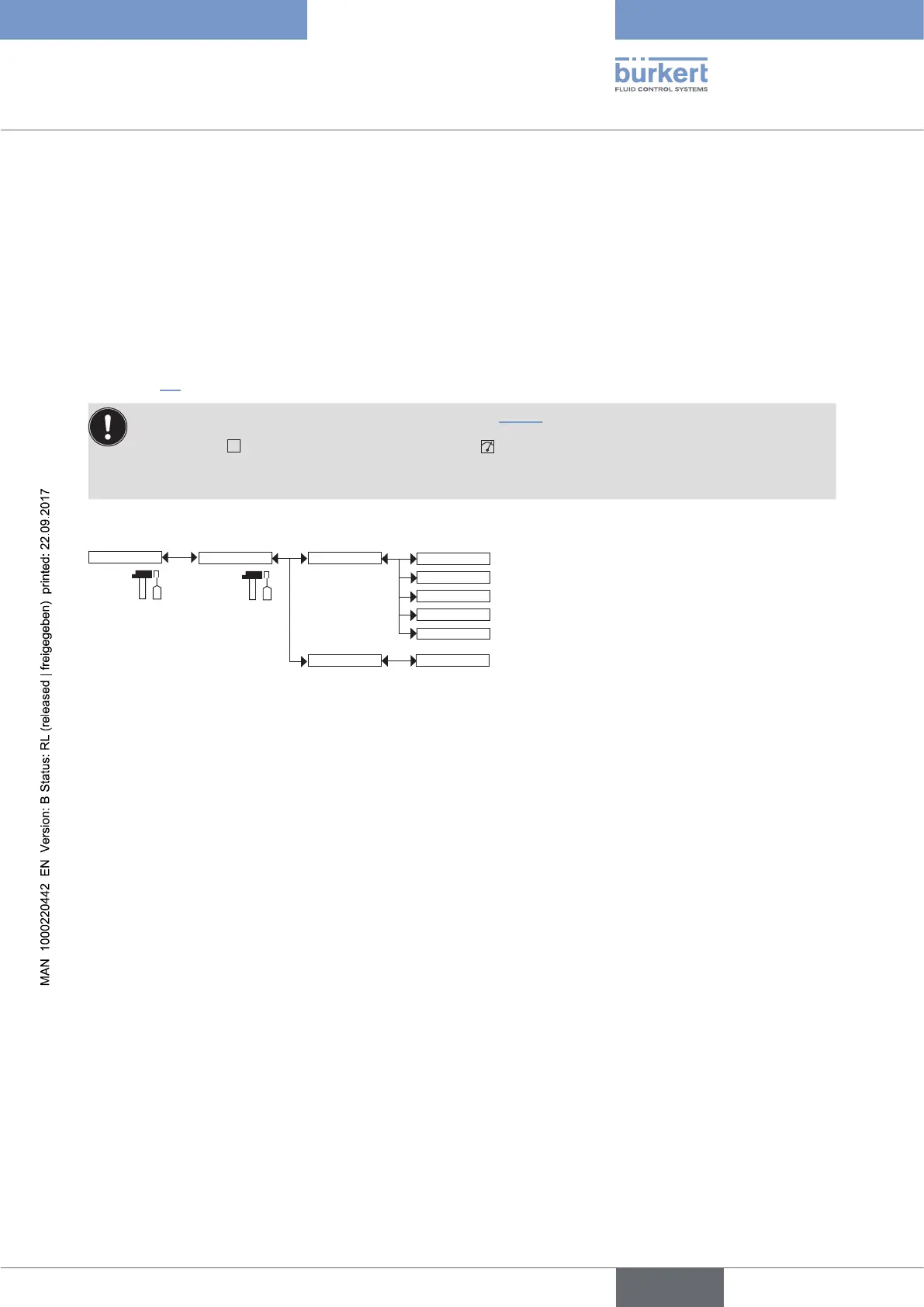
The feature allows for simulating the measurement of the process value to check if the outputs are correctly
configured.
Test
PVar:
Value:
Sensor
INPUT
CondS
TDSppm
TempC
TempF
CondR
PVAR: choose the process value to be tested.
VALUE: enter a process value selected from the “PVAR” function above to check output behaviour.
English



 To Next Page