60
Operating and commissioning
Type 8228
9.12.5 Entering an offset for the temperature measurement
See chap. 9.9 to access the Calibration menu.
The temperature transmitted by the temperature probe may be corrected. This correction value is the temperature
offset.
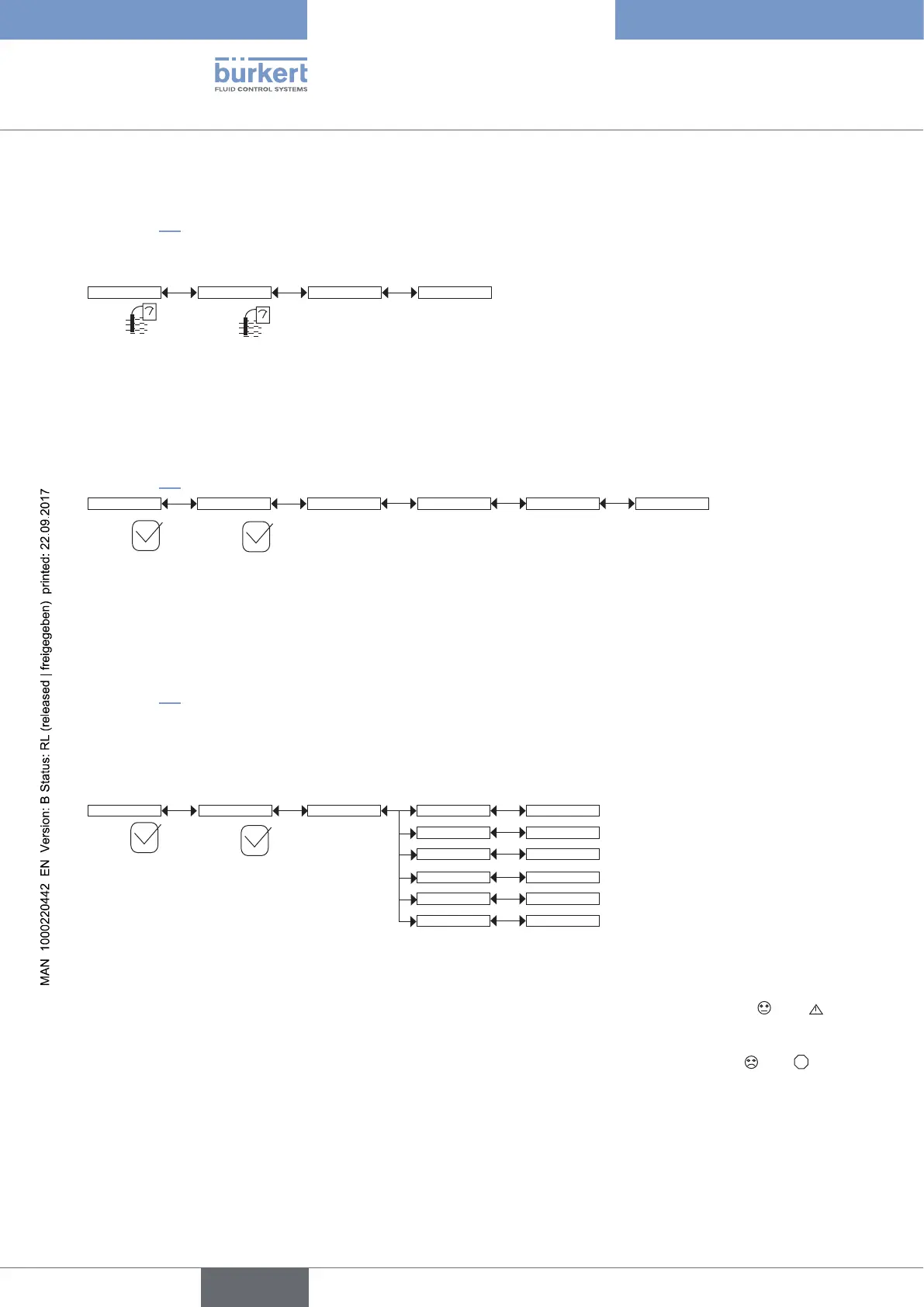
Calib Sensor Temperature INPUT
Enter the temperature offset
(±5 °C)
9.13 Knowing the Diagnostic menu
9.13.1 Modifying the Diagnostic menu access code
See chap. 9.9 to access the Diagnostic menu.
Code 0*** Confirm code 0***Diagnostic System
Enter the new
code
Enter the new code a
second time
If the default code (0000) is entered, the code will not be requested to access the menu.
9.13.2 Monitoring the fluid conductivity
See chap. 9.9 to access the Diagnostic menu.
The function allows for monitoring the measured value of the fluid conductivity and for configuring the behaviour
of the device if the parametered ranges are exceeded.
A malfunction in your process or the conductivity sensor may be indicated either by too low or too high a
measured fluid conductivity.
Diagnostic
ConductivitySensor
Conductivity
Activate: Yes/No
READ
Warn lo: INPUT
Err hi: INPUT
Err lo: INPUT
Warn hi: INPUT
To be warned when the fluid conductivity is too low or too high:
→ activate monitoring of the fluid conductivity in the function “activate”, then
→ set a conductivity range outside of which the device generates a “warning” event and displays the and
icons.
→ set a conductivity range outside of which the device generates an “error” event and displays the and
ERR
icons.
English



 To Next Page